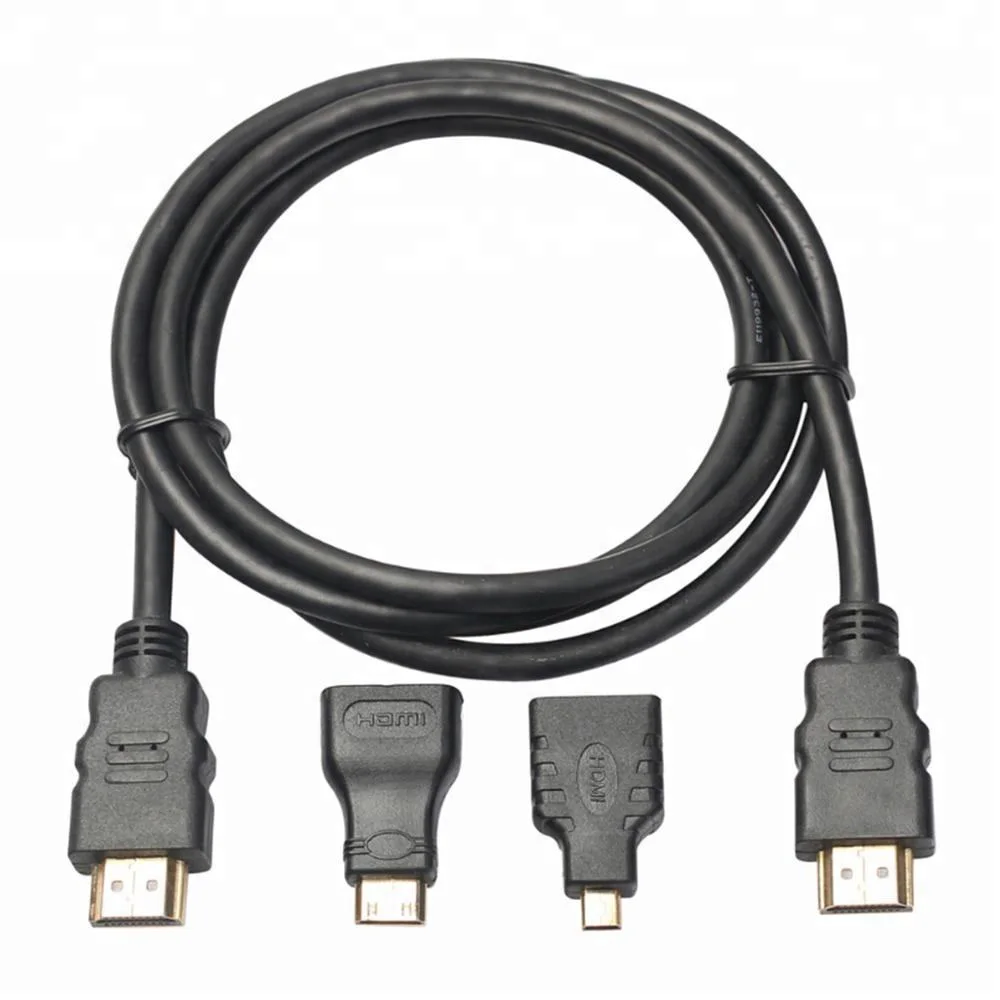
HDMI Adapters & ConvertersSC-481-004
3 In 1 HDMI Cable - 1080P
- Connector Type
- HDMI
- Resolution
- 1080P
Reference MOQ50 pcs
Define the source, receiving device, conversion method, power and audio route before comparing models or requesting OEM packaging.

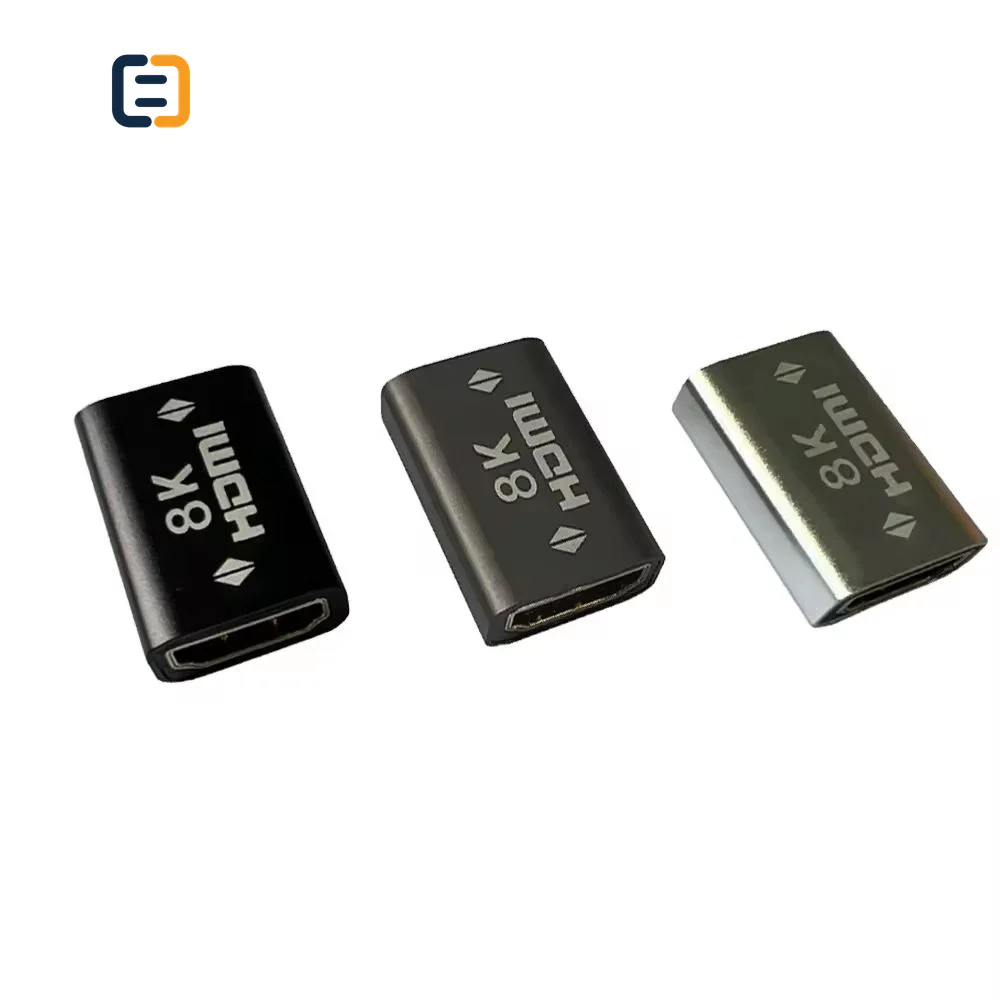
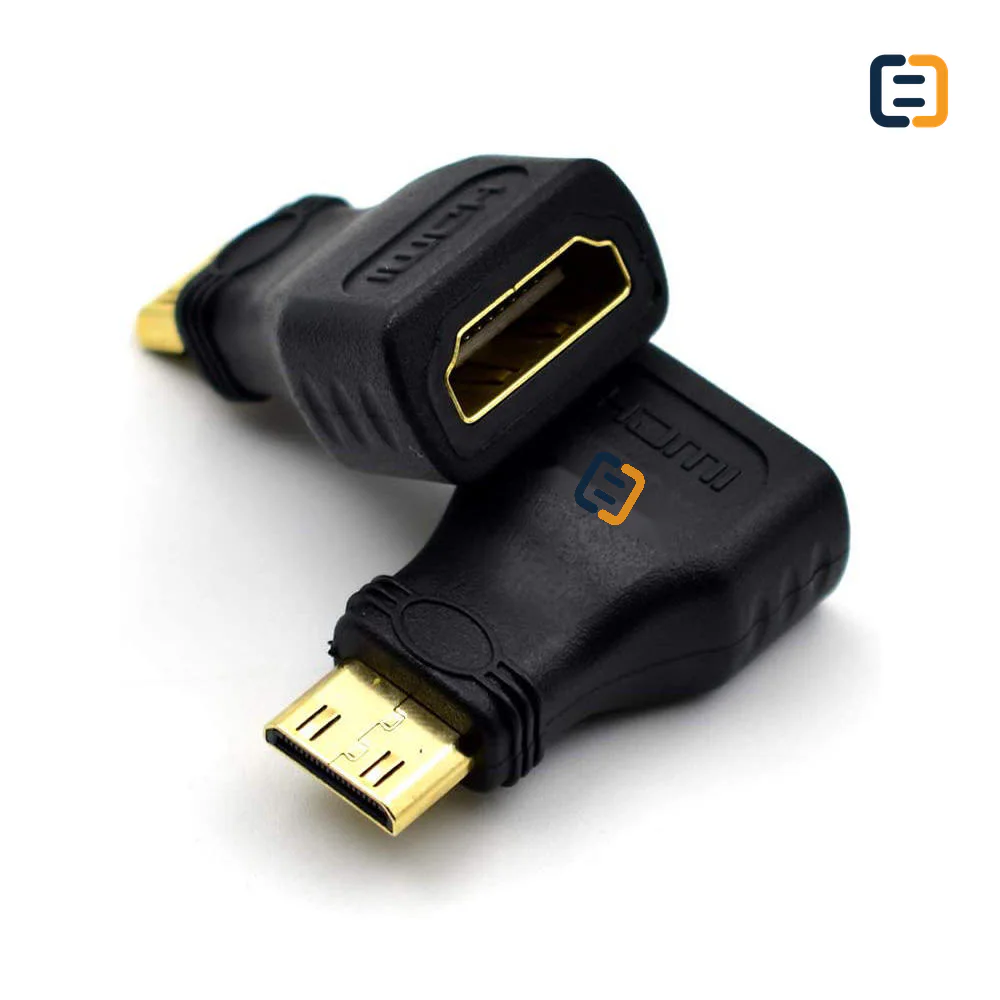
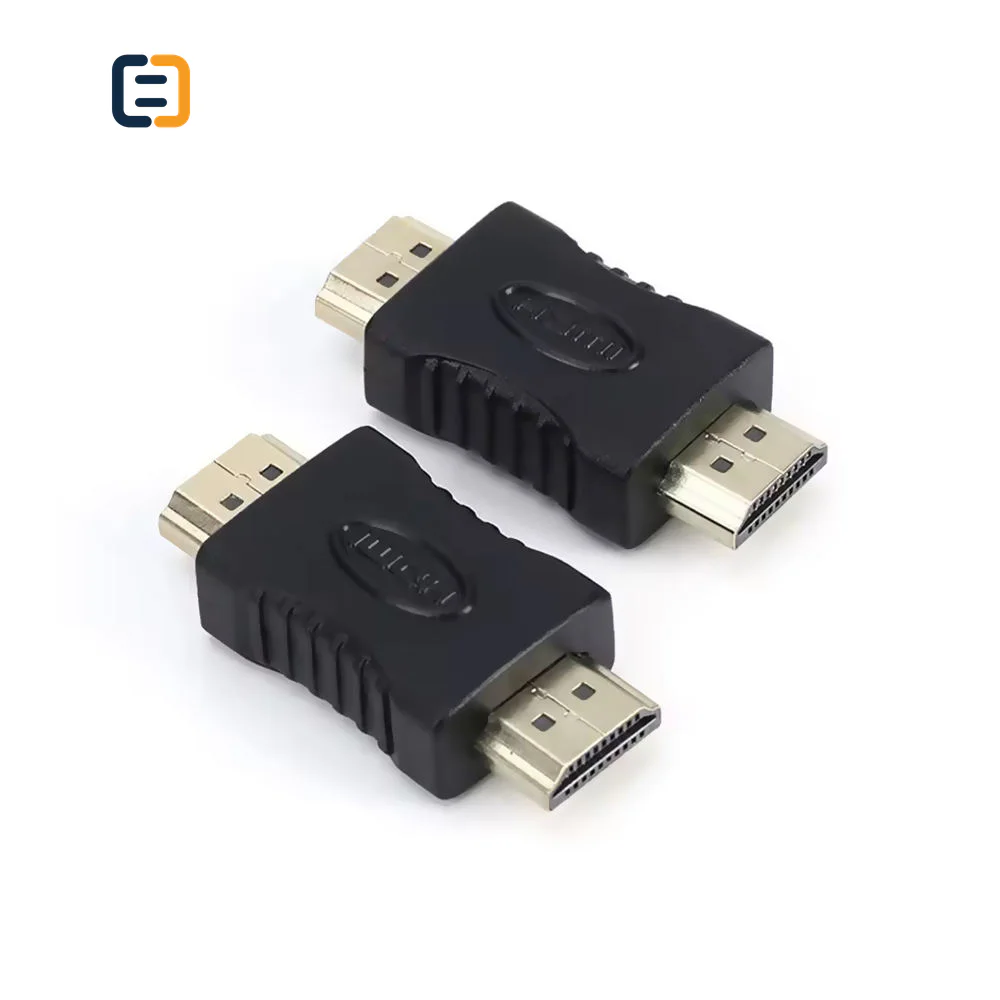
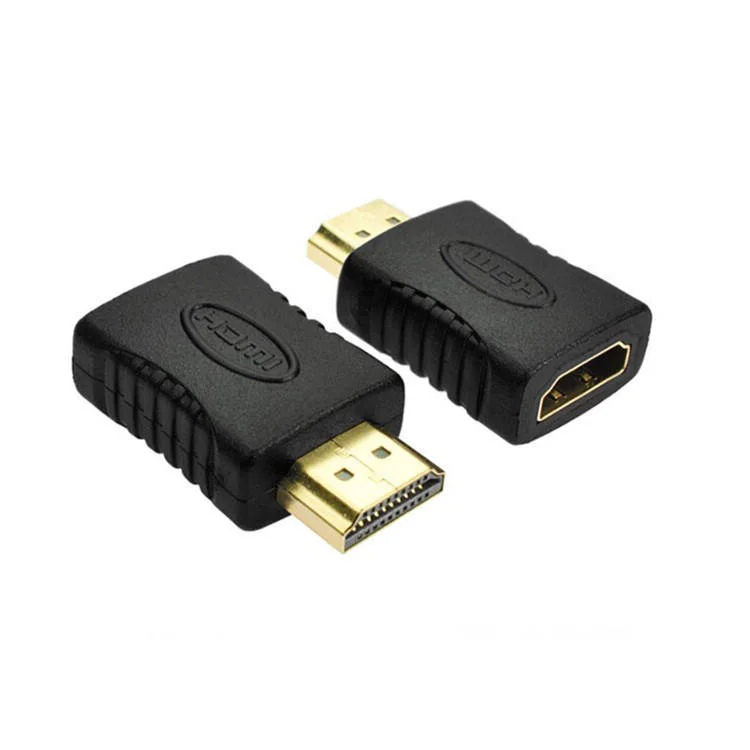
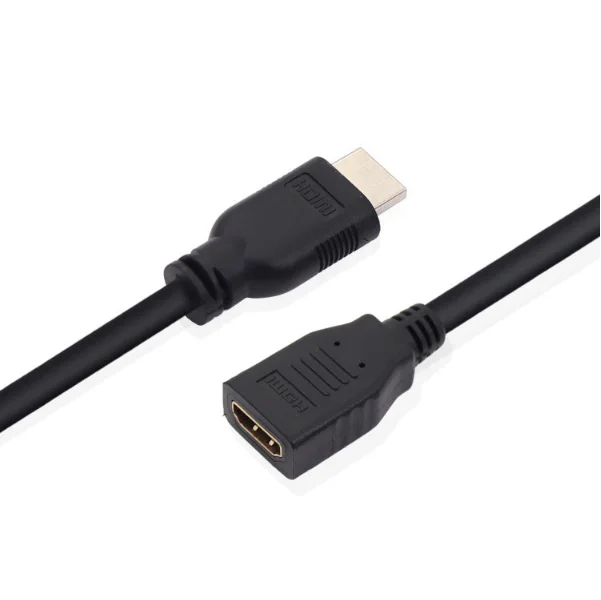
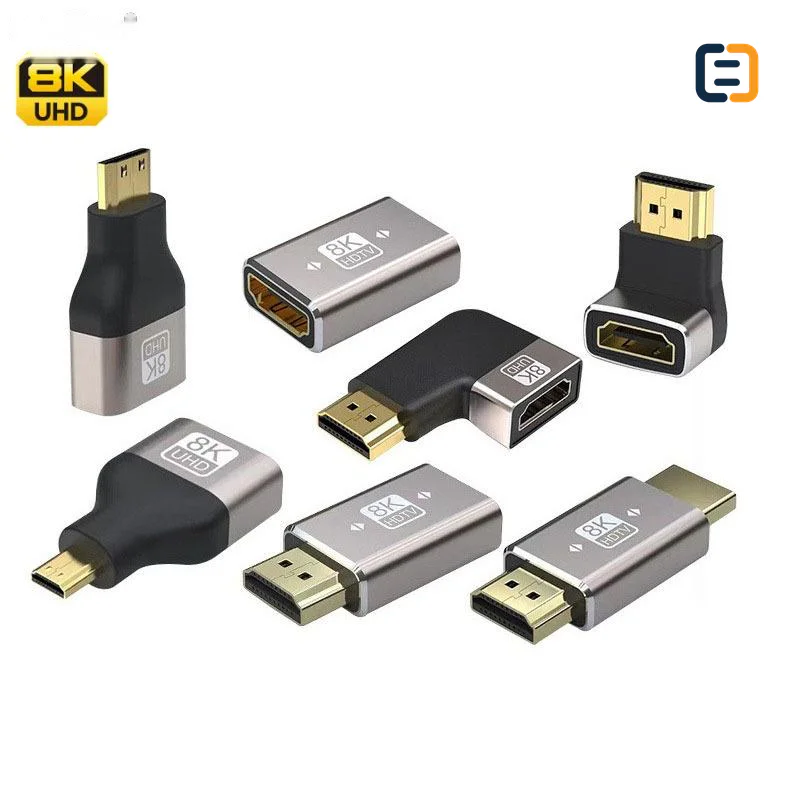
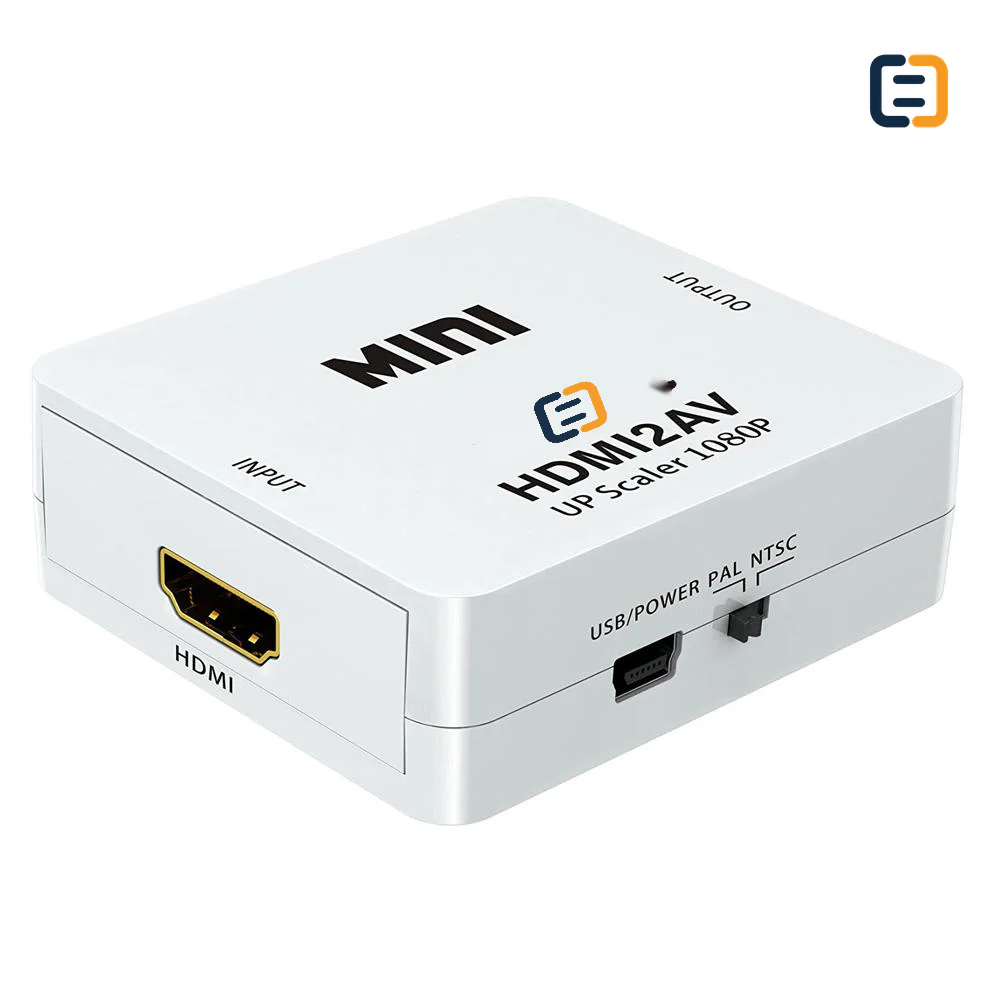
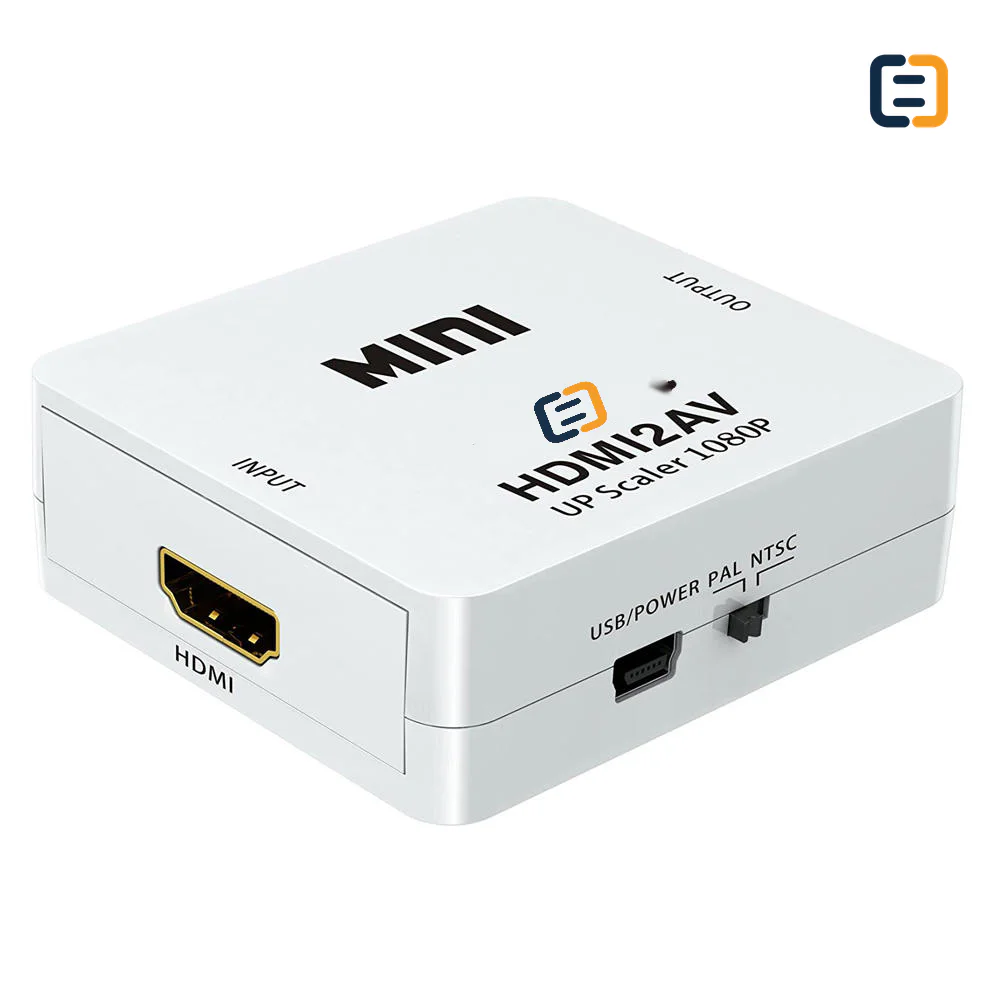
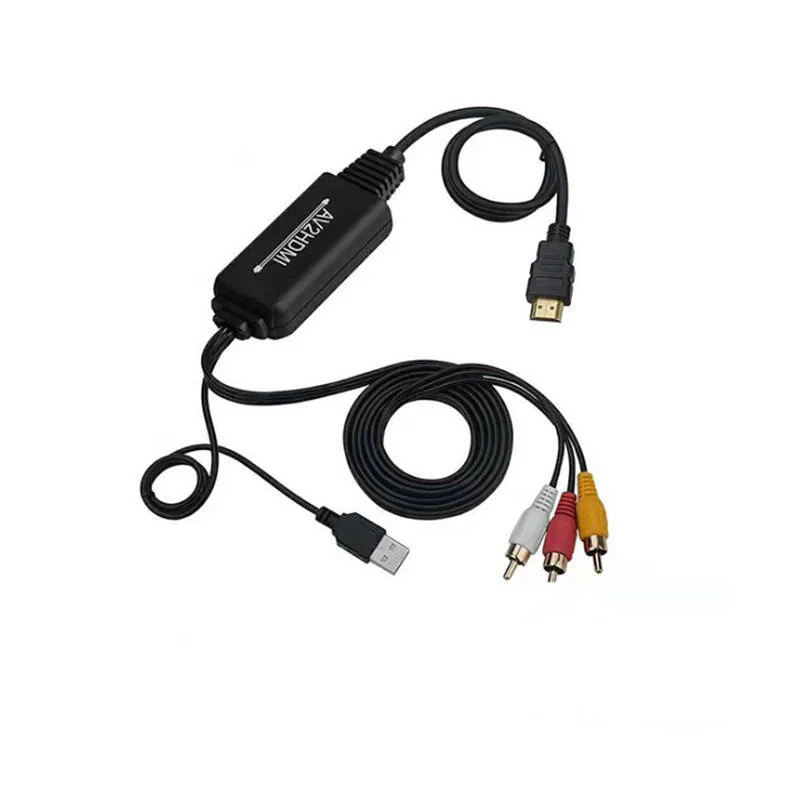
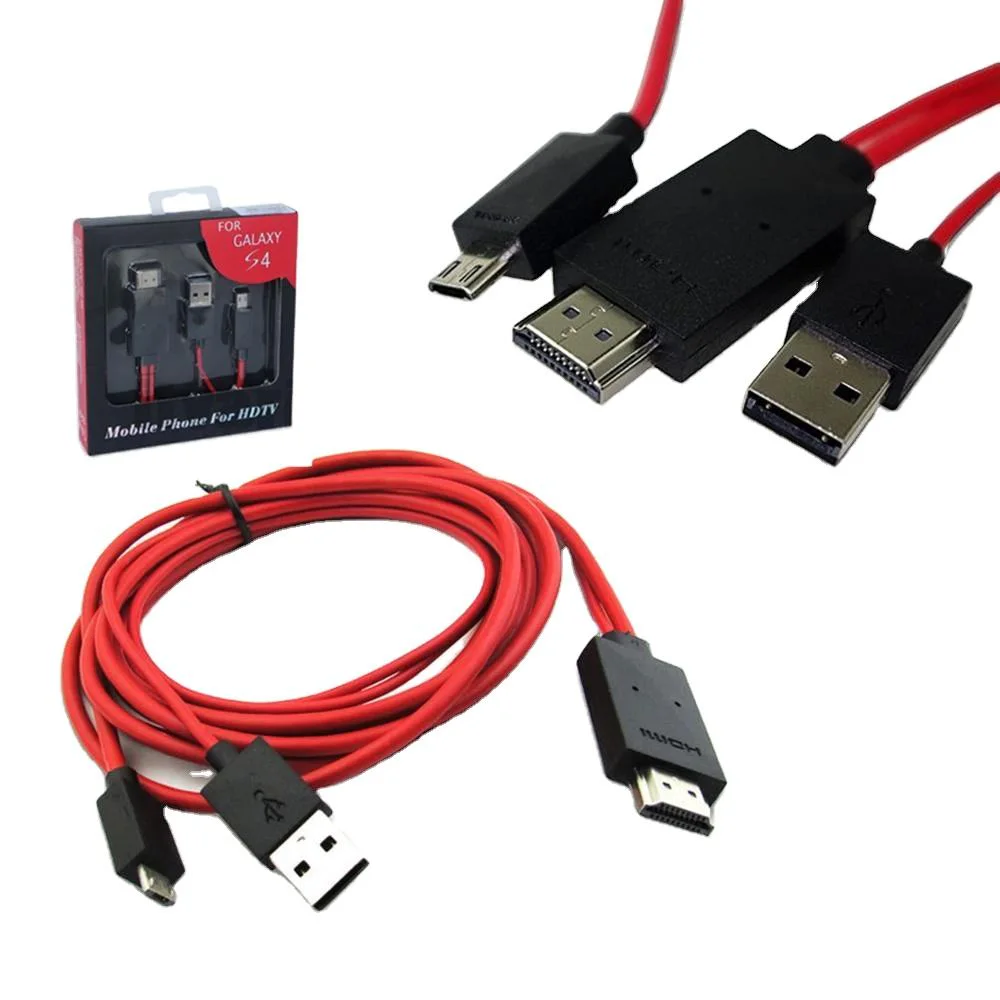
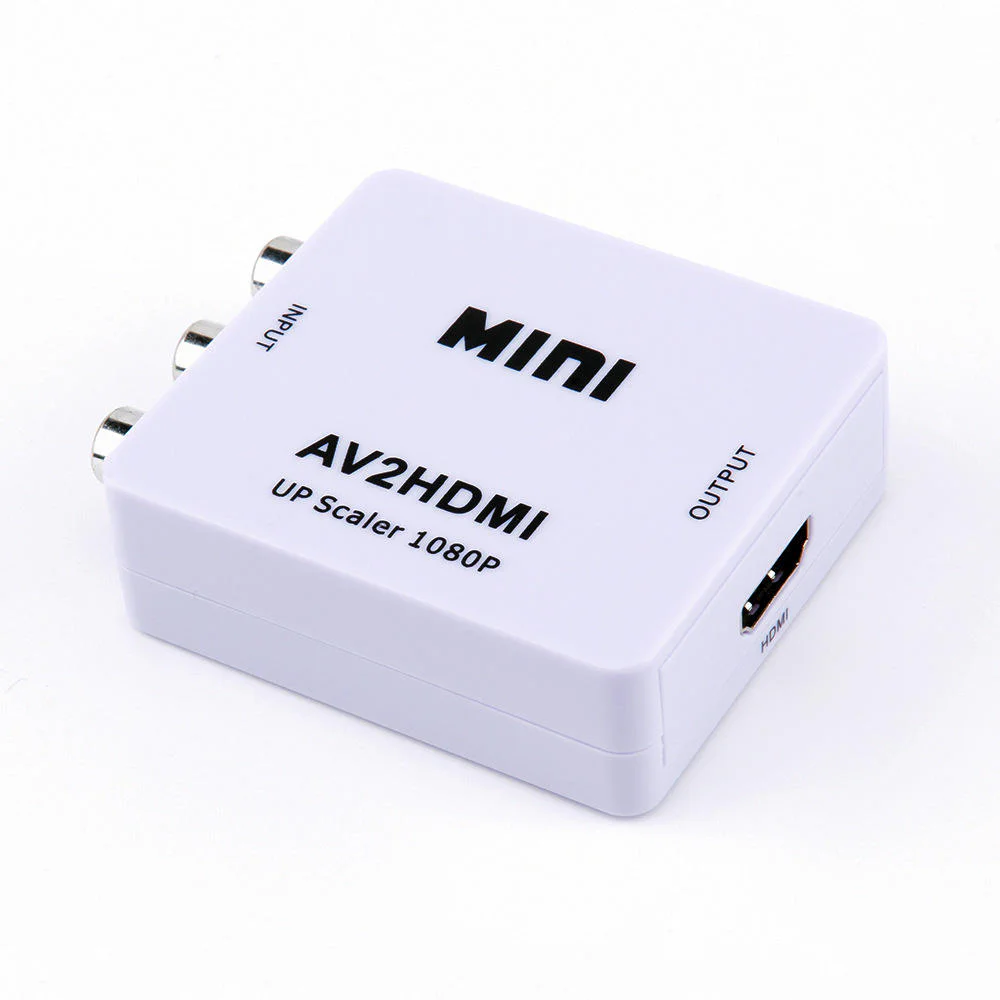
Every listed product remains available as a direct model page even when the visual catalog is paginated.
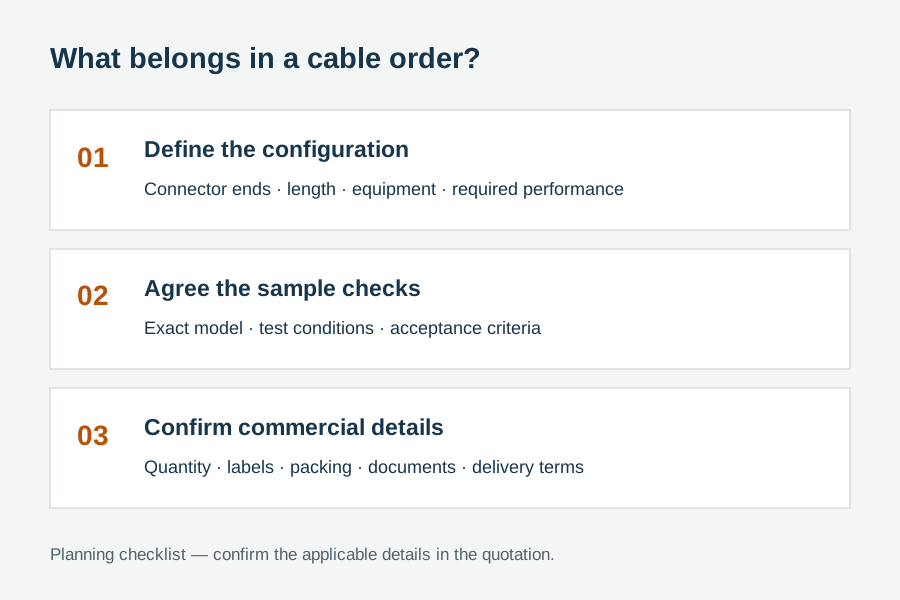
List the required variation, quantity, destination market and any evidence your buyer needs.
An HDMI adapter or converter must be selected by signal direction, source interface, display interface, required resolution, audio needs and power requirements. State both connected devices in the RFQ so the conversion route can be checked.
Use these routes to narrow the catalog. The final configuration is confirmed against the exact application and order.
Use for HDMI, Mini HDMI or Micro HDMI connector changes where the electrical signal remains compatible.
Filter relevant models02Use when the source and display interfaces require active conversion, direction control or auxiliary power.
Filter relevant models03Review connection count, installed cable quality and mechanical support before extending an existing route.
Filter relevant models04Control housing, cable tail, labels, inserts and pack-out around a confirmed host-to-display application.
Filter relevant modelsOpen a model page for its listed attributes, images and product-specific RFQ. These cards are starting points, not a claim that one model fits every route.
Mixed-interface products are not automatically reversible. Define which device sends the signal and which device receives it. These are requirement checks, not unverified claims about every catalog model.
Use the tabs as an RFQ checklist. Listed catalog attributes remain reference data until the exact model and order are confirmed.
The same two connectors can describe two different products when signal direction changes.
Active electronics may need power and can handle audio differently from a simple pin-compatible adapter.
A technically correct adapter can still fail the installation if the shell blocks a port or pulls on a small connector.
Approve the converter with the actual device pair and normal power-cycle behavior.
Compatibility statements are meaningful only when tied to the final equipment, route, configuration and quoted model.
Plan model-specific evidenceUse the final application and quoted configuration. Keep the approved sample, result and open exceptions tied to the model and order.
 Packaging and identification planning
OEM presentation is useful only after direction, chipset function, power and audio behavior are fixed. The product name and instructions should make the route difficult to misread.
Review enclosure color, finish, dimensions and port labeling.
Set tail length, jacket and strain-relief profile.
State direction, power and connection sequence clearly.
Control included power lead, audio lead, insert and barcode.
Final feasibility, MOQ, lead time and document availability are confirmed for the exact quotation.

One complete requirement brief gives engineering, purchasing and the supplier the same decisions to review.
Build a Requirement BriefUse these application planning scenarios to identify the equipment and acceptance conditions that belong in your RFQ.
Bridge a known source and display interface after confirming conversion direction.
Control adapter fit, startup behavior and included accessories for repeated use.
Match the existing source, installed cable route and new display input without assuming reversibility.
Use clear product naming and packaging to reduce returns caused by direction confusion.
Certificate, report, drawing and catalog availability is checked by exact model, destination and order. These links are planning resources, not substitute evidence.
CoreCavo is operated by WUHAN SUNFULL. The public catalog organizes buyer requirements and model references; final specifications, commercial terms and applicable documents are confirmed through the exact quotation.
Map the HDMI Adapters interface, equipment, quantity and destination before selecting a route.
Separate listed attributes from compatibility, construction and document questions that need confirmation.
Use the quoted configuration, record results and retain open exceptions against the approved model.
Keep product code, labels, packaging and change-control requirements aligned through fulfillment.
Begin with a plain statement such as ‘DisplayPort source to HDMI display’ or ‘HDMI source to VGA monitor.’ Do not rely on a picture showing both plugs. Many mixed-interface products are one-way because the electronics translate a specific source signal into a specific receiving format. Put the source first in the RFQ, product title and approval record. If buyers may use several source devices, name representative models rather than assuming that every port with the same shape exposes the same signal.
A passive adapter rearranges or exposes a signal the source already supports; an active converter performs signal translation. The difference affects direction, supported modes, power and cost. Ask the quotation to state which type is proposed and whether device-side features are required. A passive-looking cable can still contain electronics, while a compact dongle may depend on source capability. Avoid using the word ‘compatible’ without defining the source, display and operating mode that were actually evaluated.
Some converters draw enough power from the source connector, while others need USB or an external supply. Identify where power is available and whether the unit must recover automatically after a power interruption. For audio, state whether it should pass to HDMI, break out to an analog or digital connector, or is not needed. If a cable, supply or audio lead is included, make it part of the BOM and packaging check. A missing auxiliary item can make an otherwise correct converter unusable at installation.
Resolution alone is incomplete. Add refresh rate, color format and any HDR requirement, then identify intermediary cables or splitters. A converter may produce an image at a basic mode but fail the buyer's required timing or audio format. Approval should use the intended cable lengths on both sides and representative equipment. When several operating modes matter, list the must-pass modes and acceptable fallback behavior so the supplier does not optimize the sample around an easier demonstration.
Adapters are frequently moved between laptops, projectors and displays, so hot-plug and sleep/wake behavior matter as much as a steady picture. Include cold boot, reconnect and repeated source switching in the sample plan. Where device firmware or operating systems differ, test the main host groups and record any known exception. This is especially important for meeting-room or field kits, where users expect the converter to work without a special connection sequence or manual reset.
Measure adjacent-port spacing, available depth and the load that the adapter places on the host socket. A wide body can block a neighboring USB or network port; a rigid heavy adapter can stress Mini or Micro connectors. A short cable tail often reduces strain but introduces another length and jacket decision. Confirm screw posts for VGA or DVI routes, cable exit direction and label visibility. Include a simple fit photo or drawing in the RFQ when the space is constrained.
Clear labeling lowers support cost. The pack should identify source and display sides, auxiliary power, supported use and included accessories without making claims broader than the approved configuration. For distributor programs, product name, barcode, insert and outer-carton description should use the same direction convention. If one housing is used for several conversions, visual differentiation must be strong enough that warehouse staff and end users can tell them apart before opening every unit.
Send quantity, forecast, device pair, direction, video and audio mode, power availability, cable-tail or housing limits, packaging and document needs in one brief. Ask suppliers to list deviations instead of silently substituting a different function. The useful commercial comparison is not simply unit price: it includes included accessories, sample work, labeling, evidence applicability, lead time and the risk of returns caused by ambiguous direction. Lock the approved model and change-control requirement before the purchase order.
Classify questions by direction, host compatibility, missing power, unsupported mode, mechanical fit or unclear instructions. A recurring question does not automatically prove a defect, but it shows where the product name, label, insert or buyer qualification can be clearer. Keep those observations attached to the exact model instead of rewriting every converter description with broad promises. The next purchase review can then target the route that creates avoidable support work while preserving variants that already match their intended devices.
Use these procurement priorities to compare the proposed model, approval conditions and repeat-order requirements.
Buyers need the source and receiving ends stated in titles, labels and instructions so a correct-looking but unusable reverse product is not ordered.
The strongest approval uses the real or representative source and display pair, including startup and reconnect behavior.
Powered converters must arrive with the agreed lead, supply or instruction; missing small accessories can stop a complete installation.
Housing width, cable-tail force and screw clearance matter where ports are close together or the host connector is small.
Answers separate catalog references from decisions that require an exact route, model and RFQ.
Many mixed-interface converters work in only one direction because their electronics translate a specific source signal into a receiving format. The RFQ should name the sending device and output port first, then the display and input port. Connector photos alone cannot prove reversibility, so direction should also appear on the approved label and instructions.
A passive adapter depends on a signal the source already provides, while an active converter performs signal translation and may need power. The distinction affects compatibility, direction, supported modes and included accessories. Ask the supplier to identify the proposed conversion type for the exact source and display rather than relying on a generic product name.
Power needs depend on the conversion electronics and source-port capability. Some models operate from the signal port; others use USB or a separate supply for stable operation. The quotation and sample should state the power route, included cable or supply and recovery behavior after power cycles. Do not assume two similar housings have the same requirement.
State whether audio must pass through the receiving interface, be extracted to a separate connector or is not required. Include the source format and connected audio equipment where relevant. If an audio lead or power accessory is included, list it in the BOM and pack-out check so sample approval covers the complete usable set.
Use the actual or representative source and receiving device models, plus the planned cables on both sides. Test the required video and audio mode, cold start, reconnect and sleep/wake behavior. Record the exact adapter code and any exception; approval against an unnamed laptop and display is difficult to reproduce later.
Housing color, marks, cable tail, product label, instructions and packaging may be reviewed for suitable quantities, but feasibility varies by design. Direction, power and supported use should remain clear after branding. Final tooling, MOQ, lead time and artwork requirements are confirmed only after the technical route and pack-out are fixed.
Use direction-first product names, visible source/display labels, clear power instructions and model-specific compatibility boundaries. Approve the complete accessory set and keep similar converter variants visually distinct in storage. A short application table on the package is more useful than a broad claim that implies every connector combination is reversible.
Move from product comparison to compatibility, custom construction and required documents without restarting the sourcing process.
Include model codes where known, or describe the interface, equipment, length, quantity, destination, packaging and evidence requirements.