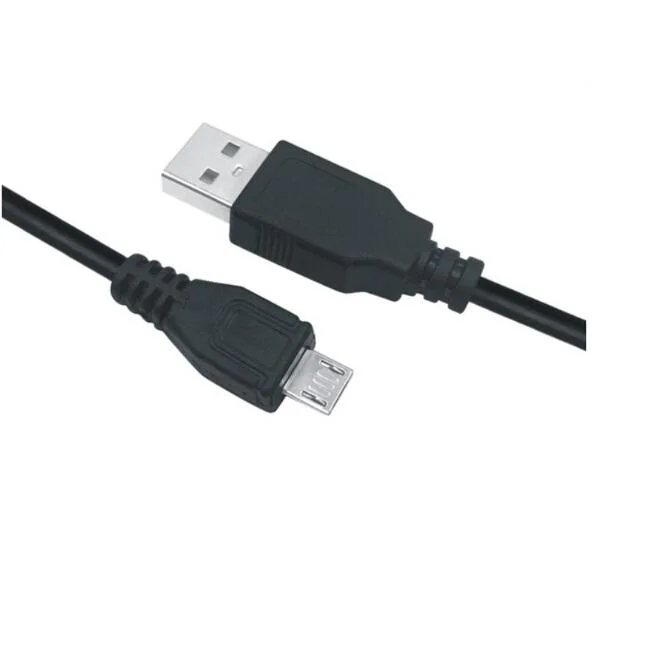
USB & USB-C CablesSC-B1-002
Micro USB Cable - 1.5m
- length
- 1.5m
- material
- PVC shell,copper core
Reference MOQ1000 pcs
Define both connectors, protocol, charging workload, video requirement and length before comparing OEM cable constructions.

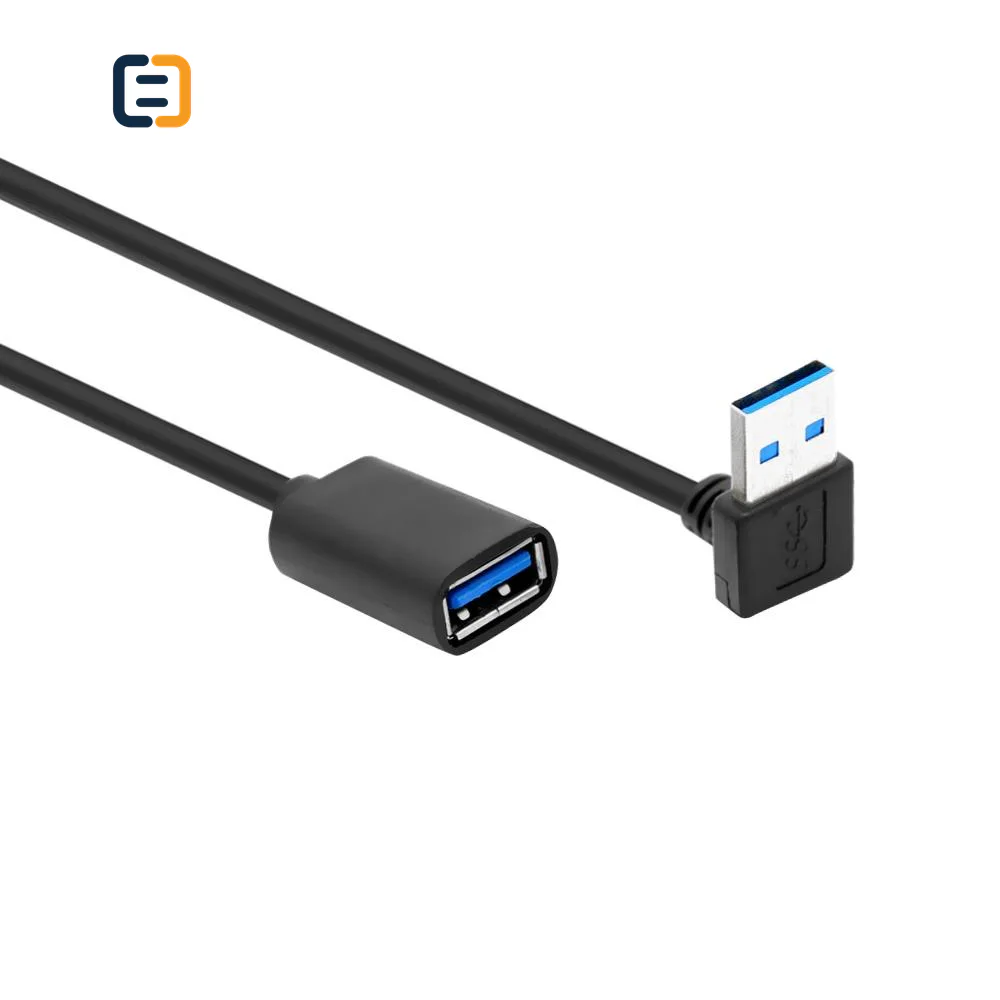
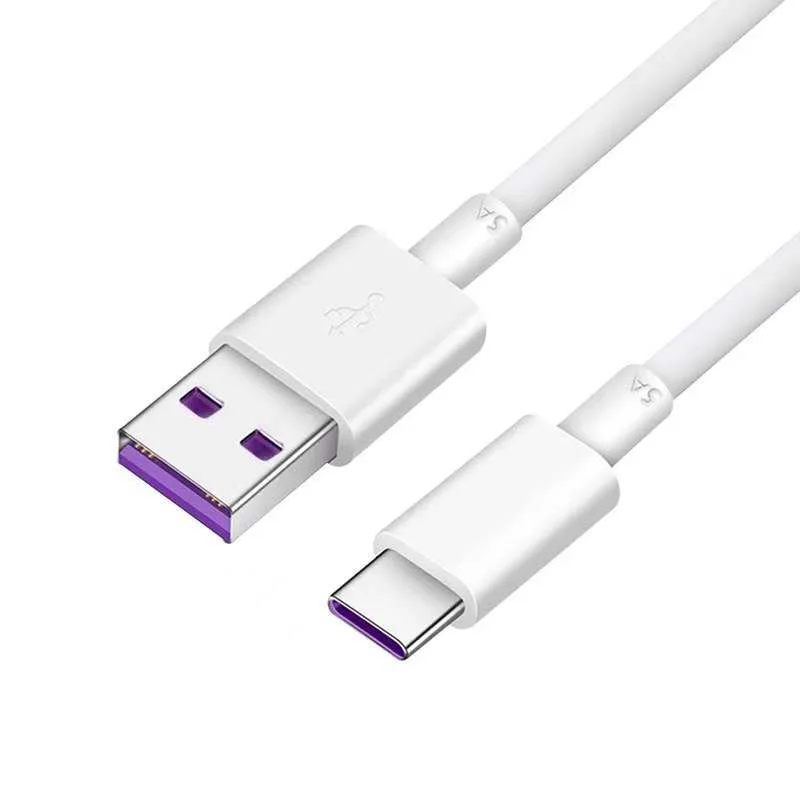
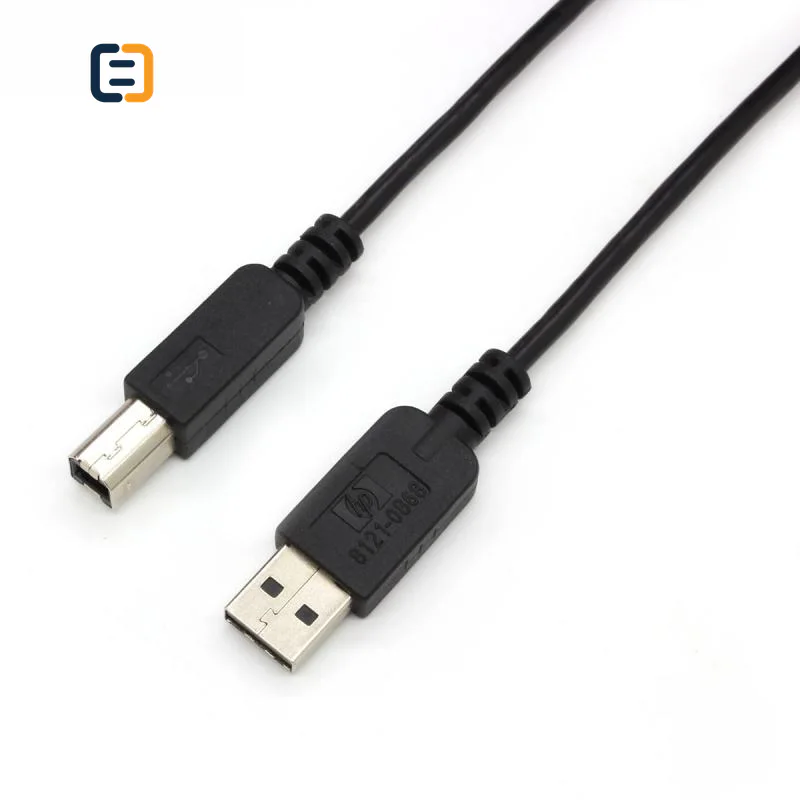
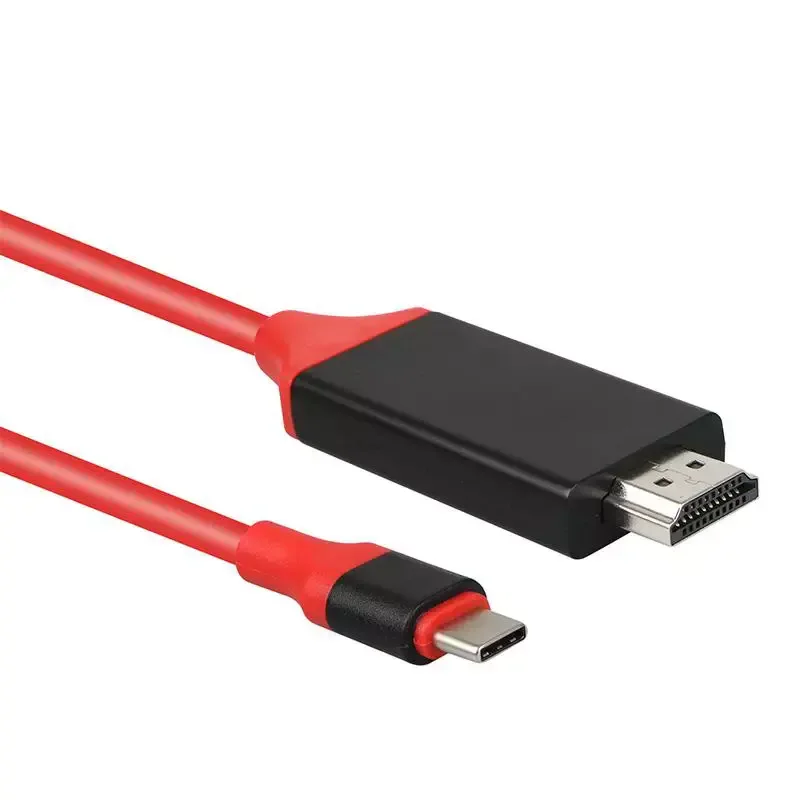
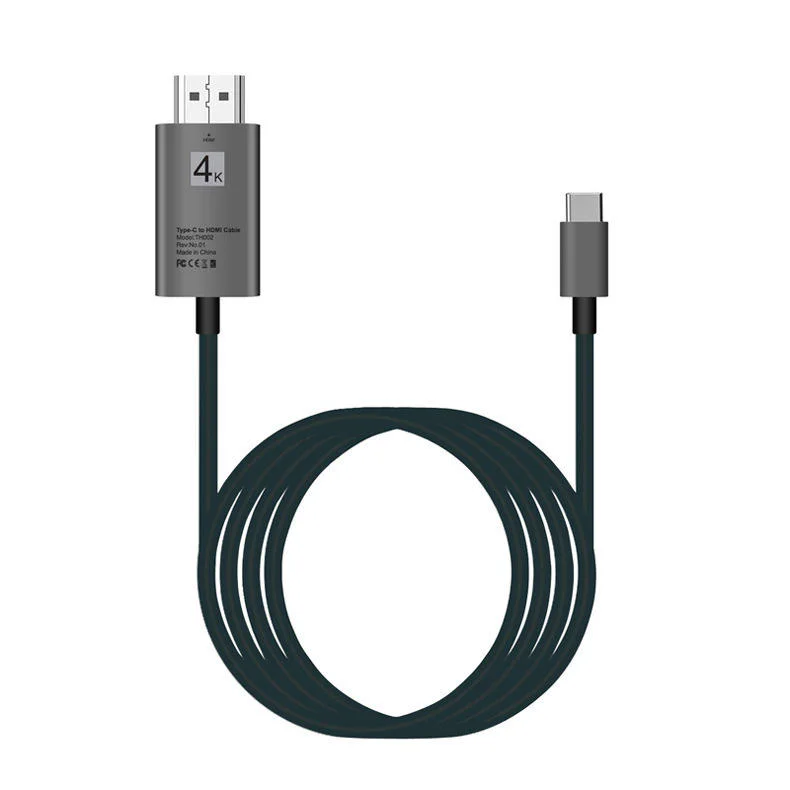
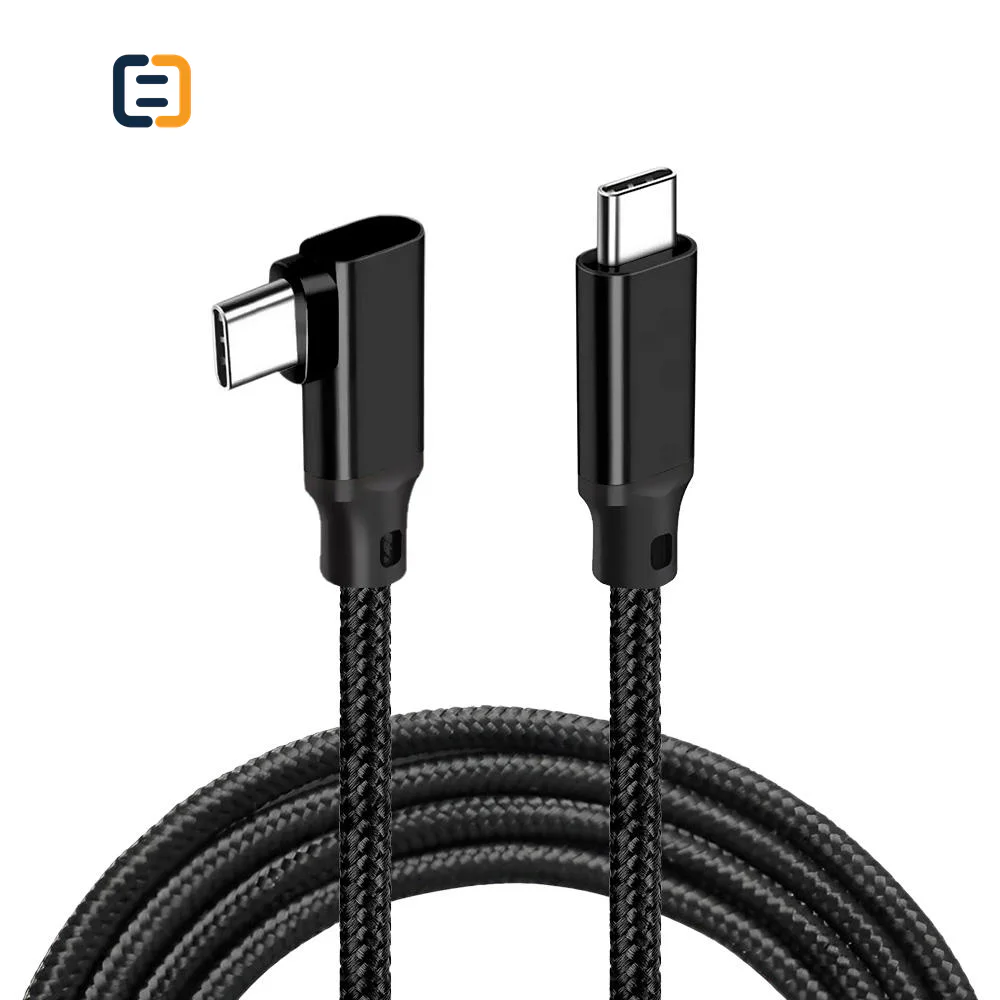
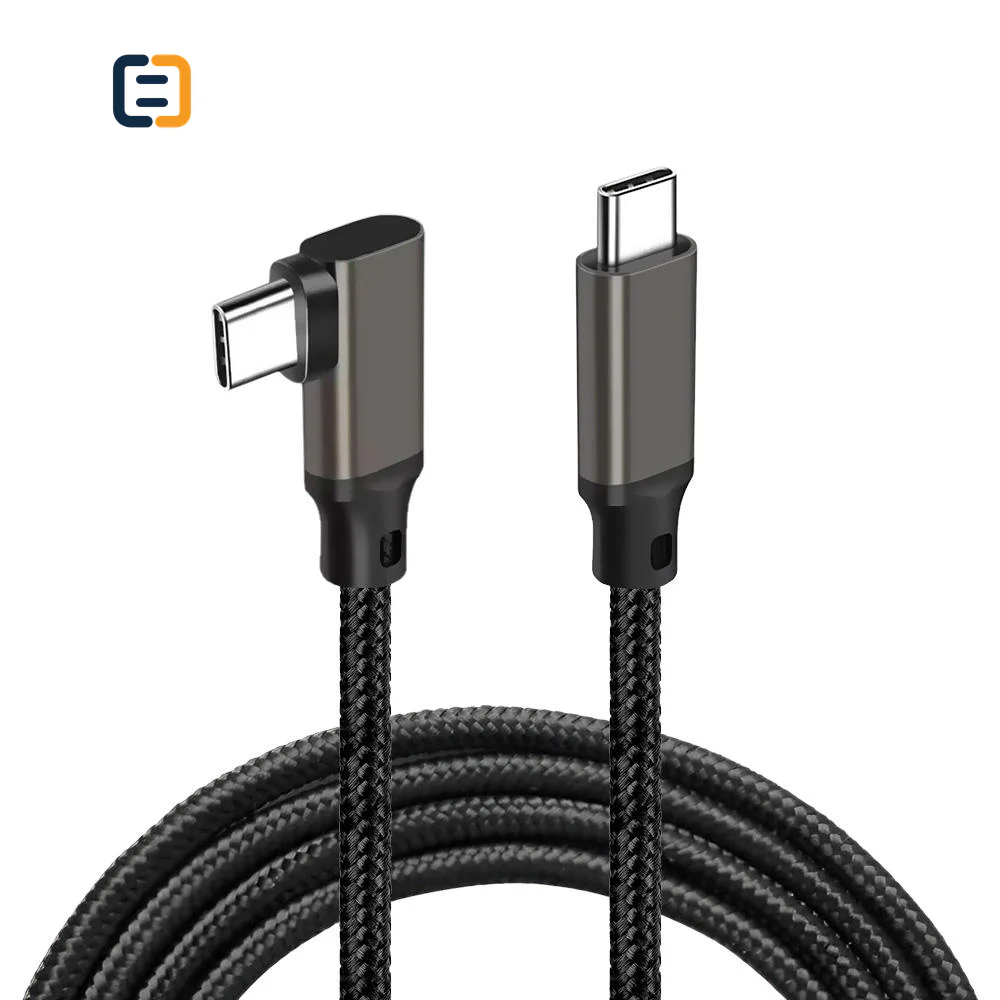
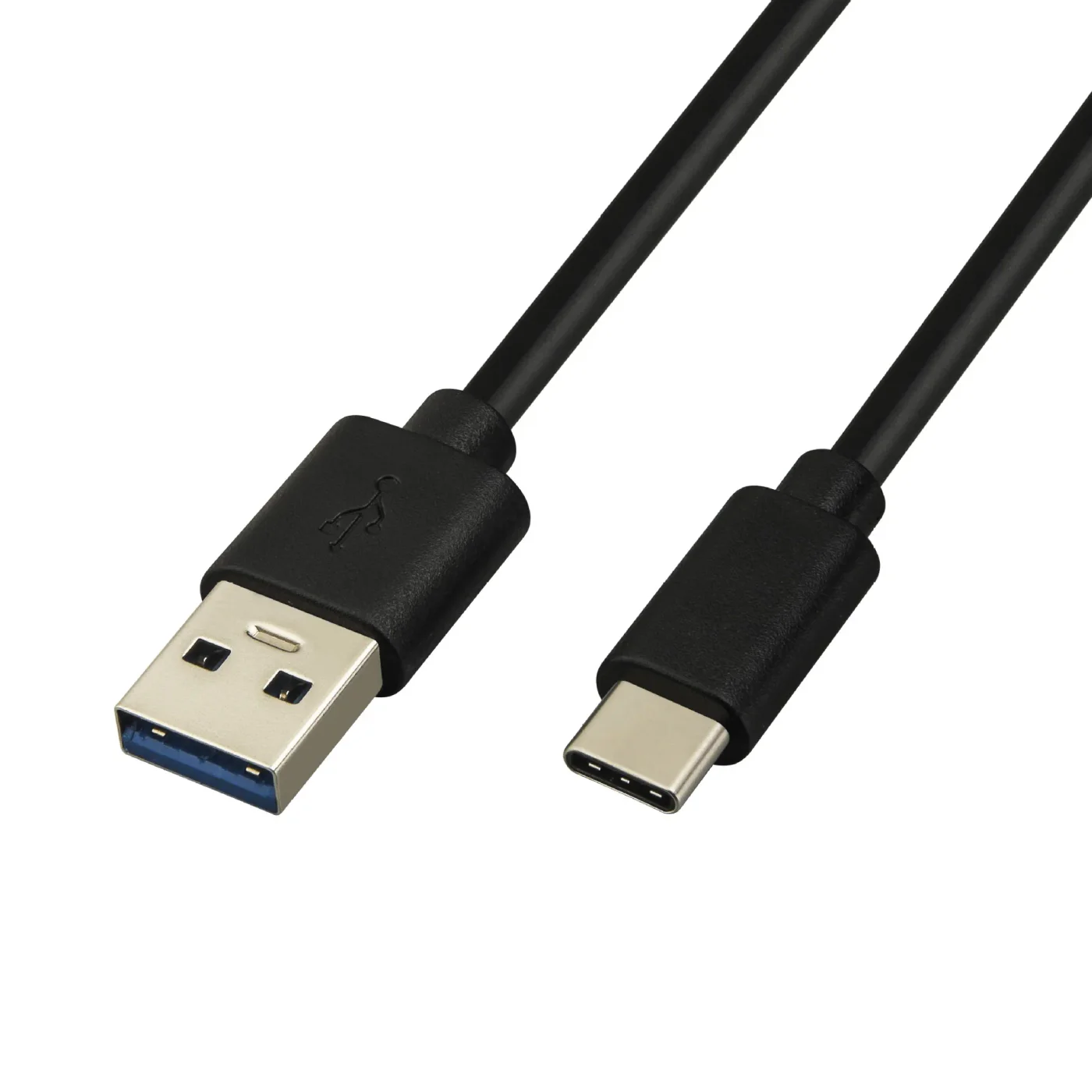
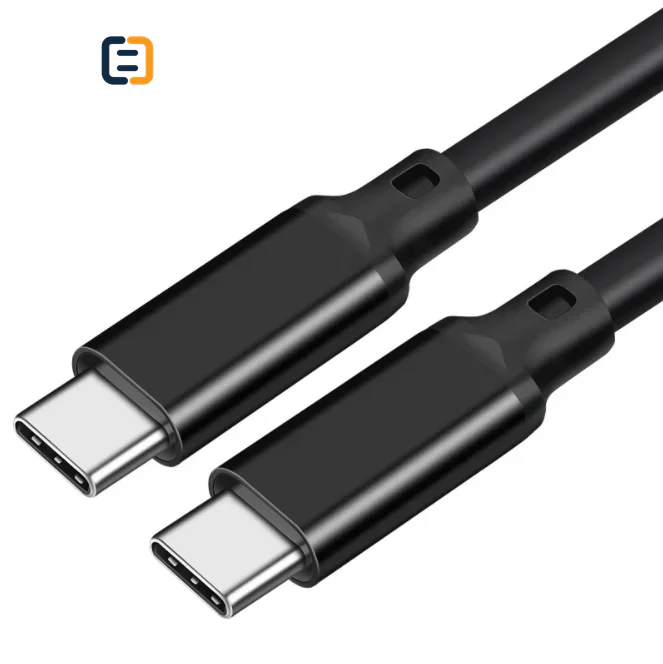
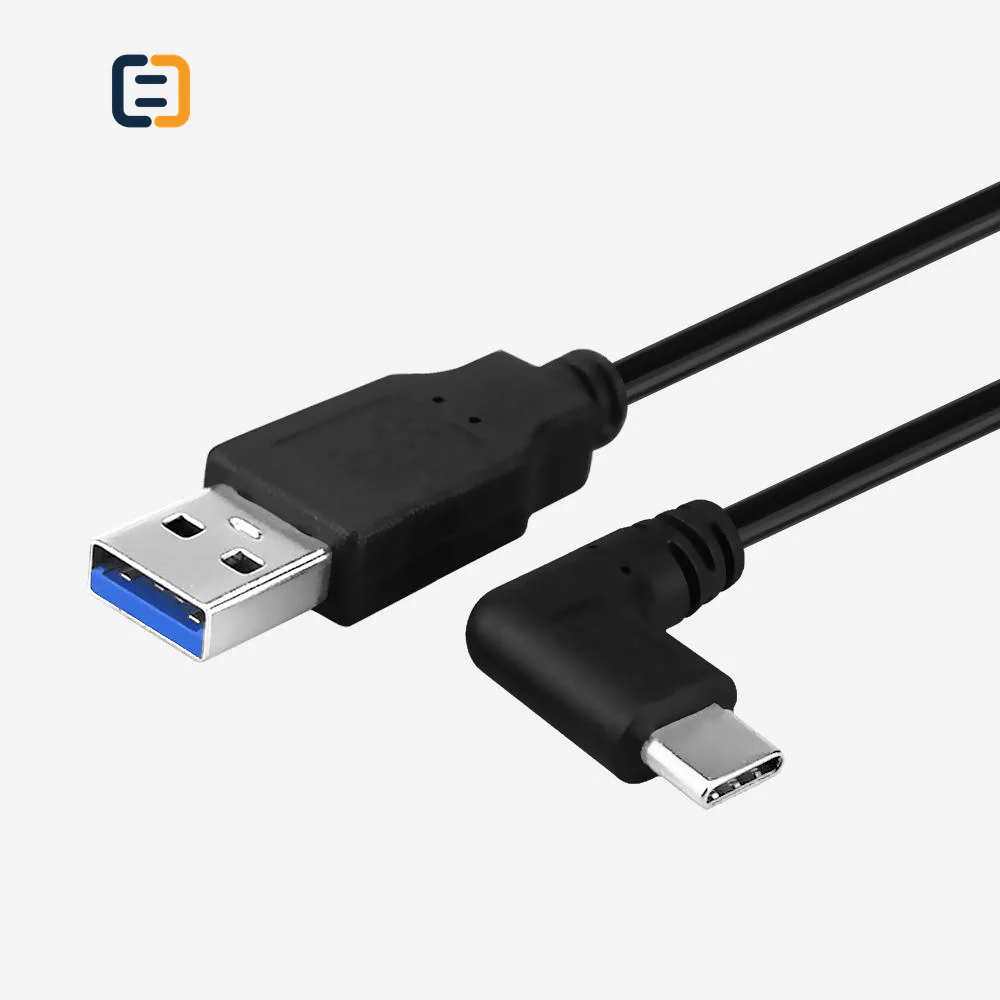
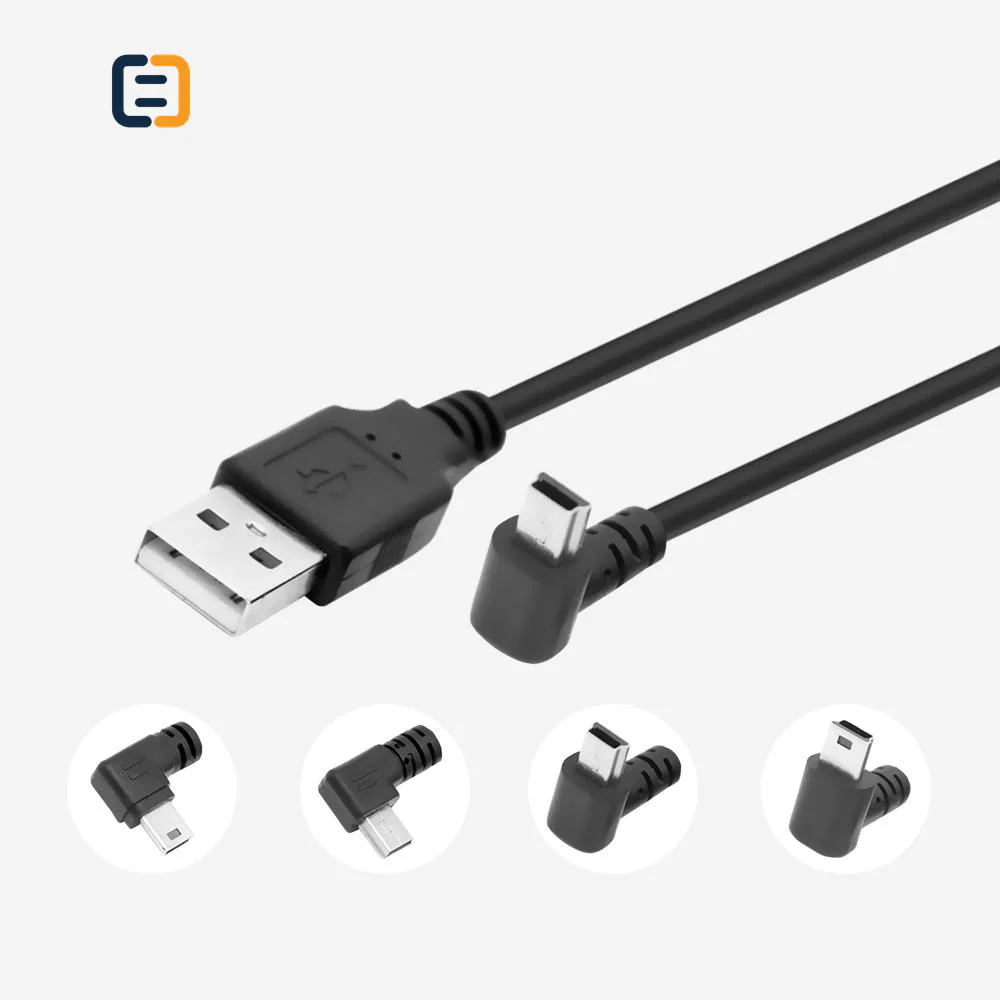
Every listed product remains available as a direct model page even when the visual catalog is paginated.
List the required variation, quantity, destination market and any evidence your buyer needs.
USB cable selection depends on connector ends, data rate, charging current or power target, cable length and device protocol. USB-C connector shape alone does not confirm video, data or charging capability.
Use these routes to narrow the catalog. The final configuration is confirmed against the exact application and order.
Match USB generation, connector ends, host/device role and finished length to the required transfer workload.
Filter relevant models02State charger, device, cable length and required power rather than assuming every USB-C cable carries the same current.
Filter relevant models03Confirm host and device video capability, data needs and charging behavior together.
Filter relevant models04Identify Type-A, Type-B, Mini or Micro connector variants and the intended host-to-device direction.
Filter relevant modelsOpen a model page for its listed attributes, images and product-specific RFQ. These cards are starting points, not a claim that one model fits every route.
USB-C describes a connector, not a guaranteed data, charging or video capability. Specify every required function separately. These are requirement checks, not unverified claims about every catalog model.
Use the tabs as an RFQ checklist. Listed catalog attributes remain reference data until the exact model and order are confirmed.
A cable can support charging, data, video or a subset; list the functions that must operate together.
Length, conductor route and electronics affect voltage drop and data margin.
Connector retention, flex point and jacket choice should match the use cycle and device port.
Approve the cable with representative chargers, hosts and peripherals at the quoted length.
Compatibility statements are meaningful only when tied to the final equipment, route, configuration and quoted model.
Plan model-specific evidenceUse the final application and quoted configuration. Keep the approved sample, result and open exceptions tied to the model and order.
 Packaging and identification planning
Appearance, power, data and video claims must stay aligned. OEM labels and packaging should describe the approved function and length without implying capabilities that were not validated.
Fix both connector types, orientation and shell envelope.
Review length, current, data route and identity components.
Choose jacket, braid, strain relief and color.
Control cable label, insert, barcode and host-product BOM.
Final feasibility, MOQ, lead time and document availability are confirmed for the exact quotation.

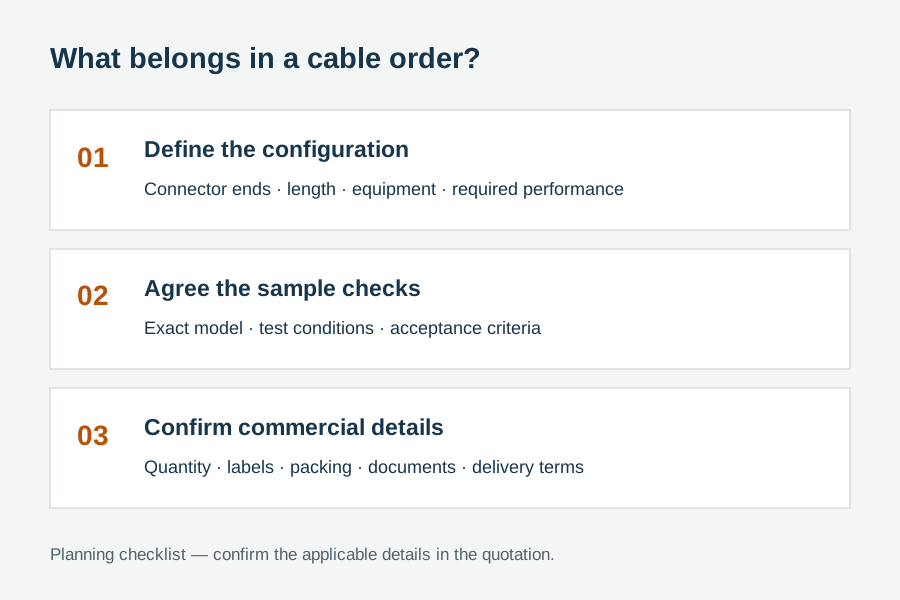
One complete requirement brief gives engineering, purchasing and the supplier the same decisions to review.
Build a Requirement BriefUse these application planning scenarios to identify the equipment and acceptance conditions that belong in your RFQ.
Match charger, device, target power, length and thermal behavior.
Define USB generation, device class and reconnect expectations.
Validate host video capability, display mode and charging interaction.
Control cable function, length, label and pack-out with the equipment BOM.
Certificate, report, drawing and catalog availability is checked by exact model, destination and order. These links are planning resources, not substitute evidence.
CoreCavo is operated by WUHAN SUNFULL. The public catalog organizes buyer requirements and model references; final specifications, commercial terms and applicable documents are confirmed through the exact quotation.
Map the USB Cables interface, equipment, quantity and destination before selecting a route.
Separate listed attributes from compatibility, construction and document questions that need confirmation.
Use the quoted configuration, record results and retain open exceptions against the approved model.
Keep product code, labels, packaging and change-control requirements aligned through fulfillment.
Write the host-side connector, device-side connector and the equipment attached to each. Type-A, Type-B, Mini, Micro and USB-C variants can imply different roles, but the actual host and device still matter. For USB-C-to-USB-C, identify which end connects to charger, computer, dock, display or peripheral even if the cable is mechanically reversible. Add shell orientation or right-angle requirements. This provides the foundation for data, charging and video decisions without assuming that connector shape defines capability.
State the required USB data rate and device class, the charging current or power target, and any video mode. Then say which functions must operate concurrently. Some cables are charge-only; some support modest data; some carry high-speed data and video; and active or electronically marked designs add further conditions. A precise function table helps suppliers propose the right conductor and electronic route. It also prevents packaging from making a broad USB-C claim that exceeds the approved SKU.
Identify representative charger and device models or at least their negotiated power profiles. State the finished cable length and sustained-use expectation. Voltage drop, connector resistance, conductor choice and temperature can affect performance. Where cable identity or an E-marker is required, make that requirement explicit and verify how it is implemented. Approval should observe negotiated power and stable charging under representative load, not simply confirm that a charging icon appears for a few seconds.
Higher data rates generally leave less margin for long, flexible or heavily handled routes. List the real length and peripheral class, then test transfer, reconnect and normal movement. For storage devices, cameras or docks, use representative workload rather than an idle enumeration check. If an active design is proposed, state direction and compatibility. Keep each length as a controlled SKU when construction differs, because a successful short cable does not automatically validate a longer version with a different internal route.
A USB-C port may or may not provide the required display mode. Name the host, dock or adapter and receiving display, then state resolution, refresh and charging needs. Test the complete route, including sleep/wake, reconnect and concurrent peripheral load. If the cable only connects a host to a display directly, say so; if it feeds a hub or dock, include that device. This keeps cable evaluation separate from unsupported assumptions about the host port or intermediary electronics.
USB cables often fail mechanically near the connector. Review shell size, overmold, strain-relief length, cable diameter, jacket or braid and the bend imposed by the application. A heavy braided cable can feel premium yet place excessive load on a small mobile-device port. Right-angle orientation should be shown relative to the device, not described only as left or right. For frequent-use programs, define a repeatable mechanical check and approve the exact tooling profile rather than a generic reference image.
Use rows for representative host, charger and peripheral combinations, with columns for data, charging, video and recovery behavior. Test the quoted length and the functions used together. Inspect connector fit, retention, strain relief, cable marking and packaging. Record the cable code and any active component or identity requirement. If construction, electronics or connector tooling changes after approval, decide whether electrical or mechanical retesting is necessary before the revised batch is accepted.
List quantity by length and color, forecast, connector and function matrix, charging and data targets, video requirements, mechanical preferences, label, packaging, destination market and evidence needs. Mark required capabilities and optional upgrades. Ask the supplier to state any limitation or proposed alternative. This produces quotations that can be compared on the same approved function rather than on cable appearance or a vague USB generation phrase, and it reduces later disputes over what the product was meant to do.
When a cable design, supported power, data route or video capability changes, update the product code, approval record, packaging and digital description together. Leaving old packaging on a revised construction creates support and traceability problems even if the new cable is technically capable. A controlled claim matrix tells sales, purchasing and quality teams what can be stated for each model and length. It also makes future upgrades easier because the stronger claim can be evaluated as a deliberate change rather than an unnoticed wording edit.
Use these procurement priorities to compare the proposed model, approval conditions and repeat-order requirements.
Procurement needs charging, data and video capabilities listed separately because a USB-C plug does not guarantee all three.
The cable should be reviewed with representative charger and device combinations, including sustained use and voltage-drop risk.
Shell fit, strain relief and cable flexibility should reflect whether the cable stays installed, travels daily or connects repeatedly.
Model code, package copy and any test record should describe the same conductor route, electronics and finished length.
Answers separate catalog references from decisions that require an exact route, model and RFQ.
No. USB-C describes the connector, while cable construction and electronics determine which functions and rates are available. A sourcing brief should list data, power and video requirements separately and state which must work at the same time. Validate the exact model and length with representative hosts, chargers and devices.
Provide both connector types, host and device roles, required data rate, charger and device power target, any video mode, each length and quantity, mechanical preferences, packaging and evidence needs. For USB-C, add concurrent-use requirements and whether cable identity or active electronics are expected. This avoids quoting only from connector photos.
Length affects resistance, voltage drop and high-speed signal margin. Different lengths may use different internal constructions, so a short sample cannot automatically approve a long SKU. Test representative chargers, hosts and peripherals at the quoted length, and keep model and length visible in the approval record and packaging.
Cable identity electronics may be required for certain power or high-speed configurations. The need depends on the intended cable function and design. State the target charging and data route, ask how identification is implemented, and verify the exact model. Do not infer E-marker presence or capability from connector appearance.
Use a host known to expose the required video mode, the intended display or dock and the representative charging and peripheral load. Test resolution, refresh, reconnect and sleep/wake at the quoted length. Record any host or dock limitation separately so a cable is not blamed for a capability the USB-C port does not provide.
An RFQ may cover length, connector shell, right-angle orientation, jacket or braid, color, strain relief, labels, barcodes and packaging, subject to feasibility and quantity. Electrical function must remain tied to the approved construction. Final MOQ, tooling, lead time and evidence availability follow the complete technical and commercial review.
Check product code, length, connector and shell, labels, pack quantity and visible construction against the approved sample. Use a defined functional sample for charging, data and video requirements. If electronics, conductor route or connector tooling changed, require disclosure and apply the agreed revalidation rule rather than relying only on appearance.
Move from product comparison to compatibility, custom construction and required documents without restarting the sourcing process.
Include model codes where known, or describe the interface, equipment, length, quantity, destination, packaging and evidence requirements.