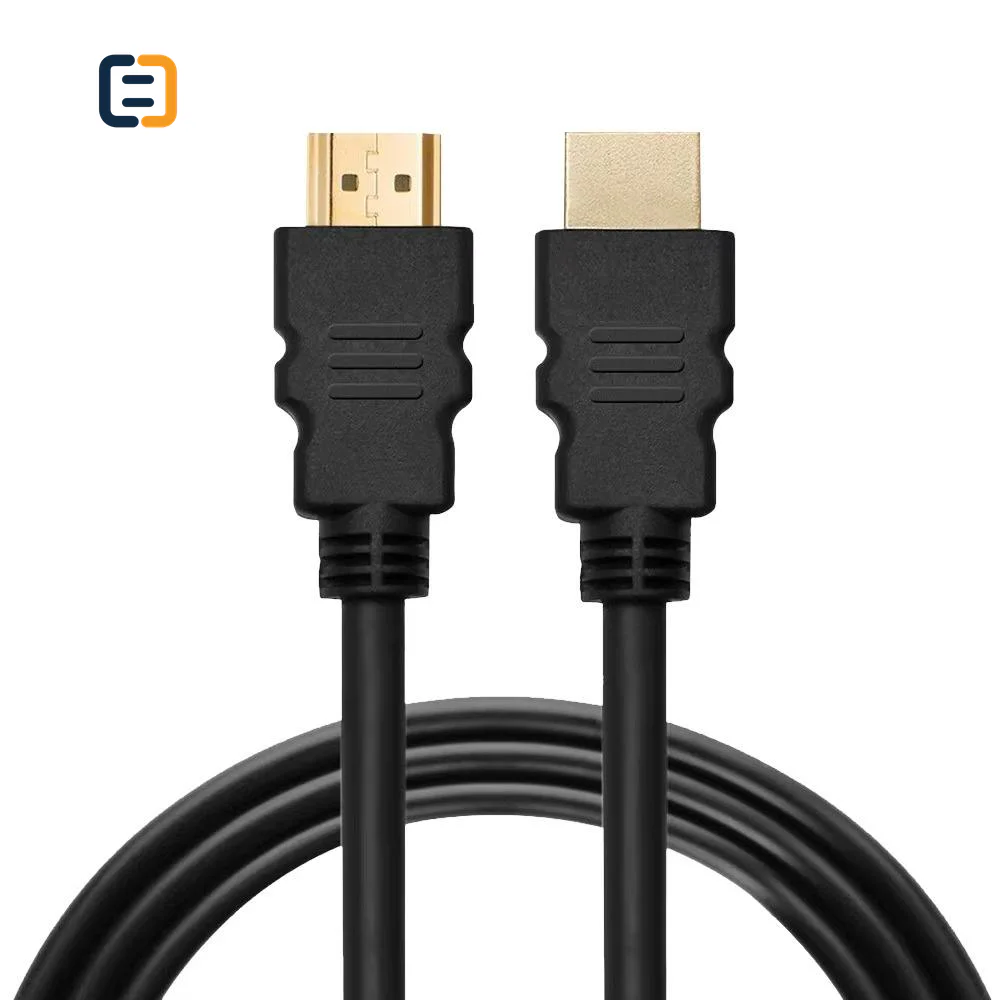
HDMI CablesSC-481-001
High Speed Braided HDMI To HDMI Cable - 1080P
- Connector A
- HDMI 1.4 Male
- Connector B
- HDMI 1.4 Male
Reference MOQ200 pcs
Compare connector format, installed length, construction and target video mode before locking an OEM or bulk order.

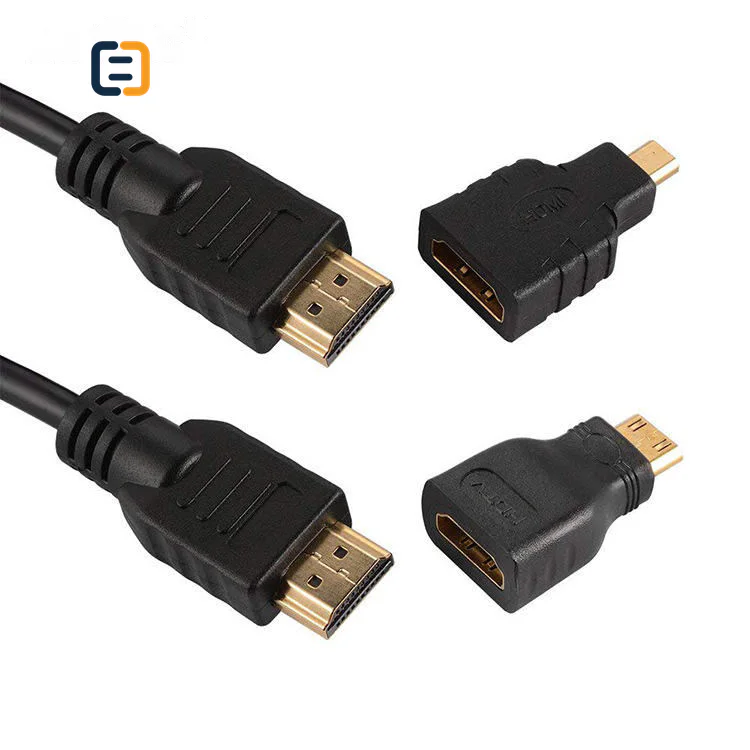
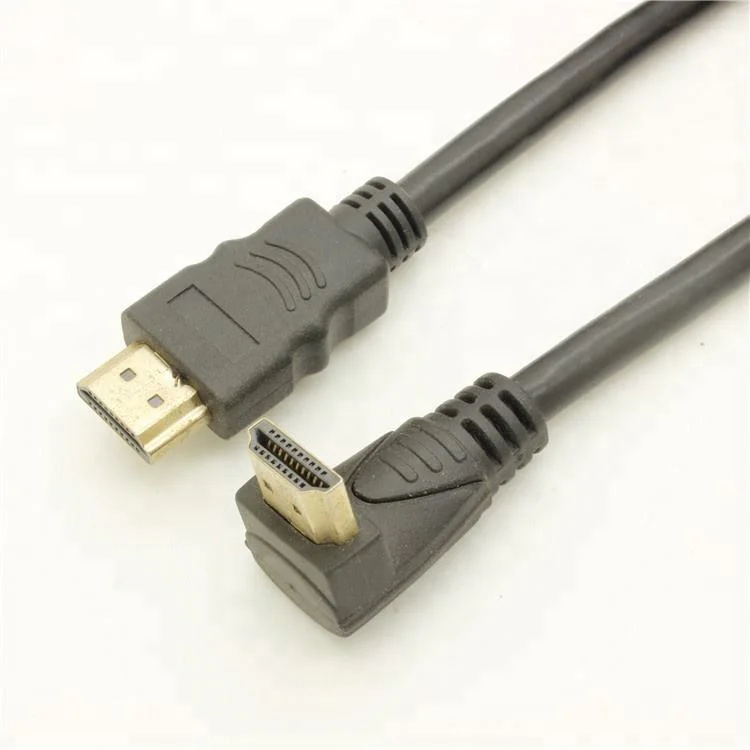
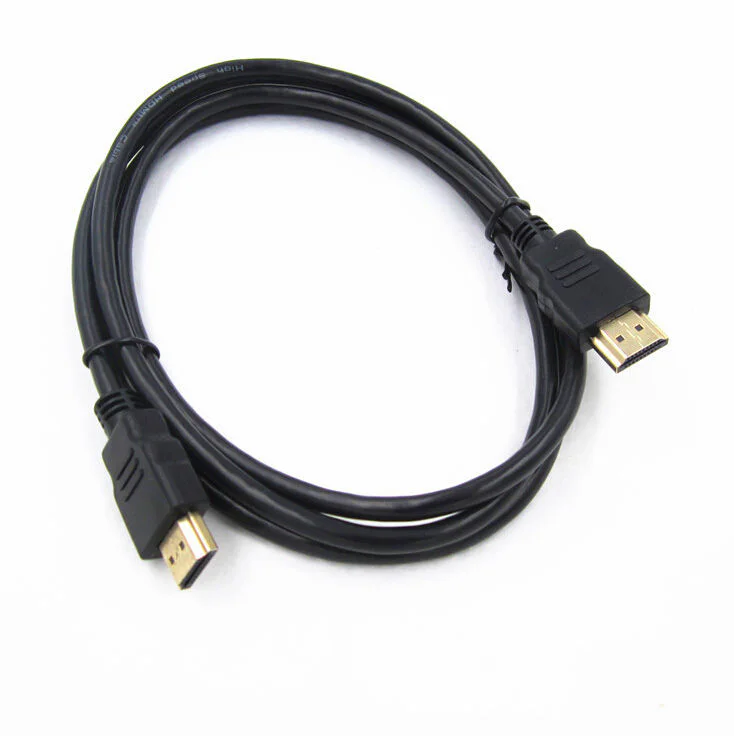
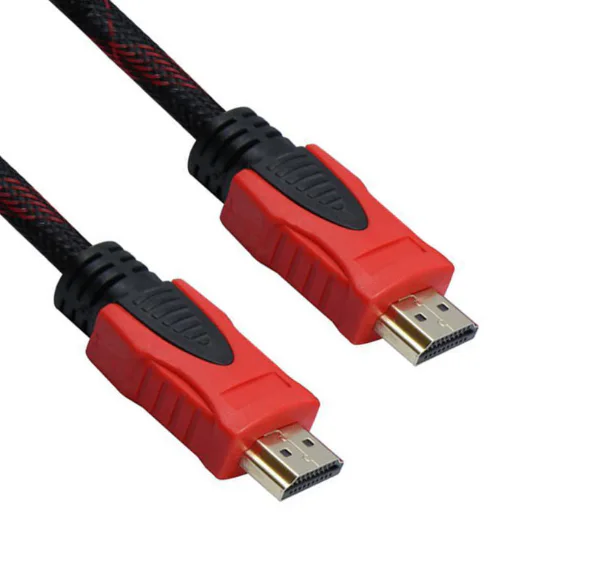
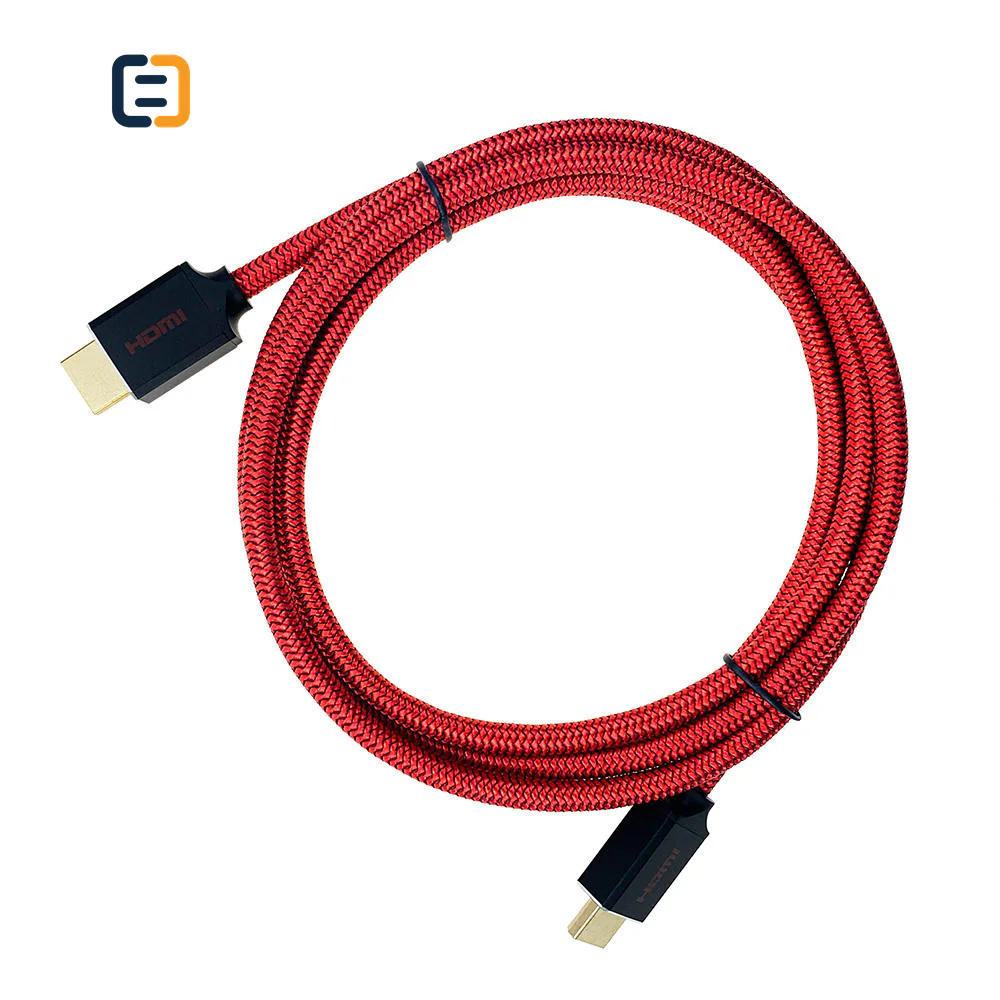
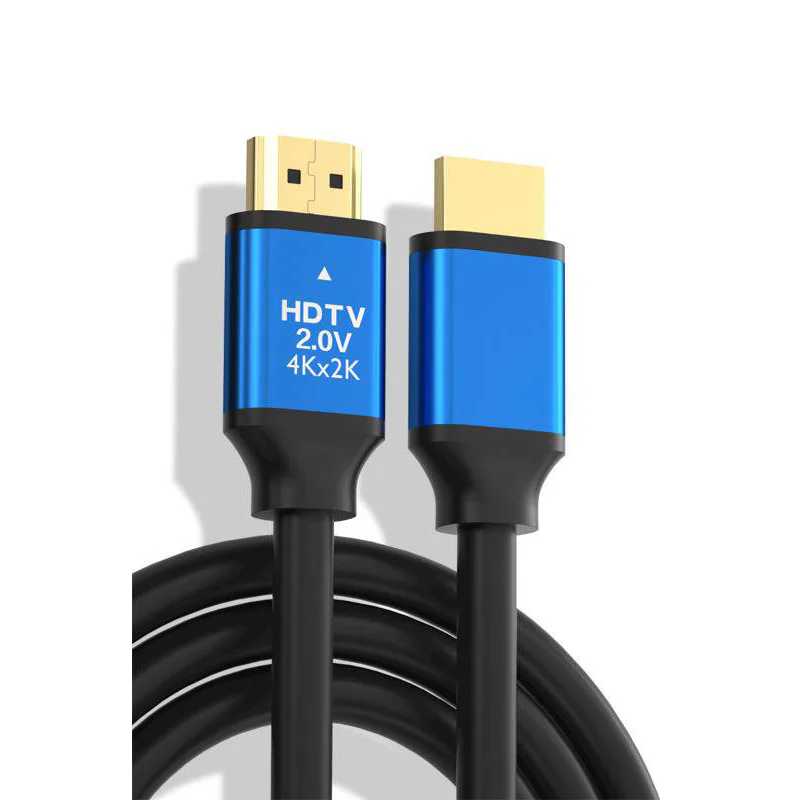
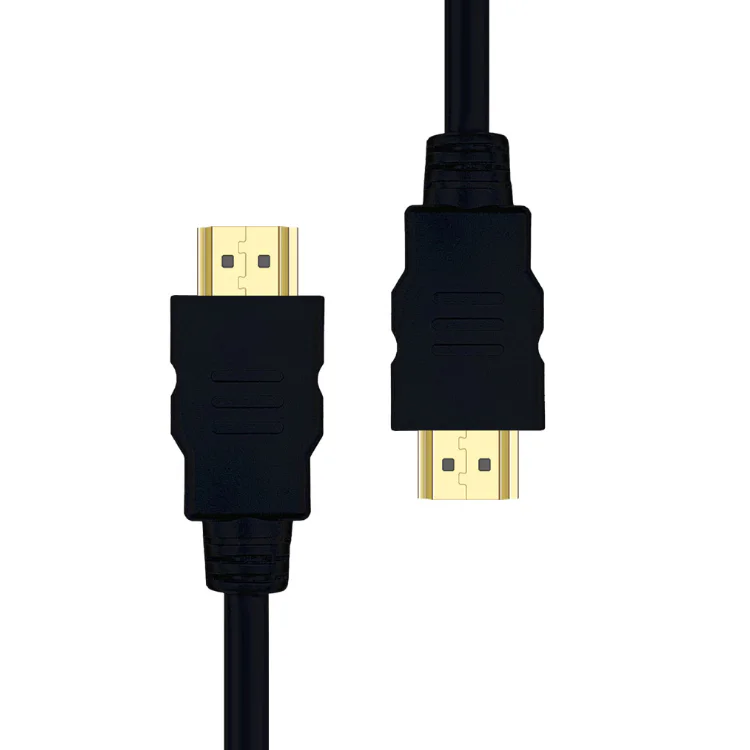
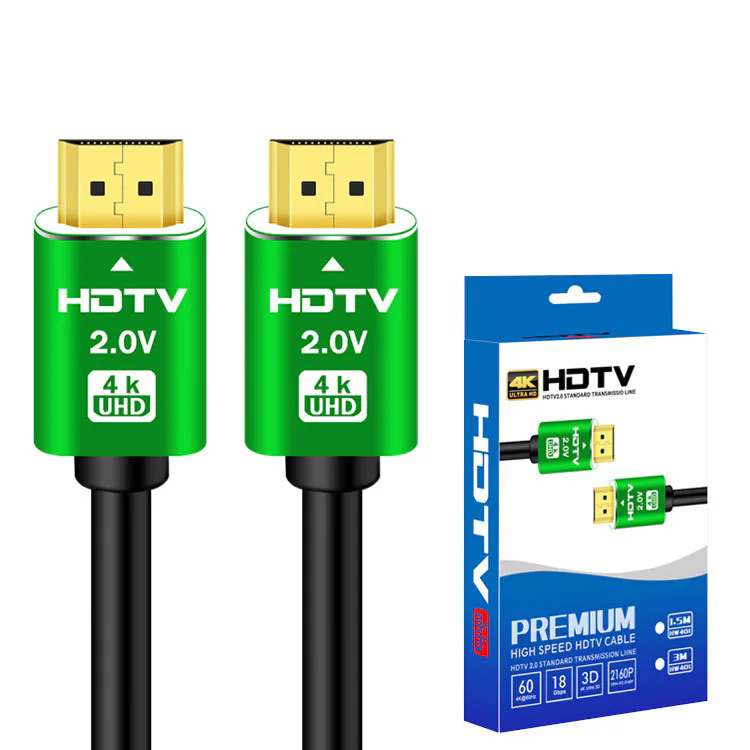
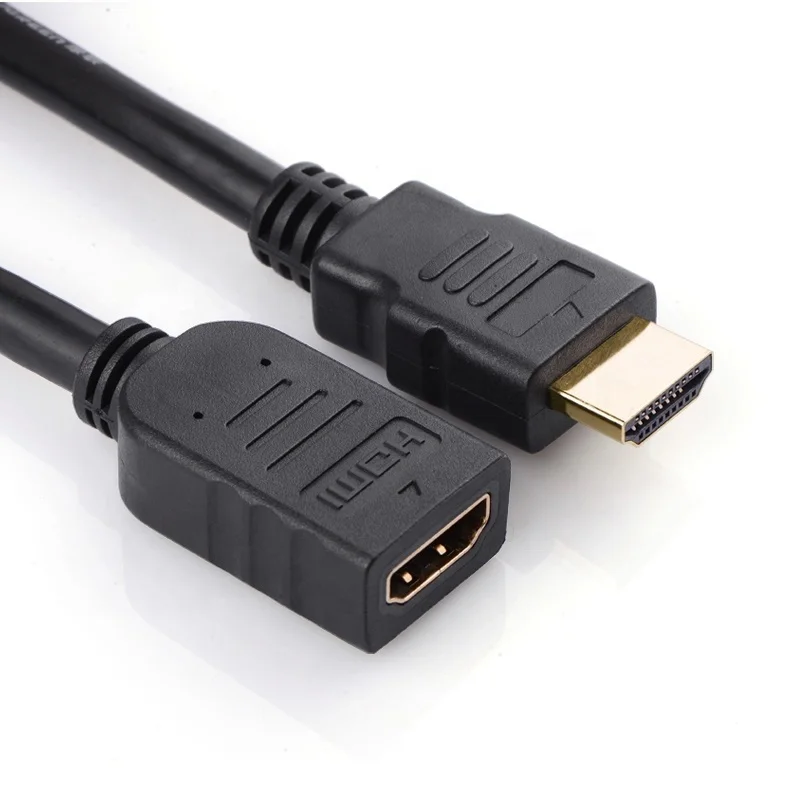
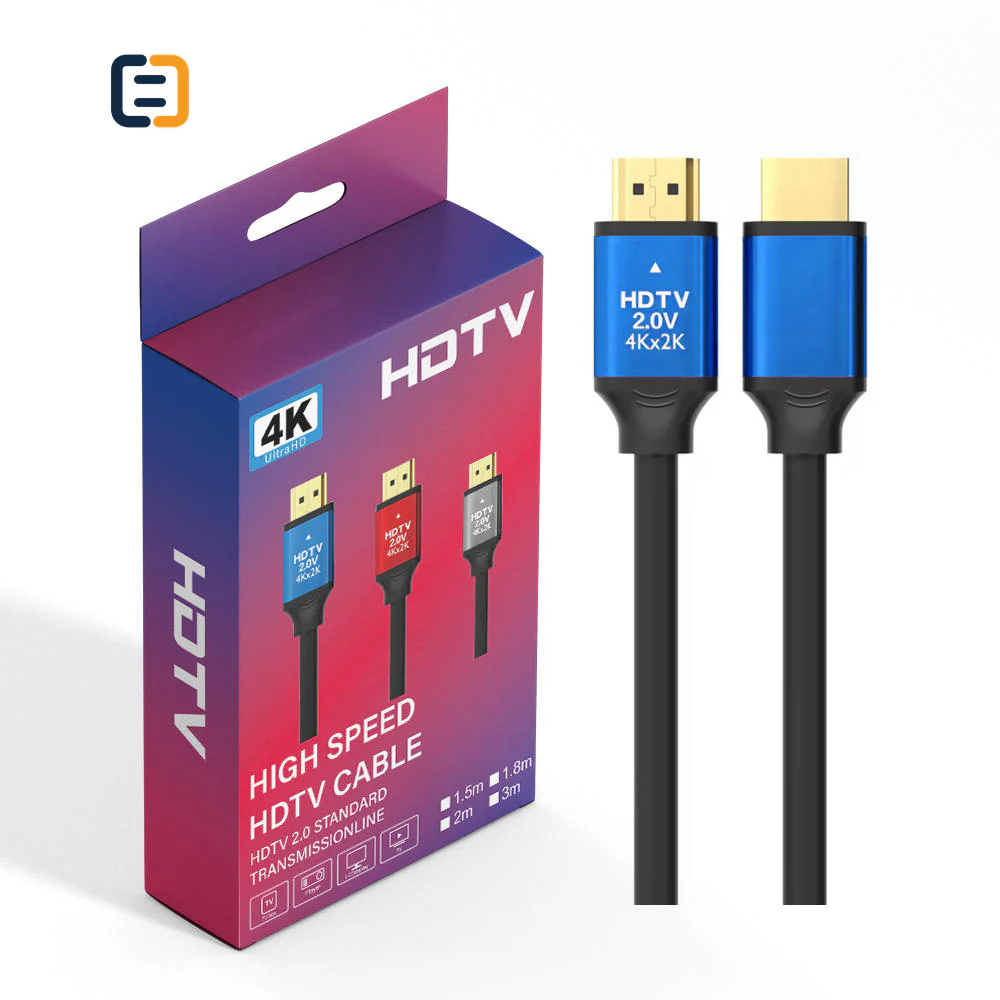
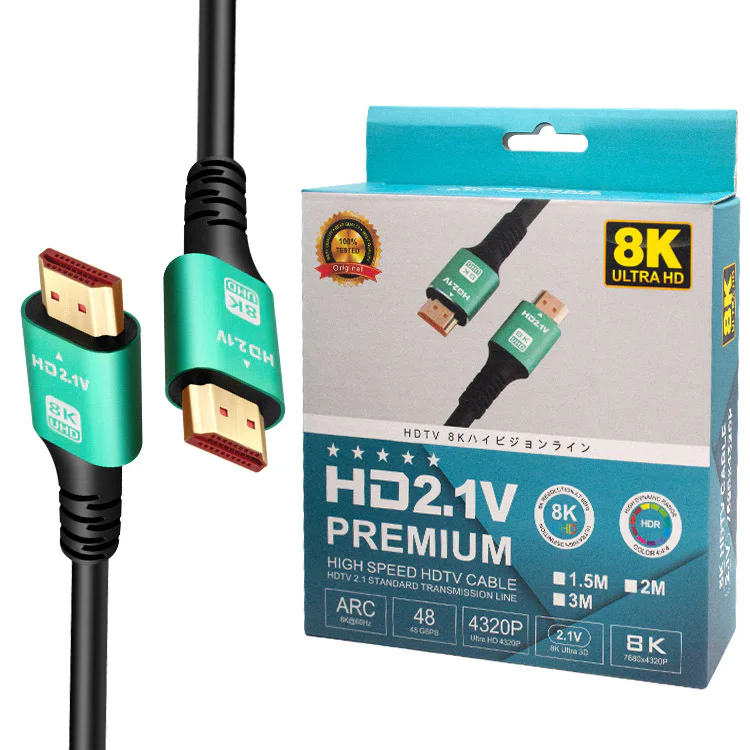
Every listed product remains available as a direct model page even when the visual catalog is paginated.
List the required variation, quantity, destination market and any evidence your buyer needs.
HDMI cable selection starts with connector type, bandwidth or resolution target, length, installation route and required evidence. The listed source specifications are reference data; final compatibility is confirmed against the buyer's devices and application.
Use these routes to narrow the catalog. The final configuration is confirmed against the exact application and order.
Start with full-size HDMI for displays, sources and common AV equipment, then narrow by finished length and target signal mode.
Filter relevant models02Use the exact compact connector at the camera, tablet or embedded device; confirm orientation and strain relief around the small port.
Filter relevant models03Review active copper or optical construction when distance, conduit or signal margin makes a passive route unsuitable.
Filter relevant models04Define jacket, connector shell, label, packaging, length mix and approval evidence as one controlled product brief for repeat or mixed-length orders.
Filter relevant modelsOpen a model page for its listed attributes, images and product-specific RFQ. These cards are starting points, not a claim that one model fits every route.
Compare the complete signal route and installed length before choosing a cable construction or asking suppliers to quote equivalent models. These are requirement checks, not unverified claims about every catalog model.
Use the tabs as an RFQ checklist. Listed catalog attributes remain reference data until the exact model and order are confirmed.
A connector name does not define the video workload. State the operating mode and every device in the route.
Construction should match length, installation method and mechanical limits rather than appearance alone.
Approve the exact model and length that will be ordered, using the intended source-to-display chain.
A useful quotation separates confirmed requirements from options that still need a buyer decision.
Compatibility statements are meaningful only when tied to the final equipment, route, configuration and quoted model.
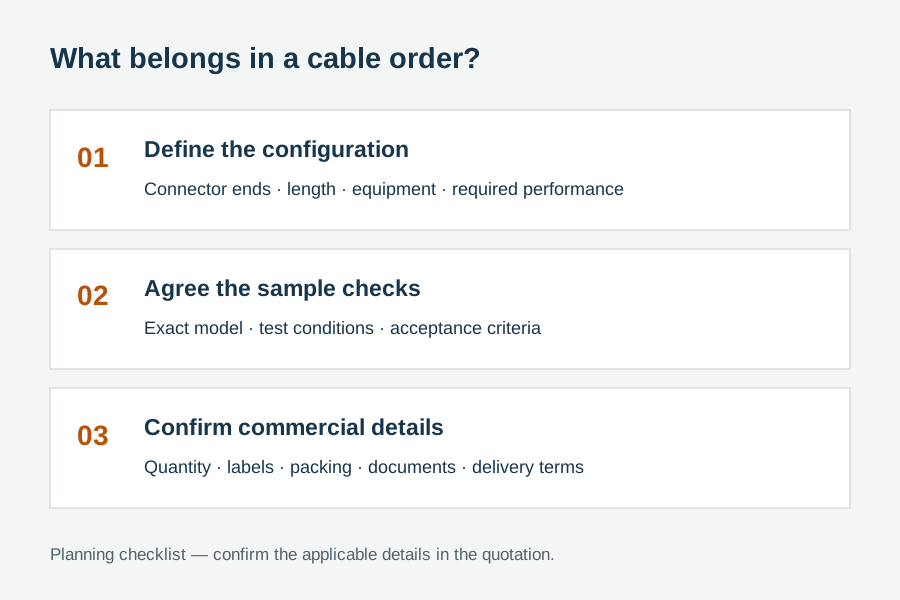
Plan model-specific evidenceUse the final application and quoted configuration. Keep the approved sample, result and open exceptions tied to the model and order.
 Packaging and identification planning
OEM review can cover construction, appearance and pack-out, but the approved sample and order record should keep the signal target, cable length and model identity connected.
Define each finished length, tolerance and quantity split.
Review conductor route, jacket, braid and mechanical profile.
Specify product code, direction marks, barcode and carton labels.
Choose bag, tie, insert, retail box or project pack after quotation.
Final feasibility, MOQ, lead time and document availability are confirmed for the exact quotation.

One complete requirement brief gives engineering, purchasing and the supplier the same decisions to review.
Build a Requirement BriefUse these application planning scenarios to identify the equipment and acceptance conditions that belong in your RFQ.
Plan source, distribution equipment, installed length and service access together.
Check docking, switching, display and audio behavior across normal reconnect cycles.
Confirm long-run construction, direction and replacement access before installation.
Control the cable code, length, label and pack-out with the host product BOM.
Certificate, report, drawing and catalog availability is checked by exact model, destination and order. These links are planning resources, not substitute evidence.
CoreCavo is operated by WUHAN SUNFULL. The public catalog organizes buyer requirements and model references; final specifications, commercial terms and applicable documents are confirmed through the exact quotation.
Map the HDMI interface, equipment, quantity and destination before selecting a route.
Separate listed attributes from compatibility, construction and document questions that need confirmation.
Use the quoted configuration, record results and retain open exceptions against the approved model.
Keep product code, labels, packaging and change-control requirements aligned through fulfillment.
Write the route in order: source device, any dock, switch, splitter or wall plate, the cable under review, and the receiving display. Add the highest resolution, refresh rate, color format, HDR and audio mode that must work. This prevents a familiar failure in which every component appears compatible on paper but the combined chain has insufficient margin or negotiates a lower mode. If several equipment combinations will be used, identify the demanding route and one representative mainstream route for sample approval.
Order length should include the actual cable path, service loops and connector clearance, not the straight-line room dimension. Longer passive copper routes, active copper designs and active optical cables behave differently, so a successful short sample does not automatically approve a longer SKU. Record each length as its own order line and confirm whether the supplier's evidence applies to that finished length. For conduit work, add pull direction, internal diameter, bend locations and whether a detachable pulling eye or connector protection is needed.
Passive copper is straightforward and non-directional, but its usable performance depends on cable design and length. Active copper can extend practical reach while introducing electronics and sometimes direction. Active optical designs reduce bulk for long routes but add bend, pulling and endpoint-power considerations. The decision should therefore follow the application rather than a generic promise that one construction is always better. Ask the quotation to name the proposed construction clearly, including any direction label and installation restriction that must remain visible after unpacking.
Terms such as 4K, 8K, high speed or HDMI 2.1 are often used too broadly. A sourcing brief is stronger when it states the actual signal mode and asks what evidence supports the exact model and length. Avoid converting a component-level claim into a finished-cable guarantee without a traceable report or validation record. If a destination market or customer specification calls for a named certification, document or material restriction, request its availability and applicability before the order rather than assuming that every visually similar SKU shares it.
Intermittent HDMI complaints frequently appear during power-up, reconnect, source switching or return from sleep rather than during a short steady-state demonstration. A sample plan should therefore include cold starts, repeated connections and normal switching behavior in the intended equipment chain. Where splitters, AV receivers or capture devices are present, include them in the test because EDID and content-protection negotiation can change the result. Record the tested configuration, cable code and length so later troubleshooting does not rely on memory or an unnamed sample.
Connector shells, right-angle orientation, cable stiffness and strain relief affect installation even when the electrical route is correct. Check adjacent-port clearance, cabinet depth, wall-plate access and the minimum bend near the connector. For OEM programs, approve what installers and warehouse staff will see: product code, length marking, direction marking for active products, barcode, inner-pack quantity and carton label. Good identification is not decoration; it helps prevent the wrong length or direction from entering a project and makes replacement stock easier to control.
The approval record should identify the supplier quotation, product code, construction, finished length, connected equipment and operating modes tested. Add visual and dimensional checks, packaging review and any open exceptions. If a change is proposed after approval, such as a different chipset, conductor route, connector shell or packaging material, require the changed point to be disclosed and decide whether revalidation is necessary. Retaining one approved sample and a compact result sheet gives purchasing, engineering and incoming inspection the same reference.
List every required length and quantity, the use environment, target signal path, connector format, jacket or mechanical preferences, label and packaging needs, destination market and requested evidence. Mark non-negotiable items separately from preferences so alternatives can be evaluated without diluting the requirement. If the program has forecast quantities but a smaller first order, state both. The goal is a quotation that exposes assumptions and options, allowing price, lead time and validation work to be compared on the same basis.
Use these procurement priorities to compare the proposed model, approval conditions and repeat-order requirements.
Procurement teams need the quoted length tested with representative sources, displays and intermediary devices, not only a connector-level description.
The product code, approved sample, packaging label and any supporting document should refer to the same construction and length.
Projects often combine several cable lengths. Clear inner-pack and carton identification reduces picking mistakes at installation.
Direction, bend limits, unsupported modes and open document questions should be visible before price approval rather than discovered on site.
Answers separate catalog references from decisions that require an exact route, model and RFQ.
Provide each connector format, finished length and quantity, plus the source-to-display equipment chain and highest required video and audio mode. Add installation constraints, target market, label and packaging needs, and any named document requirement. For mixed-length projects, list the quantity per length so construction, sample approval and carton identification can be reviewed without guessing.
The answer depends on distance, signal target, conduit and bend limits, endpoint power behavior, service access and the equipment chain. Passive copper, active copper and active optical routes should be quoted as distinct constructions. Validate the proposed model at the quoted length and in the intended installation path before committing a bulk order.
Not automatically. Signal margin, conductor construction and active components can differ by length, so a short sample does not prove a longer SKU. The approval plan should cover representative or highest-risk finished lengths, and any evidence should identify the exact model and applicable length. Keep exceptions in the purchase record.
Depending on feasibility and order quantity, an RFQ may cover finished length, jacket or braid, connector shell, strain relief, product labels, barcodes, inserts and packaging. Electrical construction and performance claims must remain tied to the approved design. Final options, MOQ and lead time are confirmed only after the complete specification is reviewed.
The source and display ends should be identified in the quotation, on the cable or packaging, and in installation instructions where required. Include direction in sample checks and confirm the actual route before the cable is pulled through conduit. Reversing a directional cable is a common preventable installation failure.
Use the intended source, display and intermediary equipment at the highest required operating mode. Include cold start, reconnect and repeated plug checks, then inspect connector fit, strain relief, labels and packaging. Any external report or certificate should be checked for the exact model, length and claimed scope instead of treated as generic proof.
Yes. A mixed-SKU RFQ is often clearer for distributors and projects. List every product code or connector route, each length and quantity, shared packaging rules and model-specific exceptions. This allows common requirements to be consolidated while keeping signal targets and approval evidence attached to the correct SKU.
Move from product comparison to compatibility, custom construction and required documents without restarting the sourcing process.
Include model codes where known, or describe the interface, equipment, length, quantity, destination, packaging and evidence requirements.