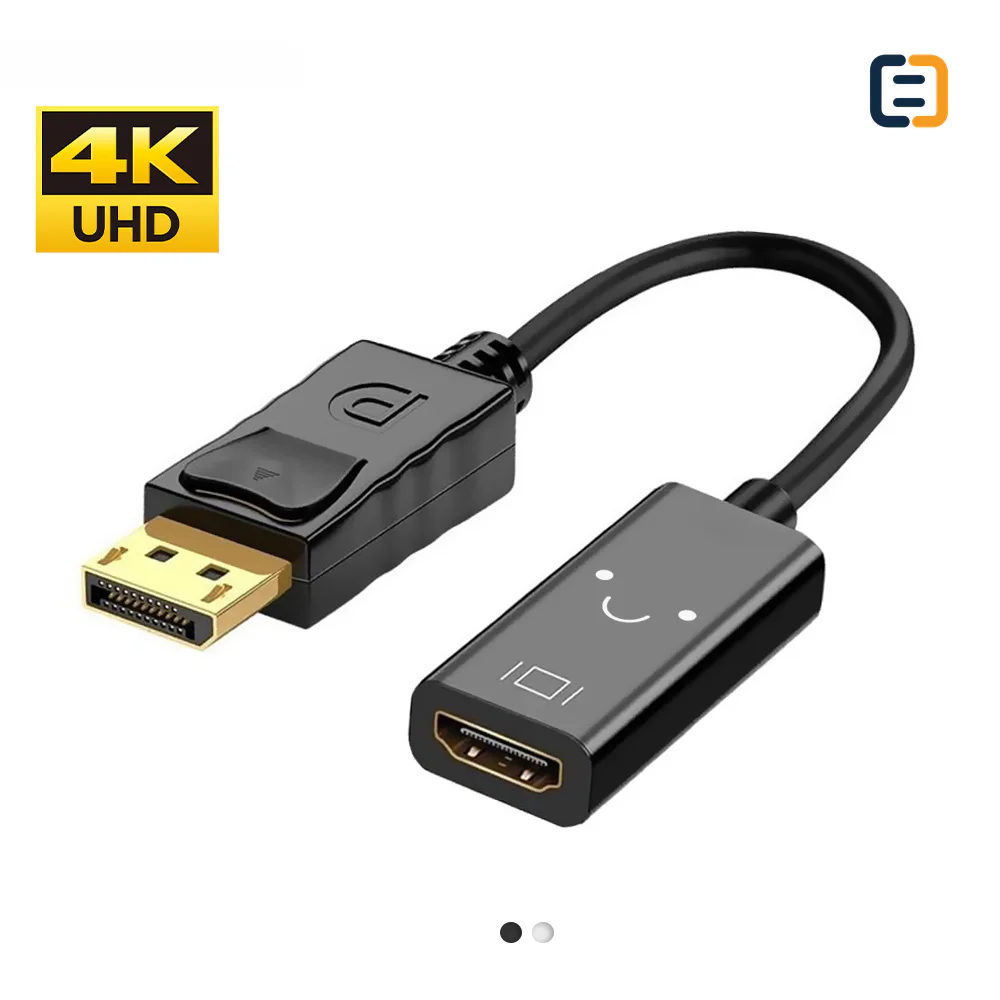
DisplayPort ConnectivitySC-A1-001
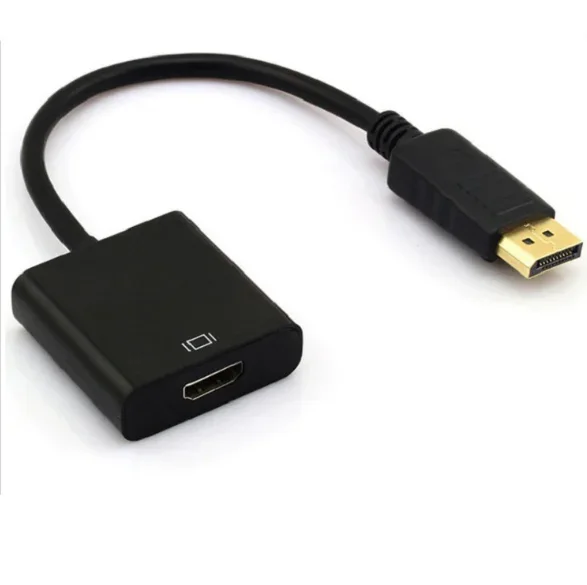
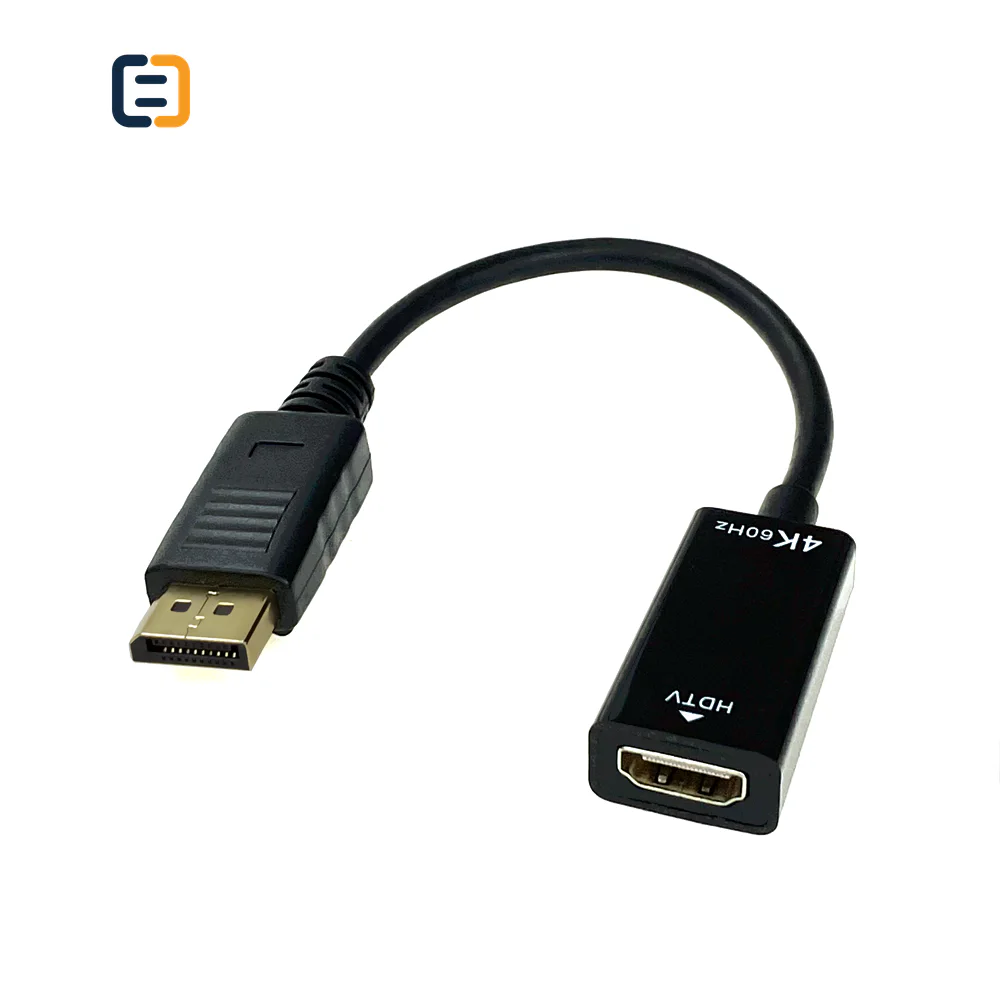
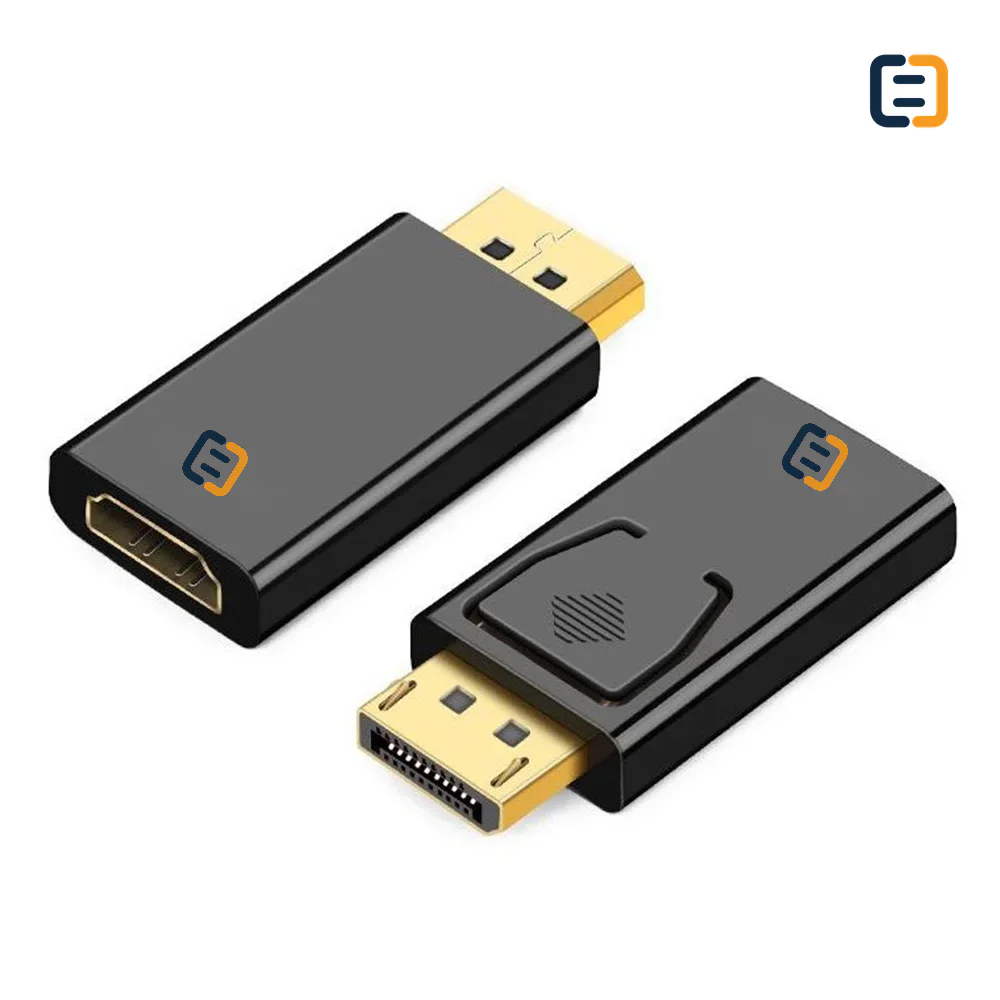
DP to HDMI Adapter - 4K 30Hz
- Input
- DP Male
- Output
- HDMI Female
Reference MOQ100 pcs
Compare DP and Mini DisplayPort routes with explicit performance, conversion and mechanical requirements for wholesale, project and OEM sourcing.

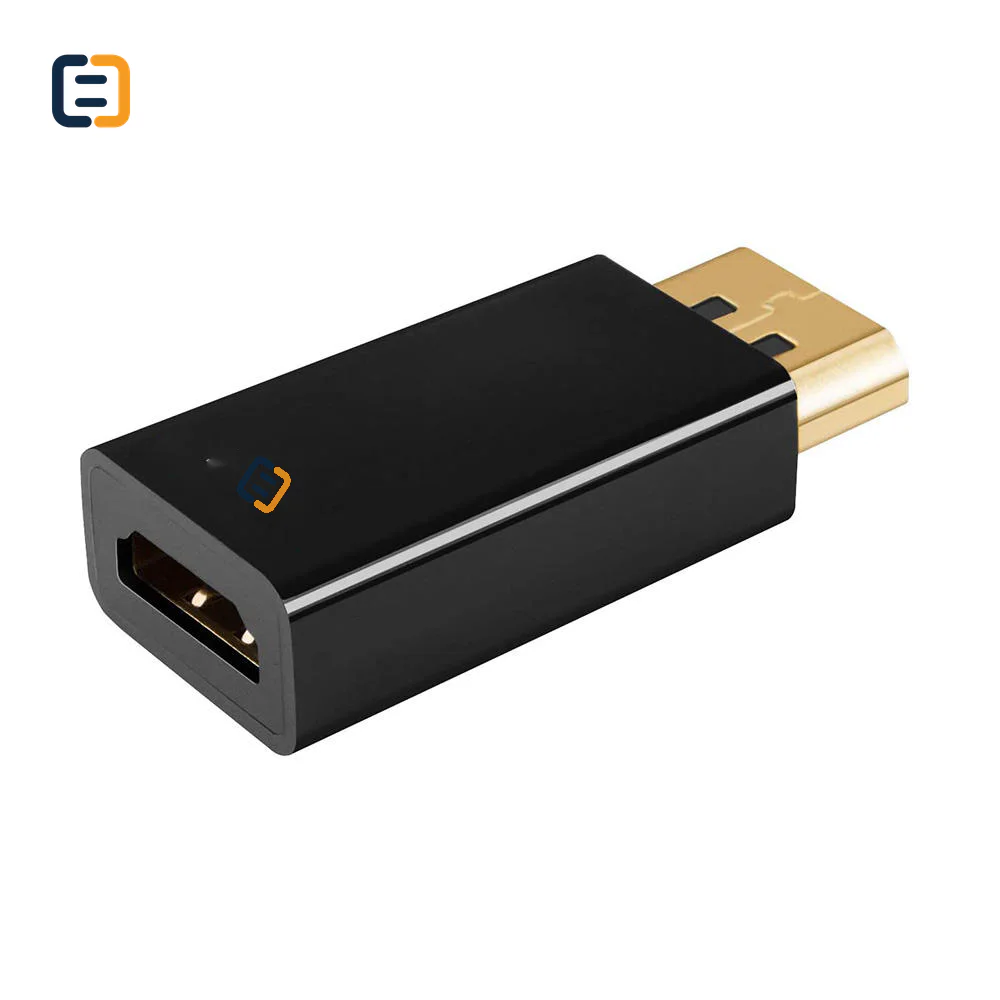
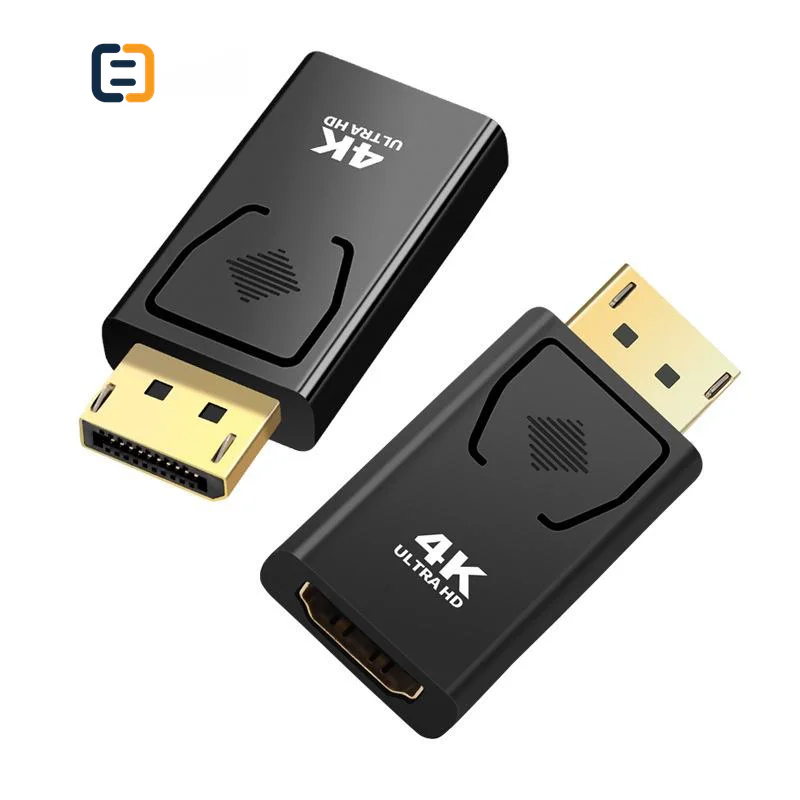
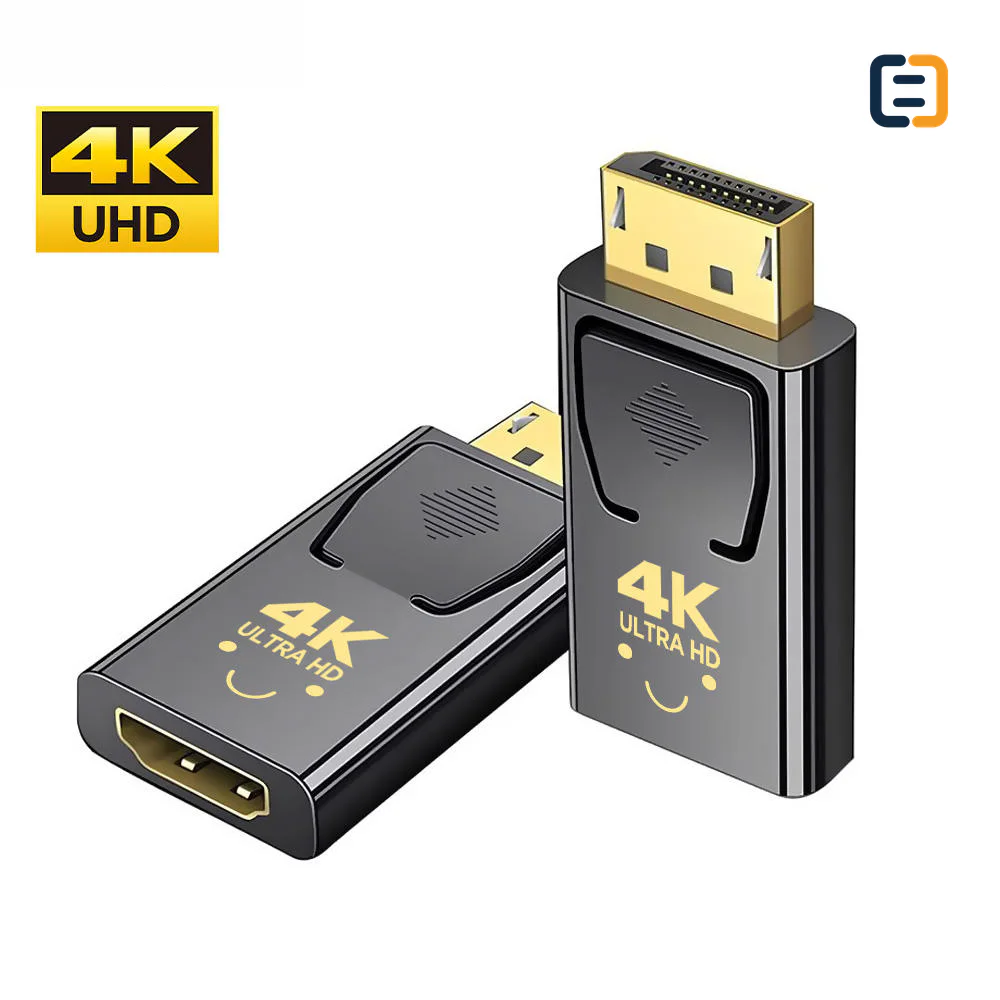
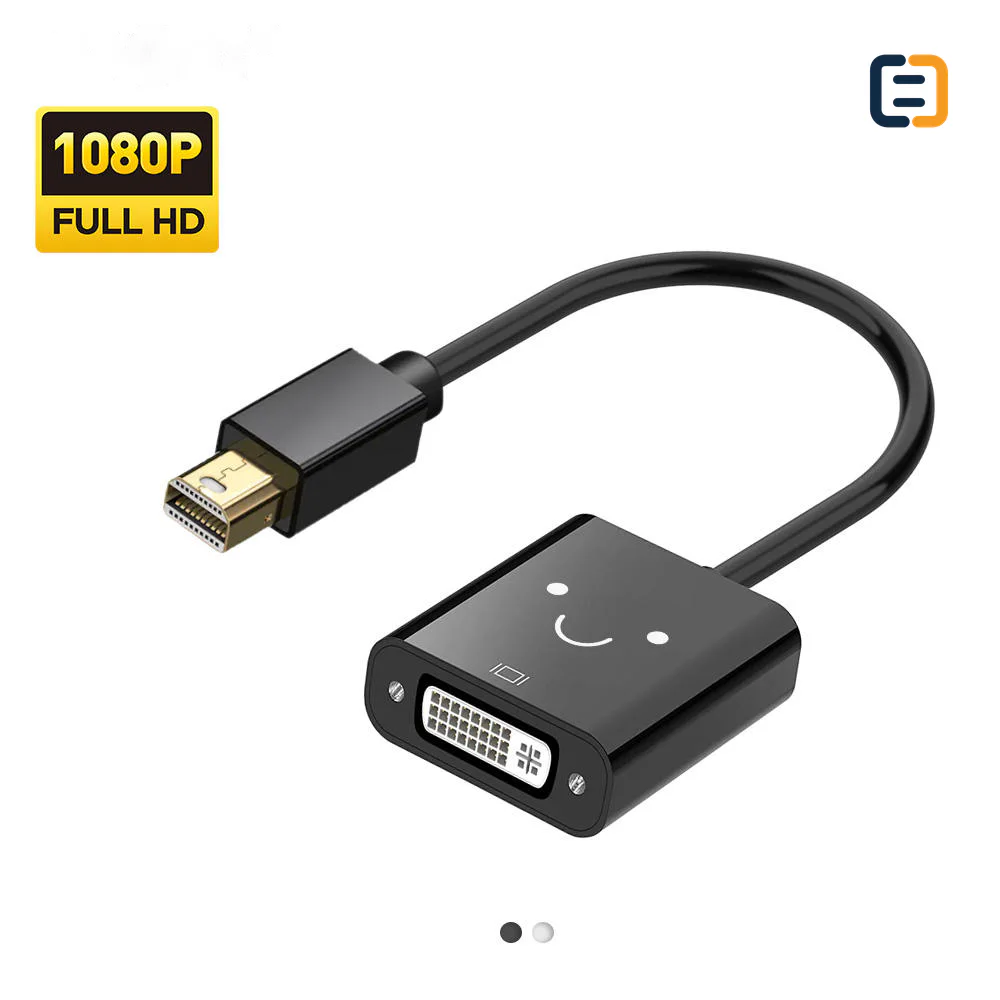
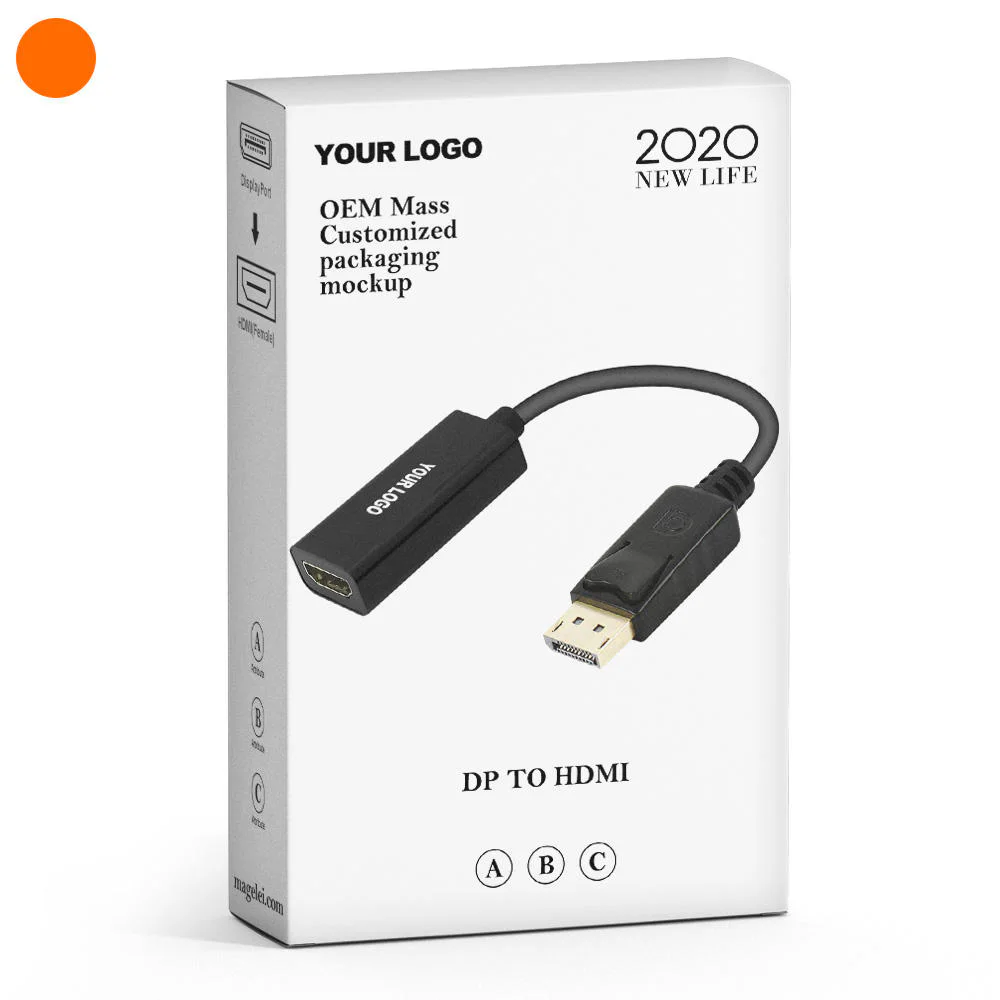
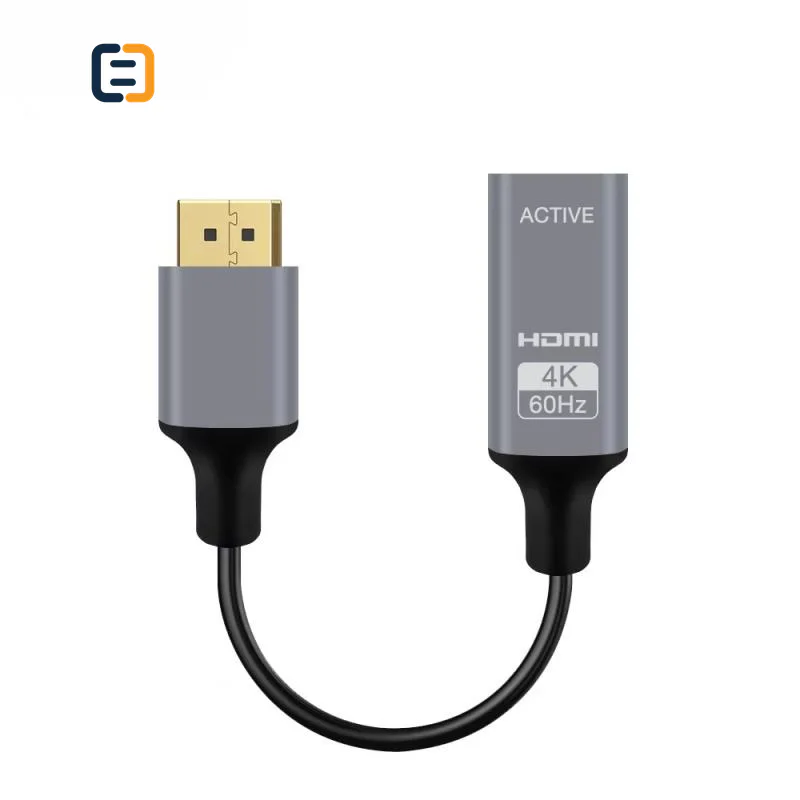
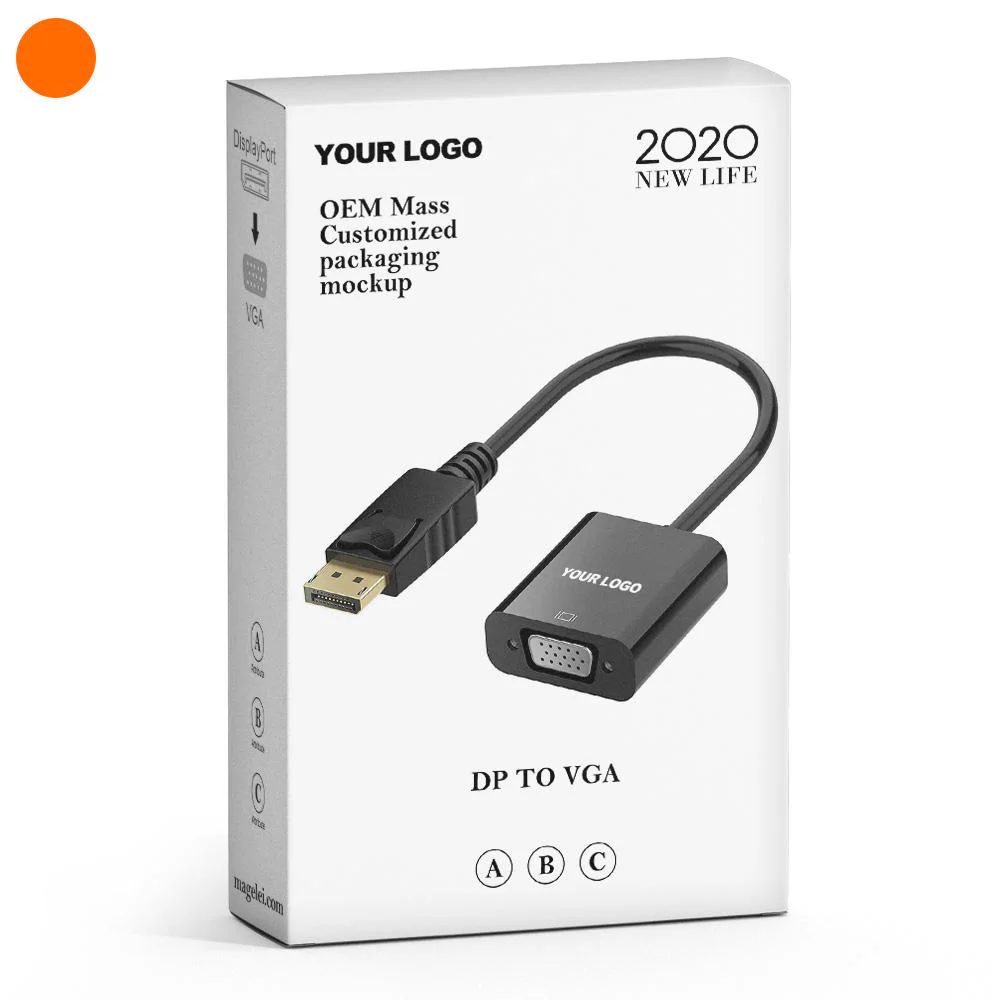
Every listed product remains available as a direct model page even when the visual catalog is paginated.
List the required variation, quantity, destination market and any evidence your buyer needs.
DisplayPort sourcing should define the DP or Mini DP ends, signal direction, version or performance target, cable length and connected equipment. Mixed-interface products are checked as a complete source-to-display route.
Use these routes to narrow the catalog. The final configuration is confirmed against the exact application and order.
Start with connector format, target link workload and finished length for desktop, display or equipment connections.
Filter relevant models02Confirm compact connector format, host capability and mechanical fit around the source device.
Filter relevant models03State source-to-display direction, active or passive conversion and the actual equipment pair before comparing adapters.
Filter relevant models04Review active or optical routes against direction, bend, installation and endpoint compatibility constraints.
Filter relevant modelsOpen a model page for its listed attributes, images and product-specific RFQ. These cards are starting points, not a claim that one model fits every route.
DisplayPort selection depends on link capability, cable or adapter direction and the complete GPU-to-display route. These are requirement checks, not unverified claims about every catalog model.
Use the tabs as an RFQ checklist. Listed catalog attributes remain reference data until the exact model and order are confirmed.
Version labels do not replace a defined resolution, refresh rate, color format and route.
DP, USB-C and HDMI combinations may depend on source capability and active electronics.
Latch design, shell dimensions and bend near the port affect real installations.
Ask what supports the exact configuration rather than treating a family label as universal proof.
Compatibility statements are meaningful only when tied to the final equipment, route, configuration and quoted model.
Plan model-specific evidenceUse the final application and quoted configuration. Keep the approved sample, result and open exceptions tied to the model and order.
 Packaging and identification planning
An OEM DisplayPort program needs more than a connector image. The product identity should preserve the approved link target, length, direction and mechanical design through labels and pack-out.
Choose DP or Mini DP, latch behavior and shell profile.
Set length, flexibility, jacket and installation limits.
Mark link target, direction where relevant, length and model.
Control coil, protection, insert, barcode and carton mix.
Final feasibility, MOQ, lead time and document availability are confirmed for the exact quotation.

One complete requirement brief gives engineering, purchasing and the supplier the same decisions to review.
Build a Requirement BriefUse these application planning scenarios to identify the equipment and acceptance conditions that belong in your RFQ.
Define GPU, monitor, resolution, refresh and multi-monitor behavior.
Check host capability, dock output and reconnect behavior together.
Control link workload, cable length and mechanical retention around fixed equipment.
Use a direction-specific conversion route between named source and display ports.
Certificate, report, drawing and catalog availability is checked by exact model, destination and order. These links are planning resources, not substitute evidence.
CoreCavo is operated by WUHAN SUNFULL. The public catalog organizes buyer requirements and model references; final specifications, commercial terms and applicable documents are confirmed through the exact quotation.
Map the DisplayPort interface, equipment, quantity and destination before selecting a route.
Separate listed attributes from compatibility, construction and document questions that need confirmation.
Use the quoted configuration, record results and retain open exceptions against the approved model.
Keep product code, labels, packaging and change-control requirements aligned through fulfillment.
Identify the source GPU, dock or workstation and the receiving monitor or equipment. State resolution, refresh rate, color depth, HDR and any adaptive-sync or audio requirement. For multi-monitor systems, add the number of active displays and how they are connected. This provides a measurable target. A broad version label may refer to component capability, marketing convention or a subset of modes; it does not by itself tell the supplier what the finished cable must sustain in the buyer's route.
Distinguish standard DisplayPort, Mini DisplayPort, USB-C and receiving formats such as HDMI, DVI or VGA. Write the source first and receiver second. Native DP-to-DP cables are normally straightforward, but mixed-interface routes may require source support or active conversion and may not work in reverse. If USB-C is involved, confirm that the host exposes the required video mode. Put direction into the quotation, product code and packaging so visually similar SKUs are not confused.
Link margin changes with construction and finished length. List each required length and quantity rather than approving one sample for an entire family by default. For long routes, clarify whether the proposal is passive copper, active copper or active optical and whether it is directional. Include conduit, pull and bend constraints. Ask what evidence applies to the exact model and length. If a supplier proposes different internal designs across lengths, treat them as related but distinct approval items.
For high-bandwidth requirements, ask for the operating modes supported by the exact cable and the evidence available for that configuration. A cable, connector or packaging label should not be treated as proof beyond the tested or documented scope. Where a named certification or program is required, verify model identity and public or supplied records. When formal evidence is unavailable, a documented application test can still inform approval, but it should be described accurately rather than presented as a certification.
DisplayPort adapters can depend on dual-mode source capability or use active electronics. Identify which approach is proposed, any auxiliary power and the supported direction. Test cold start, hot-plug, sleep/wake and display reconnect with the intended device pair. A converter that displays a desktop at one mode may not meet the required refresh, color or audio path. If the route feeds a capture device, splitter or AV receiver, include it in sample approval because negotiation can differ from a direct monitor connection.
Standard DP connectors may use a retention latch; some buyers prefer latch-free designs for frequent service or tightly packed equipment. Confirm the release method, adjacent-port clearance and connector-shell depth. Check cable stiffness near the port and the bend needed inside racks or behind displays. Mini DP and USB-C host ports deserve particular strain attention. Mechanical requirements should appear on drawings or sample records, not only in conversation, because a later shell substitution can change usability without changing the nominal electrical description.
Record source and display models, operating modes, cable code, length, firmware or dock context and test result. Include restart, reconnect and sustained-use checks appropriate to the application. Inspect labels, length, latch action, strain relief and packaging. For mixed-SKU programs, use the same result-sheet structure but keep data separate for each construction. Retain an approved sample and require disclosure when chipset, conductor route, connector shell or active module changes enough to affect the validated configuration.
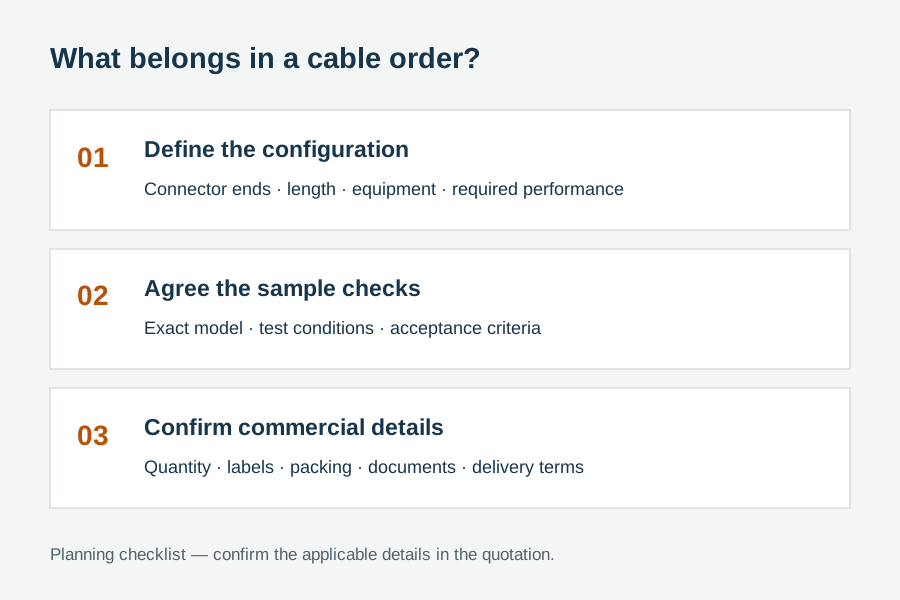
Provide quantities by length, source and display types, link workload, connector format, direction, latch preference, installation limits, branding, packaging, market and evidence needs. Identify non-negotiable points and acceptable alternatives. Ask suppliers to state active or passive construction, included accessories and any exception. This allows buyers to compare total suitability, not just a title and unit price, and gives engineering and purchasing a shared reference when the sample is approved.
When a display route fails, record whether the cause sits in the source, dock, adapter, cable, display setting or unsupported combination. This prevents one unsuccessful chain from becoming an inaccurate claim about every DP cable and prevents a successful easy mode from being treated as universal proof. A short troubleshooting record tied to equipment and operating mode improves supplier communication, replacement decisions and future page guidance without turning exceptions into vague marketing language.
Use these procurement priorities to compare the proposed model, approval conditions and repeat-order requirements.
Buyers need resolution, refresh, color and feature requirements rather than an unsupported version badge.
DP-to-HDMI and USB-C-to-DP routes should be named and labeled from the sending device to the receiver.
A connector that is difficult to release or too wide for adjacent ports creates service problems even when video works.
The sample, report and package code should identify the same construction and finished length used in the order.
Answers separate catalog references from decisions that require an exact route, model and RFQ.
List source and display devices, connector formats, direction, resolution, refresh rate, color or HDR needs, required features, each length and quantity, latch preference, installation constraints, packaging and evidence requirements. For mixed-interface adapters, state whether active conversion or auxiliary power is acceptable. This gives the supplier a route to quote rather than only a version label.
No. Buyers should define the actual operating workload and ask what supports the exact model and length. Version language can be used inconsistently and does not describe source capability, cable construction or the receiving display. Approval should reproduce the required resolution, refresh, color and feature set in a representative equipment chain.
Many are not. Direction and conversion type depend on the sending port, source capability and any active electronics. Write the route from source to display, then test with the intended device pair. A product that converts DP source to HDMI display should not be assumed to support an HDMI source feeding a DP monitor.
Review distance, link workload, conduit, bend limits, connector protection, direction and service access. Passive, active copper and optical routes have different constraints. The proposed construction should be stated in the quotation and validated at the quoted length with intended equipment before the bulk order is released.
The choice depends on retention needs, service frequency, port density and access. Latches can resist accidental disconnects, while latch-free designs may be easier in tight racks or frequently changed setups. Approve the actual shell, release action, adjacent-port clearance and cable bend rather than treating latch style as a cosmetic detail.
Match any report, certificate or declaration to the exact brand, model, construction and applicable length. Do not infer that every visually similar cable shares the same status. Where formal evidence is not required, keep a documented application test with named equipment and modes. The claim on the order should not exceed the evidence actually reviewed.
Model labels, length marks, barcodes, inserts and packaging may be reviewed for suitable quantities. Direction and latch or installation instructions should remain clear after branding. Final feasibility, MOQ and lead time depend on the selected construction, number of lengths, artwork and pack-out, and are confirmed after the complete brief is reviewed.
Move from product comparison to compatibility, custom construction and required documents without restarting the sourcing process.
Include model codes where known, or describe the interface, equipment, length, quantity, destination, packaging and evidence requirements.