AV Distribution & ExtensionSC-DVC-003
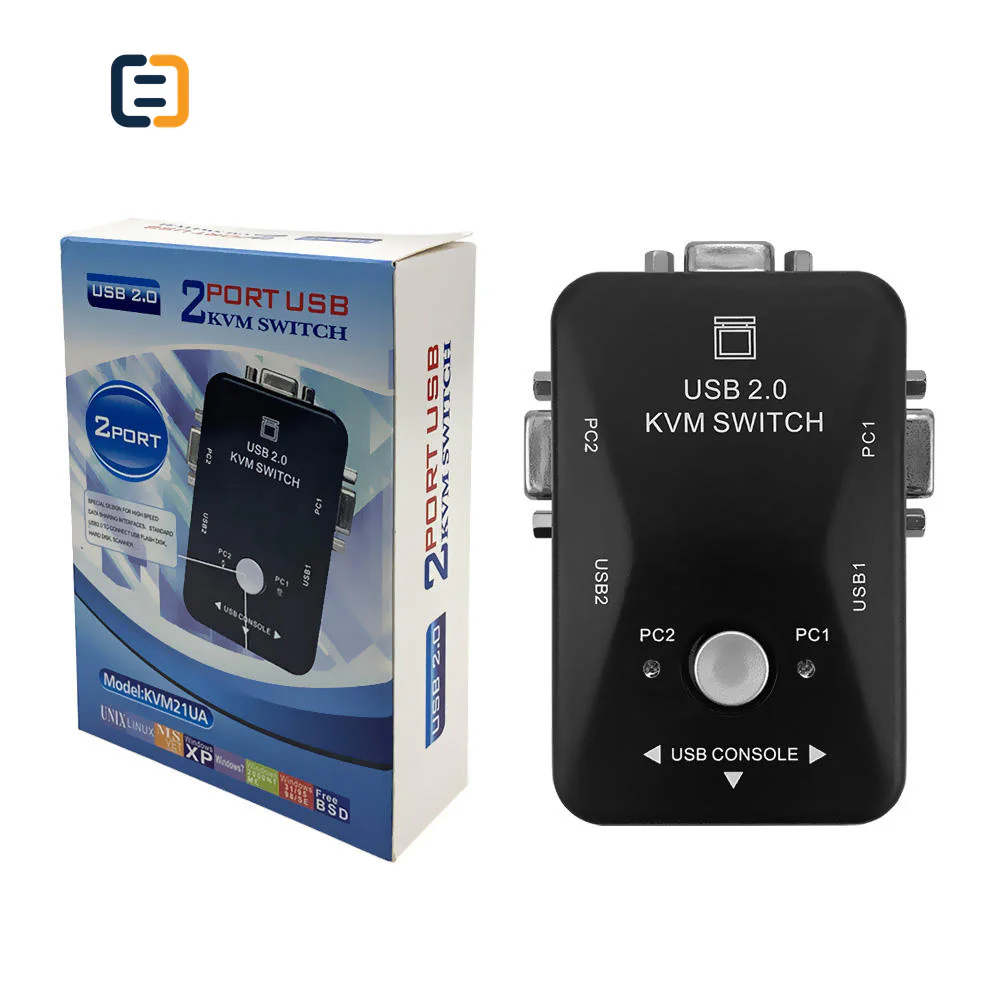
2 Port KVM Switch - Up to 1080P
- Resolution
- Up to 1080P
- Material
- ABS
Reference MOQ100 pcs
Map every input, output, distance, control path and acceptance condition before selecting splitters, switches, extenders or KVM equipment.

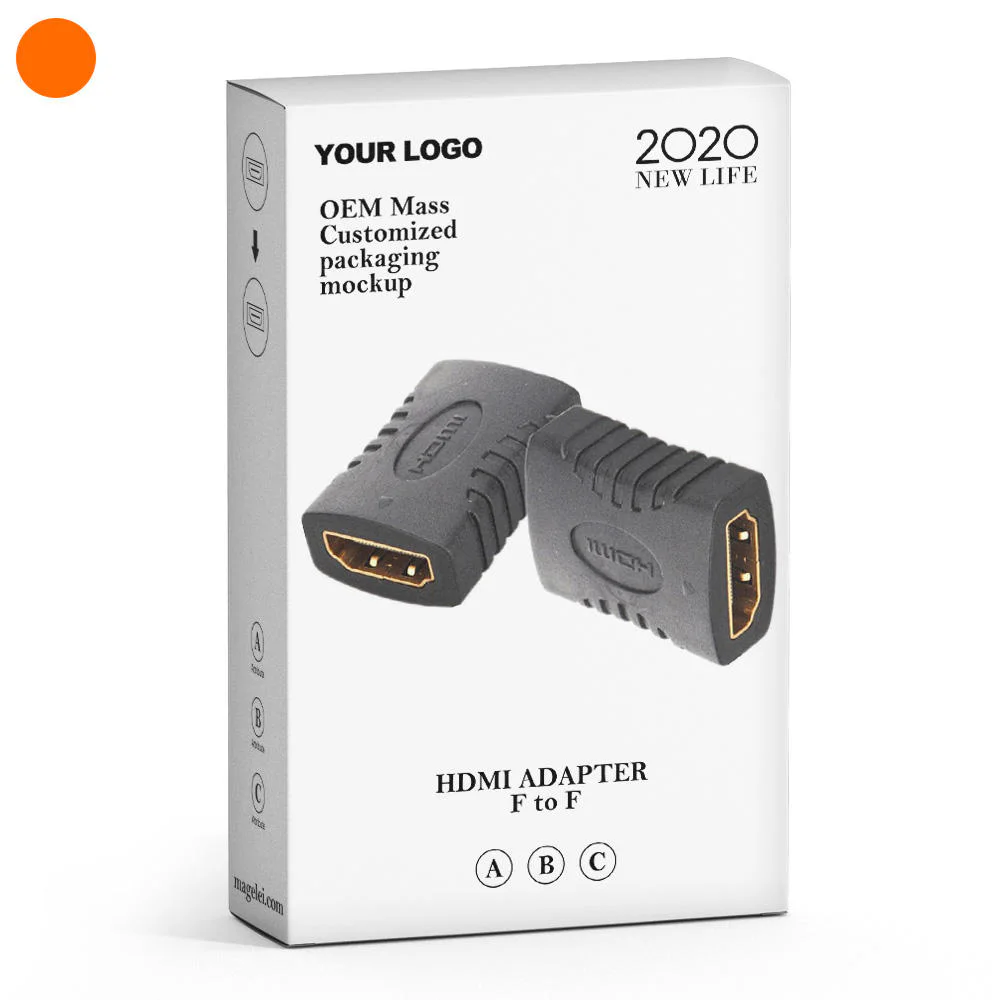
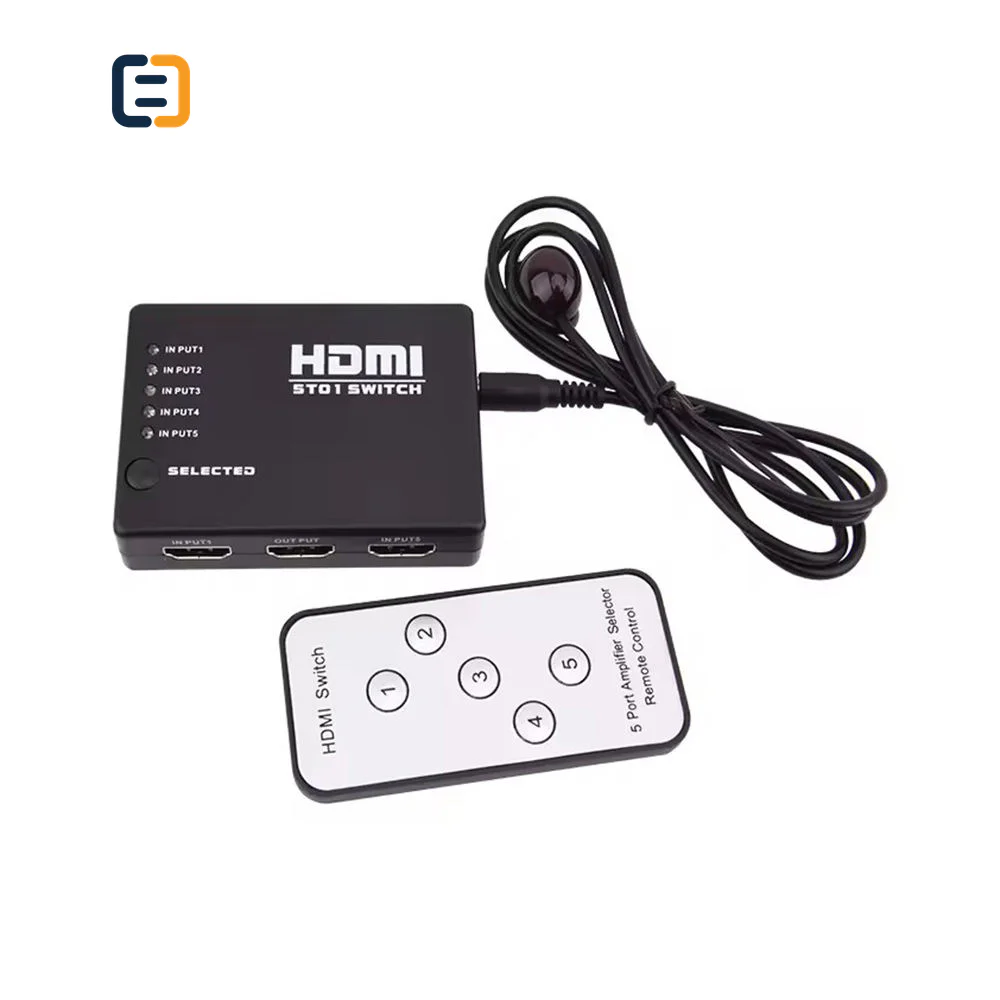
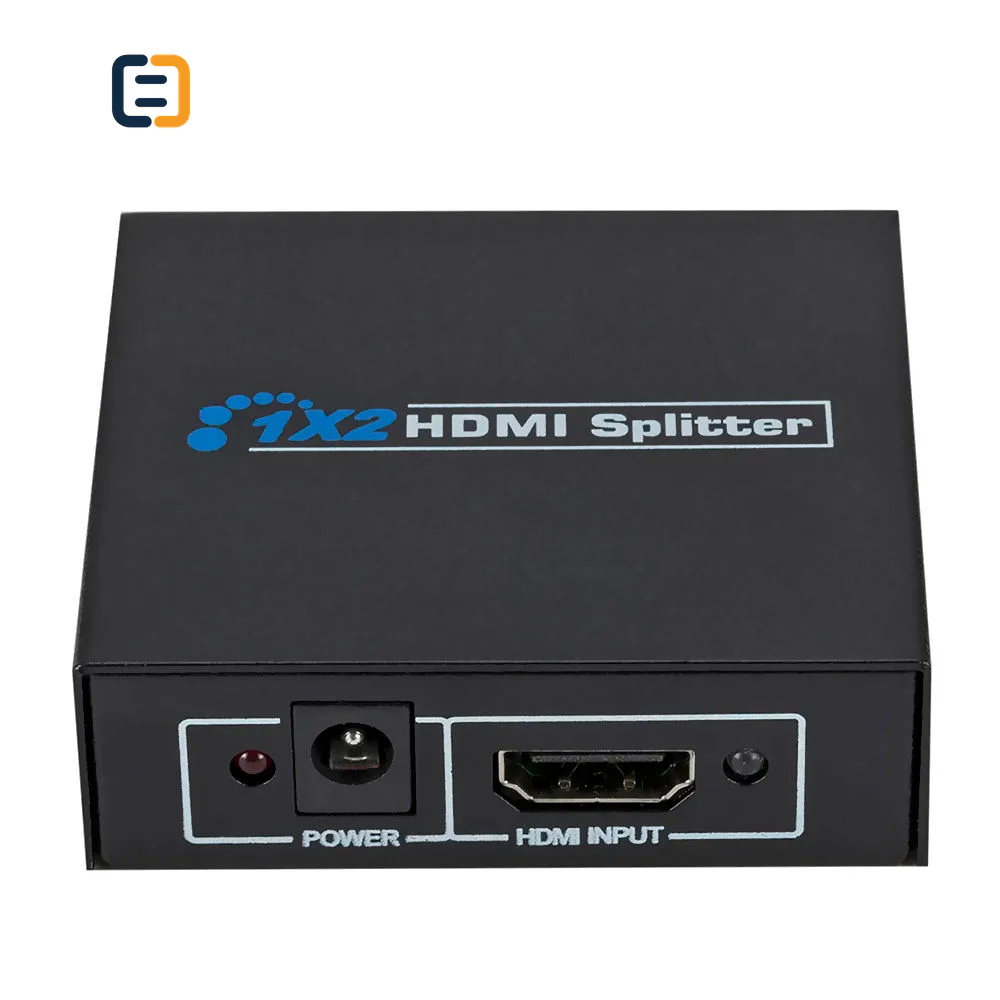
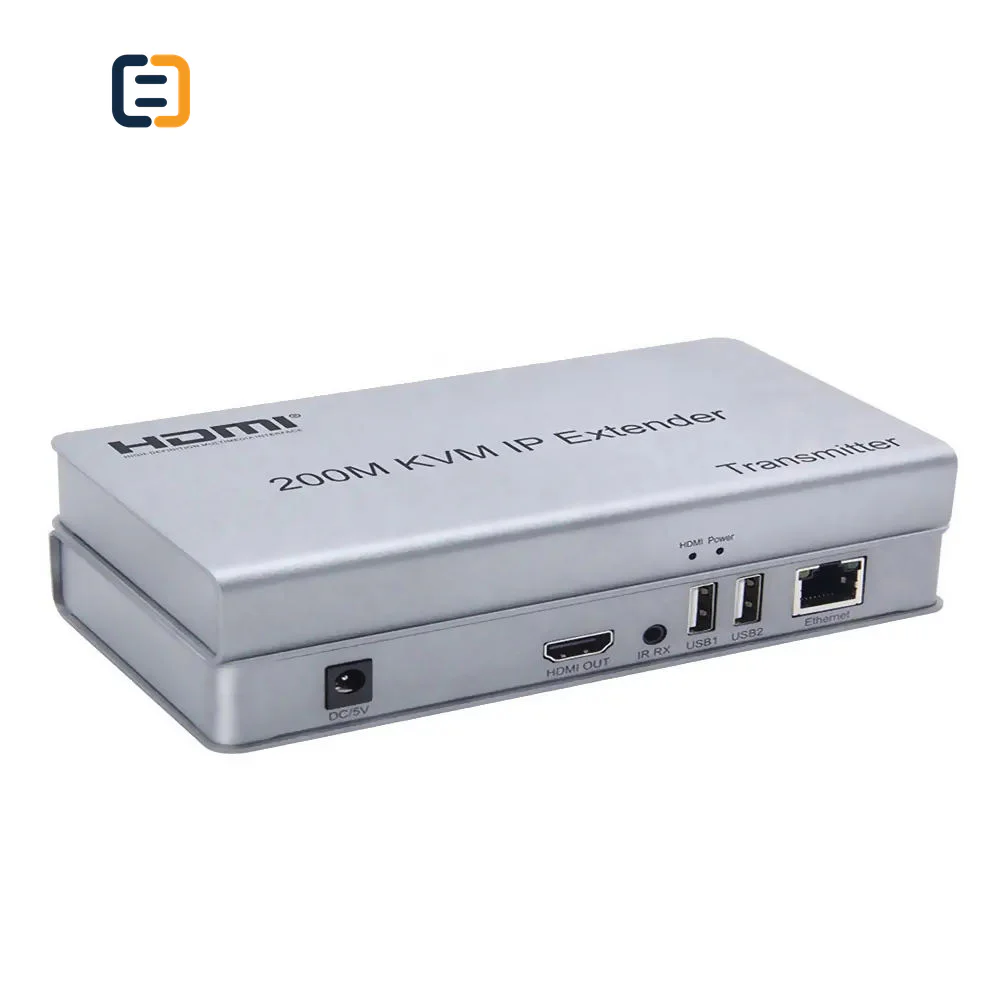
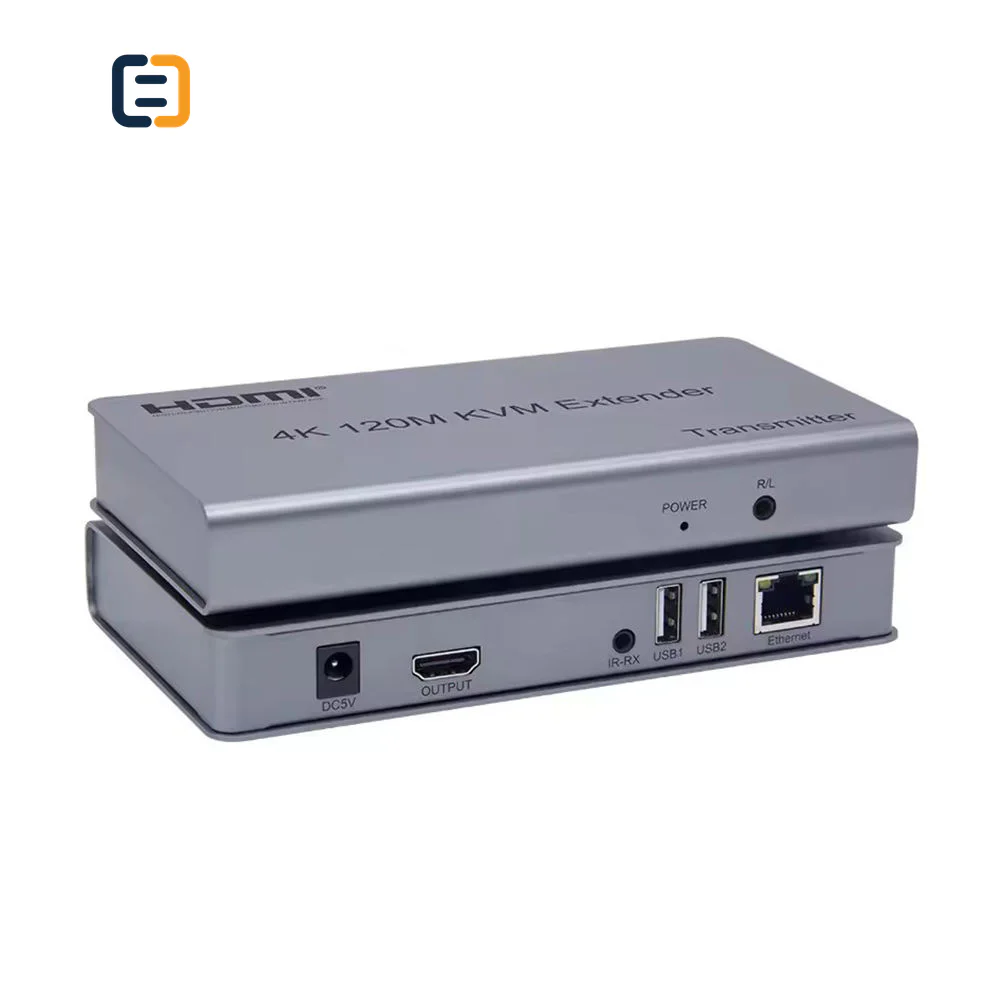
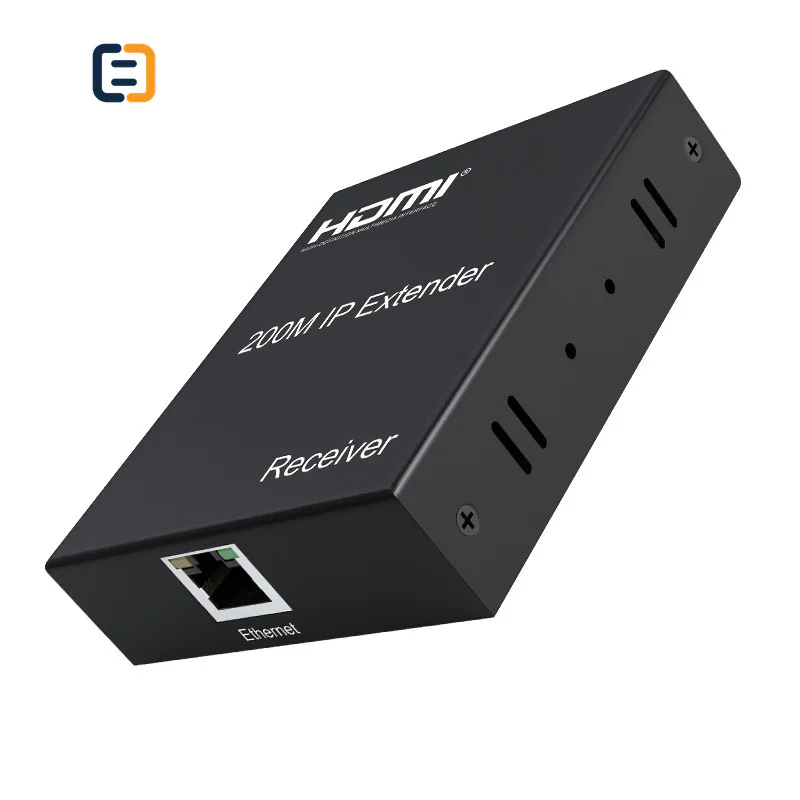
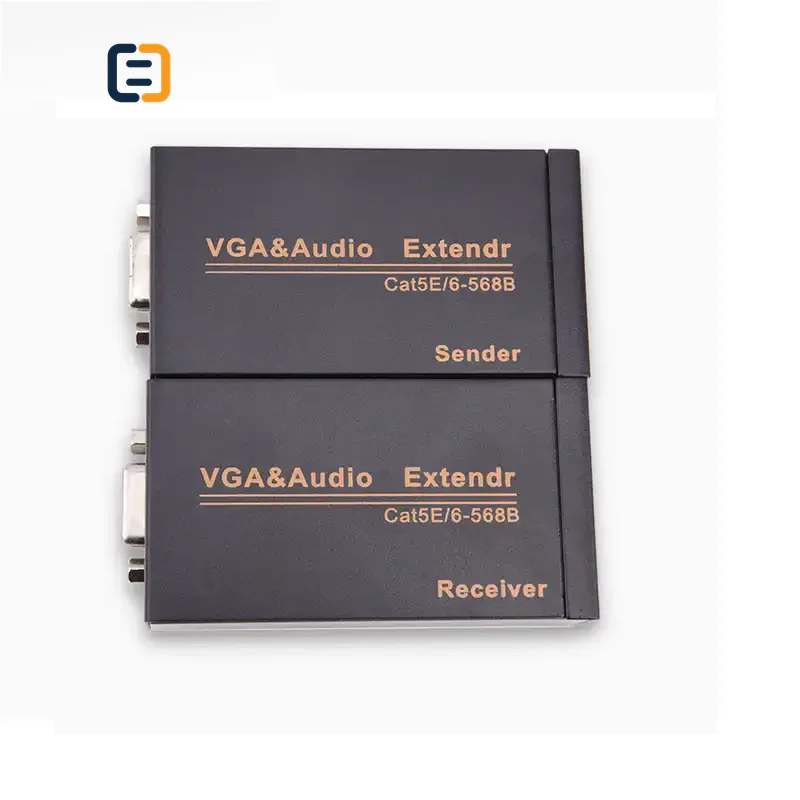
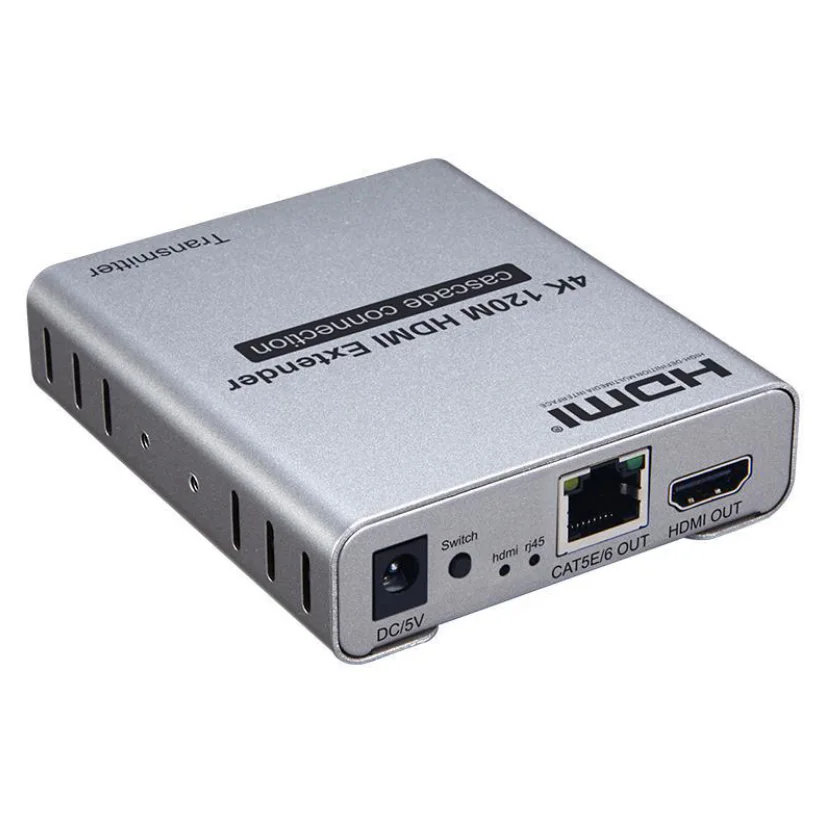
Every listed product remains available as a direct model page even when the visual catalog is paginated.
List the required variation, quantity, destination market and any evidence your buyer needs.
AV distribution products are application-specific. Confirm input and output counts, signal format, transmission distance, cable infrastructure, control method and target resolution before quotation.
Use these routes to narrow the catalog. The final configuration is confirmed against the exact application and order.
Define output count, simultaneous display modes and how mixed display capabilities should be handled.
Filter relevant models02State input count, switching method, control interface and acceptable transition behavior.
Filter relevant models03Match distance and infrastructure to HDMI, category cable, fiber or network-based transmission.
Filter relevant models04List keyboard, mouse, touch, storage or other peripherals and the required responsiveness.
Filter relevant modelsOpen a model page for its listed attributes, images and product-specific RFQ. These cards are starting points, not a claim that one model fits every route.
Treat a splitter, switch, extender or KVM as a system component rather than an isolated connector product. These are requirement checks, not unverified claims about every catalog model.
Use the tabs as an RFQ checklist. Listed catalog attributes remain reference data until the exact model and order are confirmed.
A diagram with named endpoints prevents port-count and simultaneous-use assumptions.
Distance claims only make sense with the actual cable or network medium and signal workload.
List every control path and USB device rather than treating KVM or remote control as one generic feature.
Commissioning should reproduce the combinations buyers will use, including failure recovery.
Compatibility statements are meaningful only when tied to the final equipment, route, configuration and quoted model.
Plan model-specific evidenceUse the final application and quoted configuration. Keep the approved sample, result and open exceptions tied to the model and order.
 Packaging and identification planning
An AV unit is only usable when the correct power supplies, mounting parts, transmitters, receivers and control accessories arrive with a topology that the installer can follow.
Control model, port labels and transmitter/receiver identity.
List power units, remotes, brackets and cables per set.
Include topology, connection order and control notes.
Group complete sets or label units by room and endpoint.
Final feasibility, MOQ, lead time and document availability are confirmed for the exact quotation.

One complete requirement brief gives engineering, purchasing and the supplier the same decisions to review.
Build a Requirement BriefUse these application planning scenarios to identify the equipment and acceptance conditions that belong in your RFQ.
Coordinate switching, display, audio and user reconnect behavior.
Plan distribution count, cable infrastructure and service replacement paths.
Define simultaneous views, control method and recovery expectations.
Validate video plus each required USB peripheral over the full route.
Certificate, report, drawing and catalog availability is checked by exact model, destination and order. These links are planning resources, not substitute evidence.
CoreCavo is operated by WUHAN SUNFULL. The public catalog organizes buyer requirements and model references; final specifications, commercial terms and applicable documents are confirmed through the exact quotation.
Map the AV Distribution interface, equipment, quantity and destination before selecting a route.
Separate listed attributes from compatibility, construction and document questions that need confirmation.
Use the quoted configuration, record results and retain open exceptions against the approved model.
Keep product code, labels, packaging and change-control requirements aligned through fulfillment.
List every source and every receiving display, then draw the intended connections in order. Show which outputs operate at the same time, which sources can be selected and whether future ports are reserved. This exposes requirements that a phrase such as ‘four-port splitter’ hides. If rooms or displays have different capabilities, identify those groups. The map becomes the reference for quotation, accessory counting, installation labels and acceptance testing, so keep endpoint names stable across drawings and purchase documents.
State the highest required resolution, refresh rate, color format, HDR and audio mode for each endpoint group. For mirrored systems, decide whether all outputs must follow a common mode or whether scaling is required. Add any capture, recording or audio extraction path. EDID and content-protection behavior can change when several displays are connected, so suppliers need the complete combination rather than a single display specification. Mark optional targets separately from must-pass modes to keep alternatives comparable.
Measure the installed route including patch panels, service loops and vertical runs. State whether the available medium is direct HDMI, category cable, fiber or an IP network, and include connector or conduit constraints. A distance headline is not enough because performance depends on signal mode, cable type and environment. For networked distribution, add switch capacity, VLAN or multicast rules and management expectations. For point-to-point extension, name the cable category, termination plan and power locations at both ends.
An extender set may include a transmitter, receiver, two power units, mounting parts, IR leads and patch cables; another design may power one endpoint remotely. A switch can require a remote, rack ears or control lead. Build a per-set BOM and multiply it by the topology. Identify where power outlets exist and which units must recover automatically after an outage. Packaging should keep complete sets together or label parts by room so installers are not sorting anonymous accessories on site.
Do not write only ‘remote control’ or ‘KVM.’ Name buttons, IR, serial, web, network or automatic switching behavior. For KVM, list every peripheral class: keyboard, mouse, touch panel, storage, camera, audio interface or specialist USB device. Responsiveness and compatibility requirements differ. If remote USB devices draw significant power, state that workload. Approval should test the real peripheral mix and switching sequence, not only a basic keyboard and mouse if the project needs more.
System complaints often occur during source changes, display power cycles or reconnection. Include cold start, source switching, display replacement and partial power loss in the acceptance matrix. Record any required startup sequence or persistent setting. Where EDID management or scaling is configurable, agree the project setting and how it will be restored. The goal is not to eliminate every exception in advance but to make expected behavior and support steps clear enough that commissioning does not depend on trial and error.
Create rows for source groups and columns for display, audio, USB and control outcomes. Test the highest required mode, simultaneous outputs and representative mixed-display combinations. Note cable medium, distance, firmware and settings. Repeat the key checks after power cycling. For larger projects, approve one complete pilot route before releasing all units. Retain the matrix with the exact model and accessory BOM so incoming inspection and field support can distinguish a product problem from an installation or configuration difference.
Send the topology, quantities, endpoint models, operating modes, distance and infrastructure, control and USB requirements, mounting environment, power locations, accessory BOM, labeling and destination market. Ask the quotation to identify every included part and any assumption. Separate hardware pricing from optional accessories or configuration work where useful. Define sample or pilot quantity, acceptance owner and change-control expectations. This lets suppliers quote the same system rather than different interpretations of a short product name.
Use these procurement priorities to compare the proposed model, approval conditions and repeat-order requirements.
Procurement needs a port-by-port route that links every quoted device, cable and accessory to the intended endpoint.
The acceptance plan should say how resolution, EDID and content protection behave when different displays are online together.
Missing power units, brackets, patch leads or transmitter/receiver labels create site delays even when the main hardware is correct.
Buyers need defined behavior after power loss, reconnect or source switching, with settings and exceptions recorded for support.
Answers separate catalog references from decisions that require an exact route, model and RFQ.
Provide an input-to-output topology, simultaneous-use rules, source and display models, required video and audio modes, transmission medium and distance, control method, USB peripherals, power locations and mounting environment. Add quantity, accessory BOM, labels, packaging and acceptance checks. Port count alone is not enough to quote a repeatable system.
Displays may advertise different capabilities, and the source, splitter and displays must negotiate a usable mode and content-protection path. Define whether all outputs should use a common mode or whether scaling or EDID management is required. Test the real display groups together because a one-display demonstration does not reproduce the mixed system.
Use the installed route length, including patching and service loops, then name the transport medium and target video mode. Add cable category, fiber type, conduit or bend constraints and power availability. Distance figures are conditional; approve the proposed model over representative infrastructure rather than comparing headline numbers alone.
List each USB peripheral type and model, not only keyboard and mouse. Test video, control and all peripherals together over the full route, including reconnect, switching and power-cycle behavior. Storage, touch, cameras and specialist devices can behave differently, so any exception should be documented before bulk order.
Set packing can reduce sorting errors when every set has a fixed transmitter, receiver, power unit and accessory group. For project deployment, room or endpoint labels may be more useful. Choose the method that matches installation workflow and verify the per-set BOM, model labels and carton quantities during sample approval.
Build one representative pilot route with intended sources, displays, cables, control and USB devices. Run the acceptance matrix, power-cycle and reconnect checks, then record firmware, settings, accessory BOM and exceptions. Release the larger quantity only after the approved configuration is stable and any project-specific instructions are fixed.
Chassis marks, labels, packaging and instructions may be reviewed for suitable quantities, but technical configuration and compliance applicability must be confirmed first. Keep transmitter and receiver identity, port labels, power ratings and model codes clear after branding. Final options, MOQ and lead time follow the complete hardware and documentation review.
Move from product comparison to compatibility, custom construction and required documents without restarting the sourcing process.
Include model codes where known, or describe the interface, equipment, length, quantity, destination, packaging and evidence requirements.