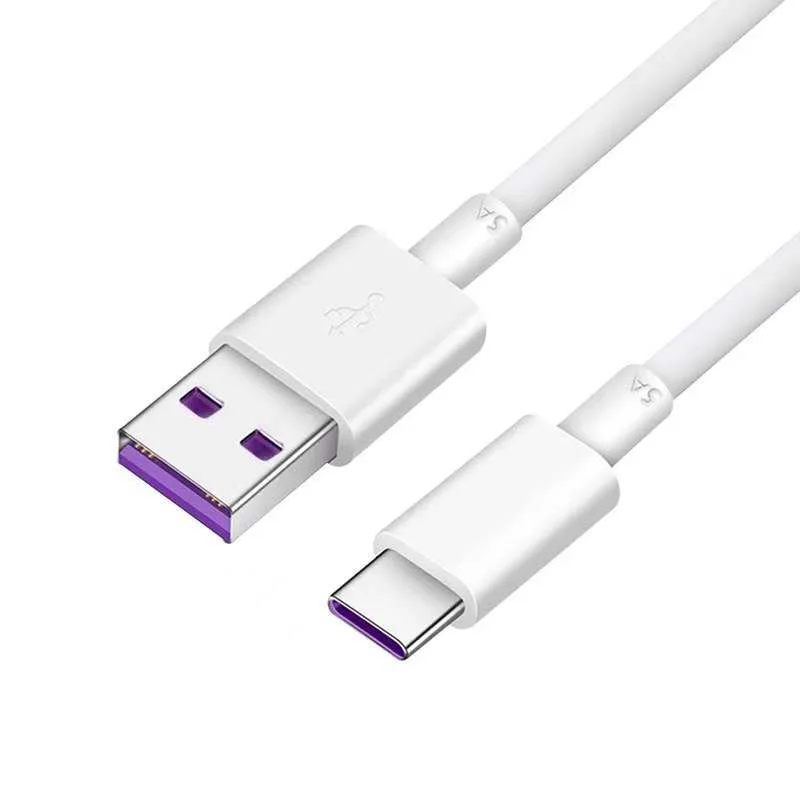
Specify USB-C by connector, data, power, video and evidence.
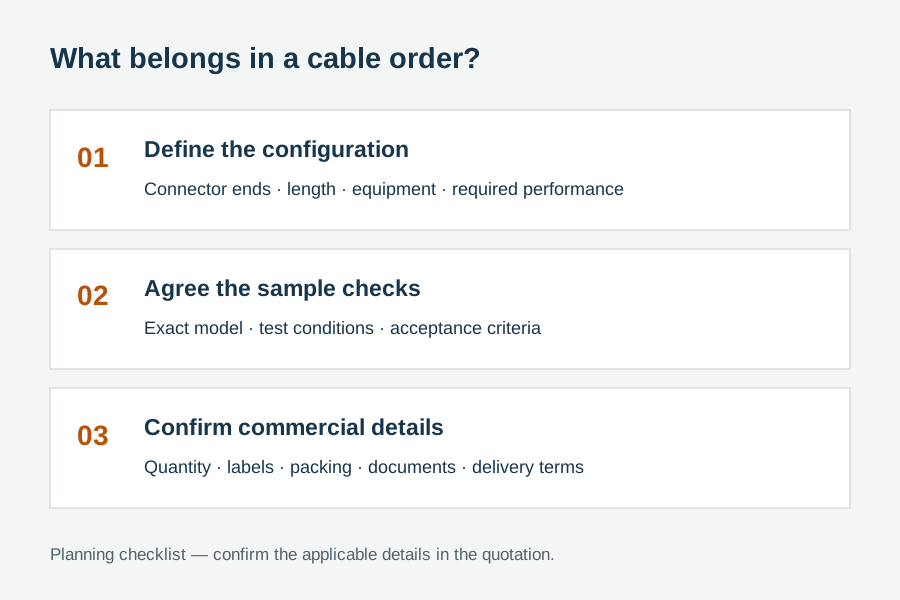
An RFQ that says only "USB-C cable" is incomplete. State both connector ends, required data rate, required power level, whether the system needs video or docking, cable length, active or passive construction, quantity and the exact compliance evidence required.
This guide covers detachable USB cable assemblies for B2B sourcing. It does not certify a charger, host, device, captive cable or complete system. USB-IF notes that cable certification does not add capabilities to connected products.
Five compatibility layers to define before quotation
Compare USB-C cable types by required function
Buyers comparing USB C cable types should first separate basic data and charging, high-performance data, and high-power or dock routes.
Use when high data rate or video is not required.
Still define both connector ends, length, current / power target and the connected device environment.
Use when transfer speed is a primary requirement.
Specify the required USB data rate, cable length, active or passive route, target hosts and test evidence.
Use when power, video and data must work together.
Define charger, host, dock and display behavior. Confirm cable power marking and system capability separately.
The charger, device, cable and USB Power Delivery negotiation must all support the intended power. Likewise, a high-data-rate cable does not add video support to a host port that lacks the required mode.
Marking and certification are capability-specific
USB-IF requires USB-C to USB-C cable categories in its compliance program to carry the appropriate 60W or 240W power marking. Except for High-Speed USB 2.0 USB-C to USB-C cables, the supported data rate must also be marked for the certification route.
Commercial use of certified USB logos requires the applicable USB-IF trademark agreement and a qualifying product. Do not request or print a logo as a generic packaging decoration.
USB-C OEM cable RFQ checklist
USB-C procurement questions
Do two USB-C connectors guarantee the same performance?
No. Connector shape is only one part of the assembly. Data, power, video and active electronics can differ.
Does a 240W-marked cable guarantee 240W charging?
No. The charger, device and Power Delivery negotiation must also support the target. The marking communicates cable power capability.
Does a certified cable certify the connected product?
No. USB-IF states that cable certification does not eliminate product certification needs or increase the capabilities of connected products.
Send the connected devices, data rate and power target.
WUHAN SUNFULL will turn those inputs into a model-level USB-C cable review, including open compatibility, construction and evidence questions.
Sources, methodology and responsibility
Capability and certification statements are based on public USB Implementers Forum material. The RFQ checklist is WUHAN SUNFULL's procurement-oriented interpretation and must be checked against the current specification and exact product route.
- USB-IF: Cables and Connectors
- USB-IF: USB Power Delivery
- USB-IF: USB Type-C Cable and Connector Specification
- USB-IF: Logo License and Usage Requirements