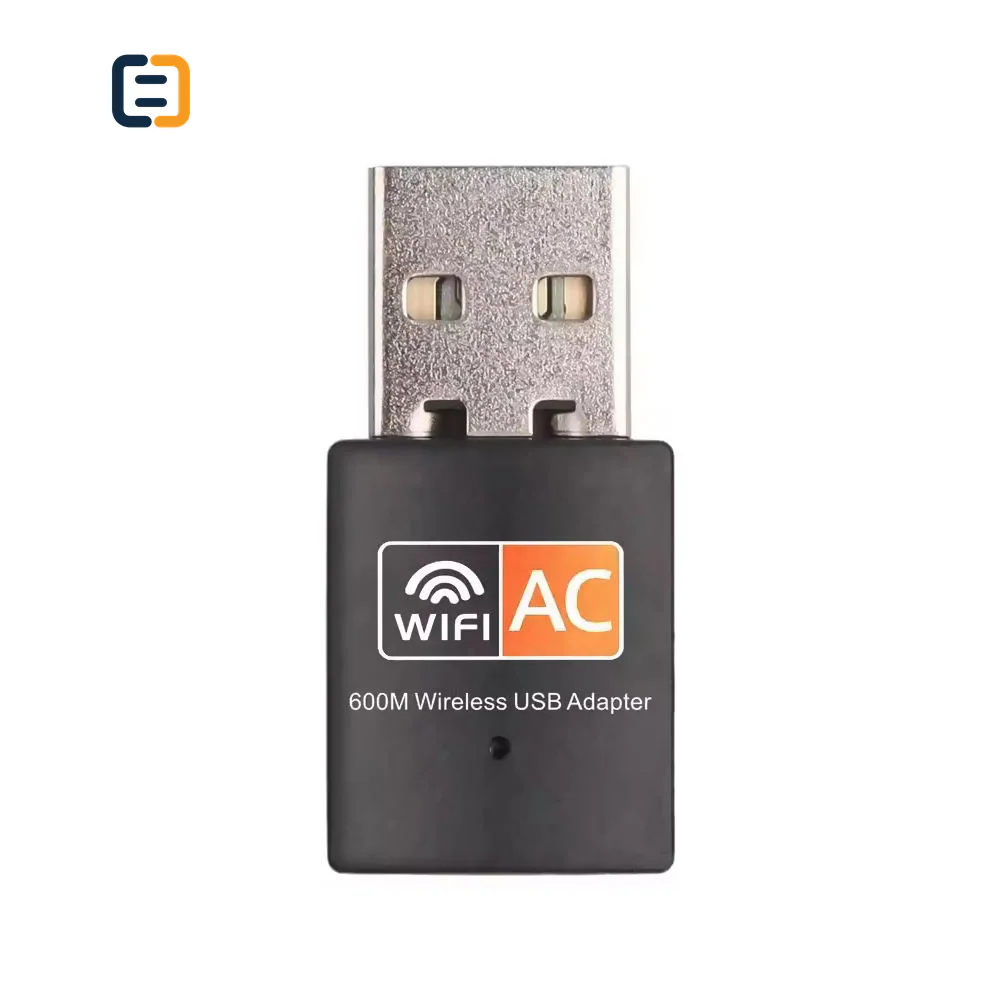
USB Hubs & AdaptersSC-B1-001
AC600 USB Wi-Fi Adapter for PC
- Product
- USB WIFI 600M
- Style
- External
Reference MOQ100 pcs
Define host capability, active ports, display modes, power budget, operating systems and peripherals before comparing a USB hub or dock model.

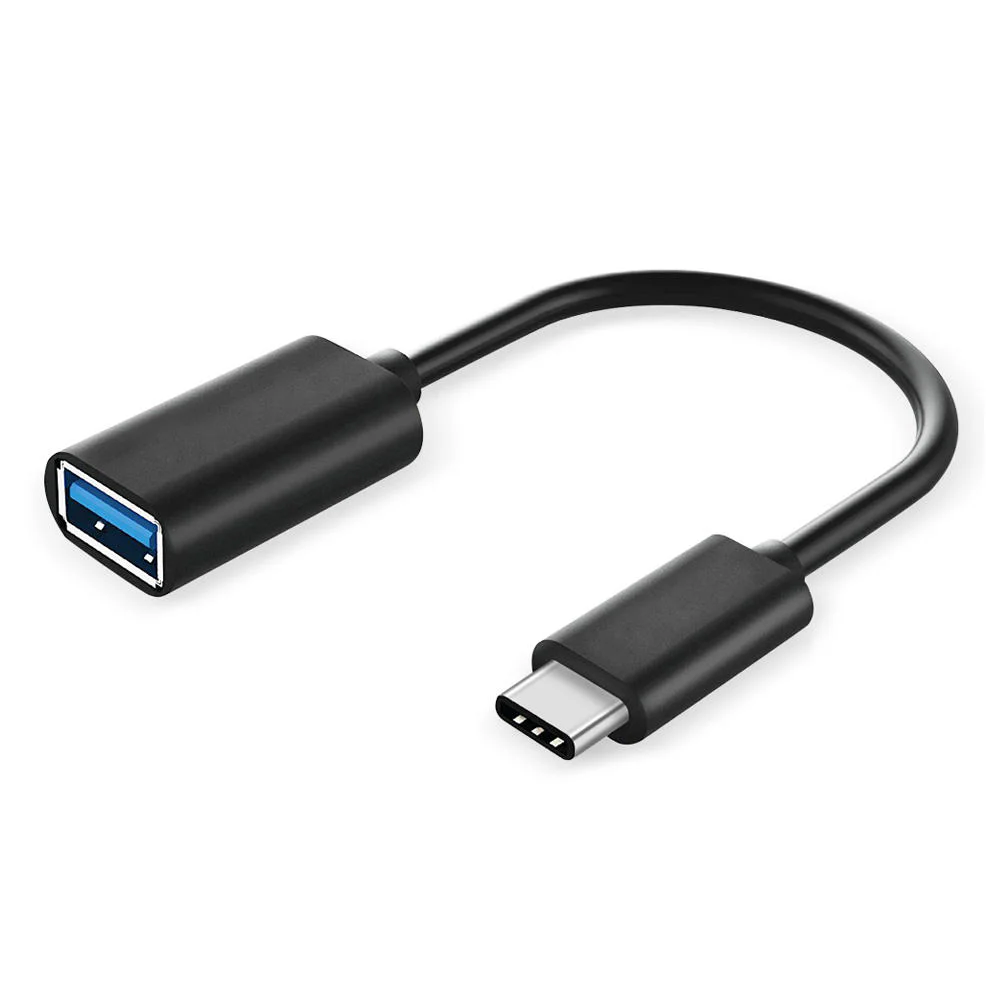
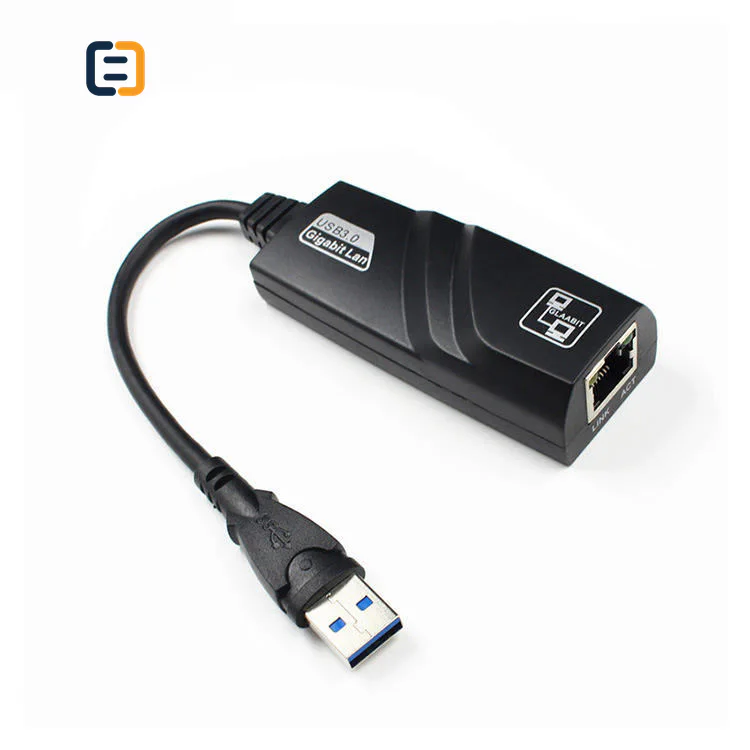
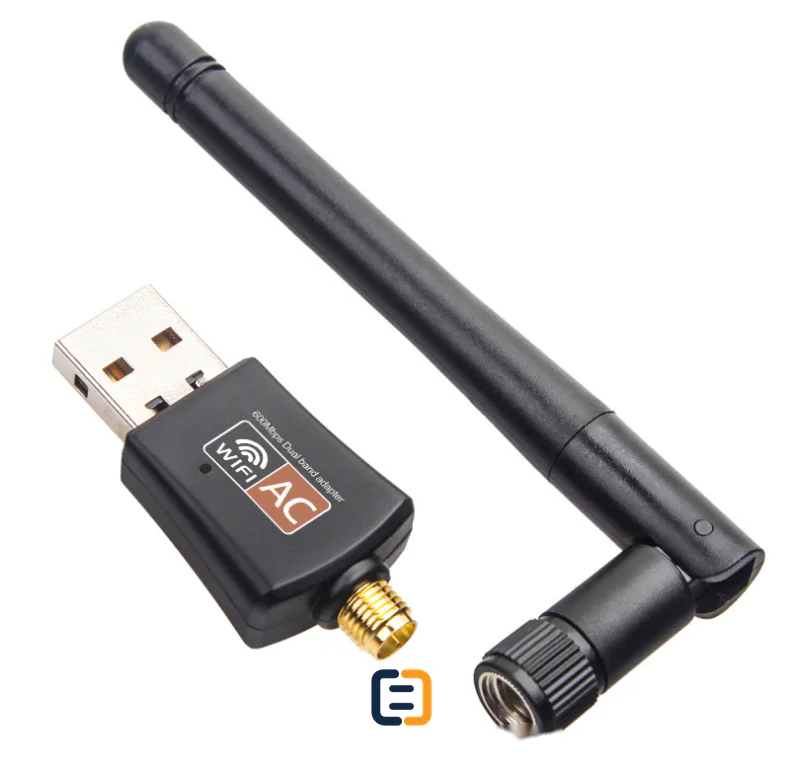
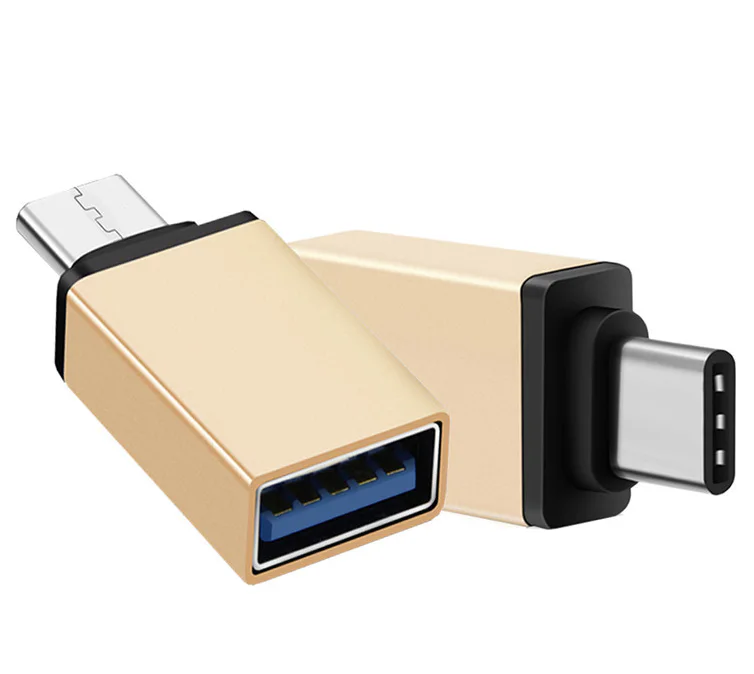
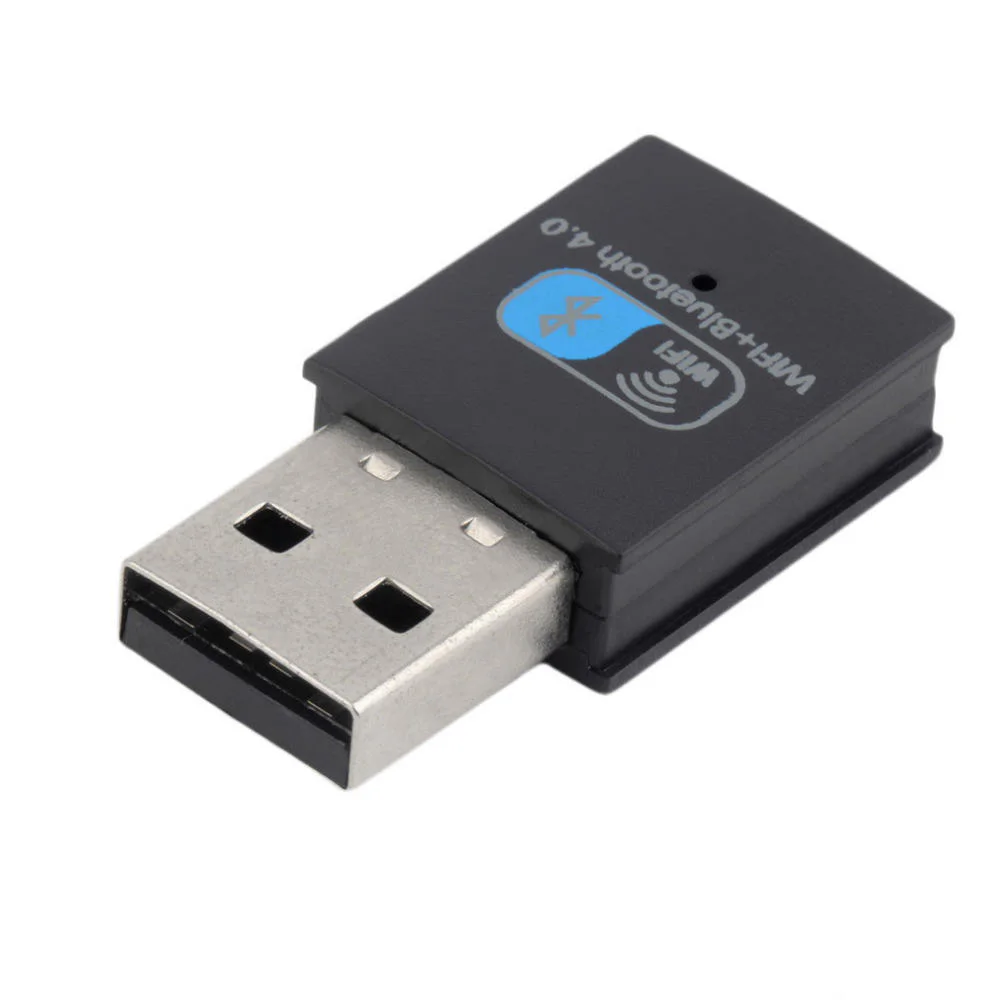
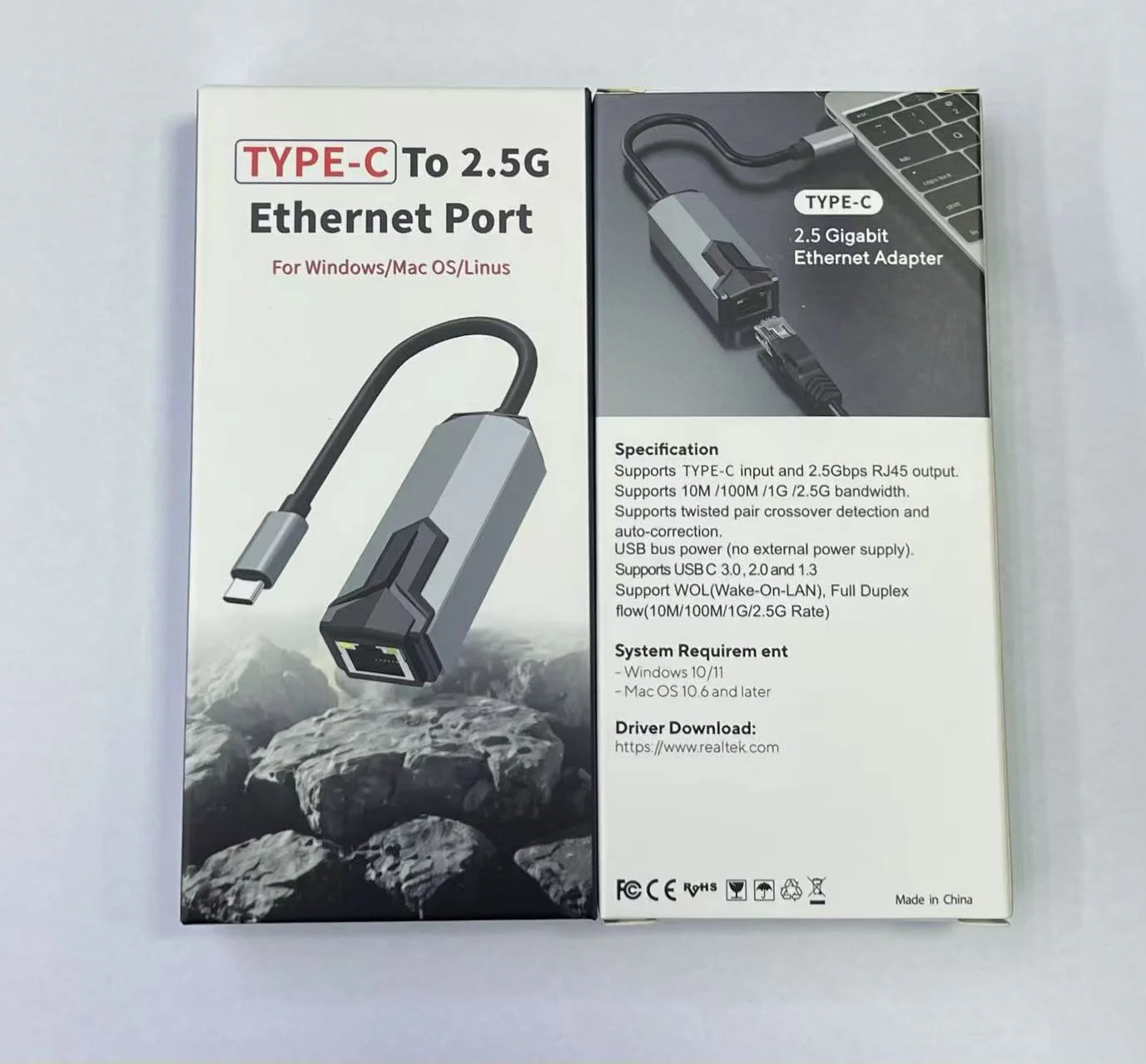
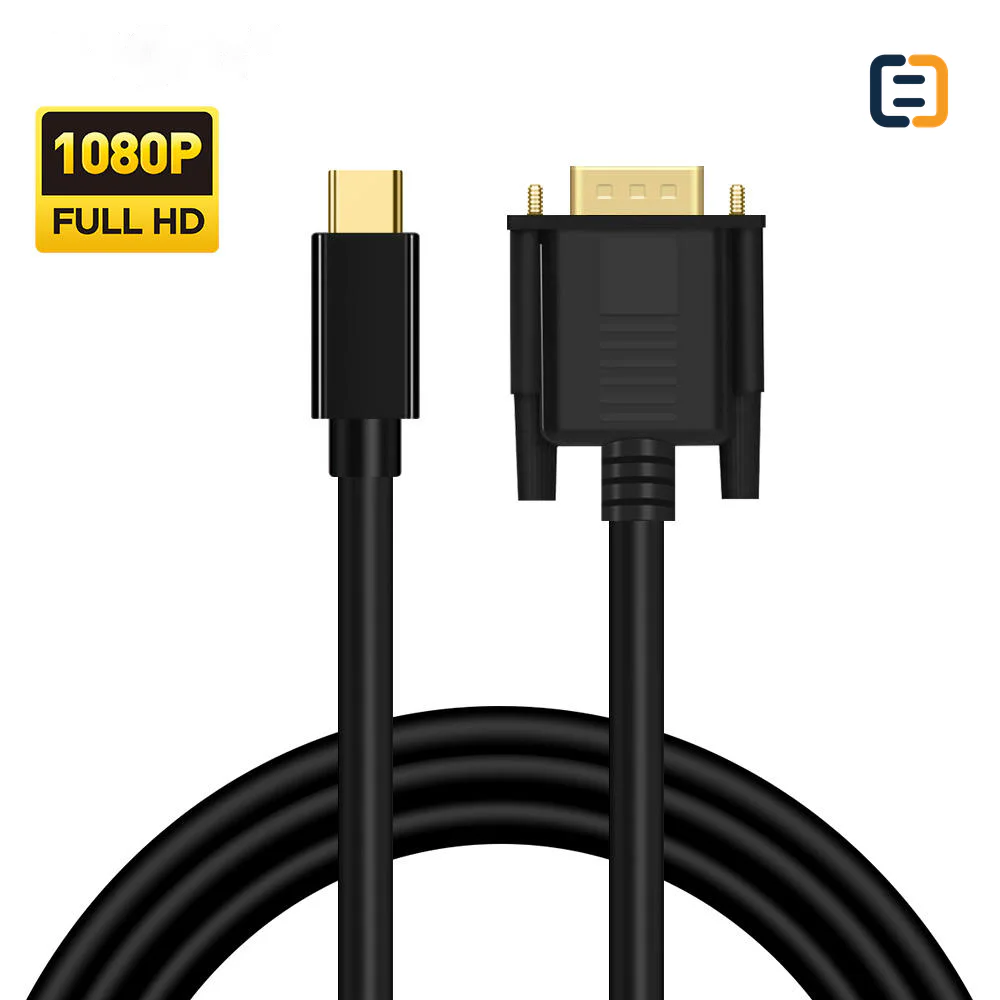
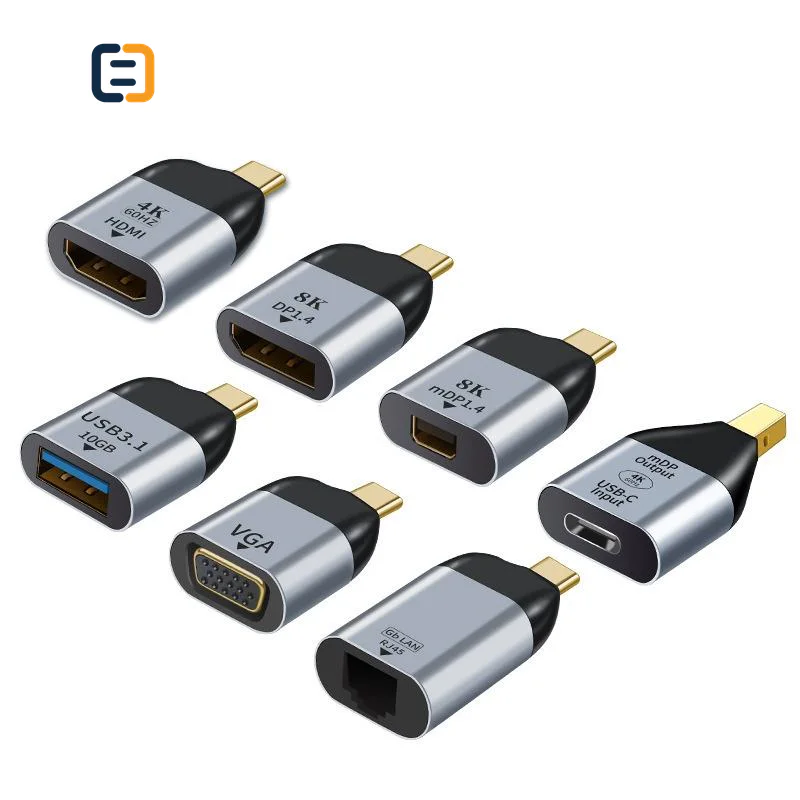
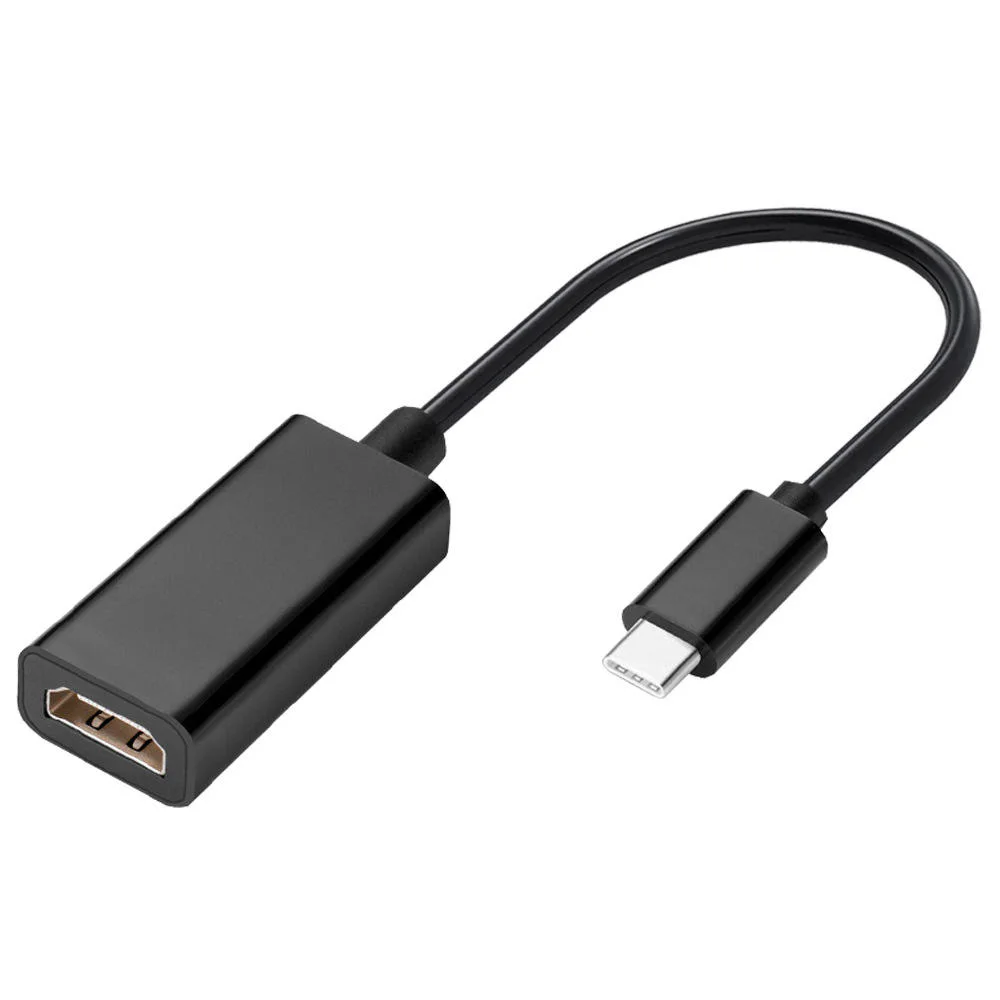
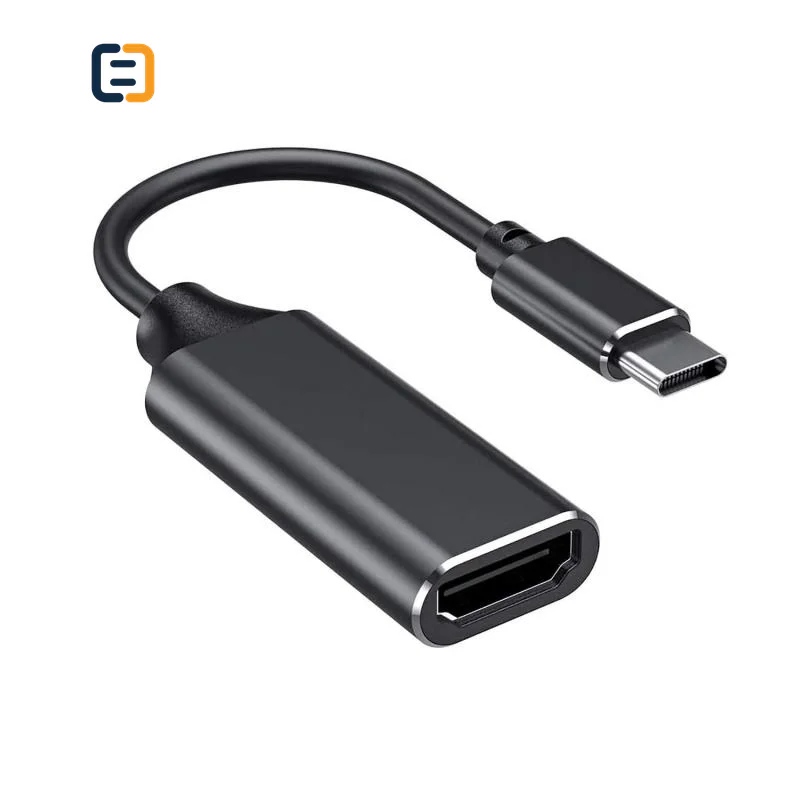
Every listed product remains available as a direct model page even when the visual catalog is paginated.
List the required variation, quantity, destination market and any evidence your buyer needs.
USB hubs and adapters should be quoted by host connector, required ports, data rate, video output, network speed, power-delivery input and operating environment. List all ports needed in one message.
Use these routes to narrow the catalog. The final configuration is confirmed against the exact application and order.
Choose a practical port mix for portable use, then test the expected simultaneous devices and charging path.
Filter relevant models02Match host display capability, output connector, target resolution and reconnect behavior.
Filter relevant models03Specify network speed, USB rate, storage workload and operating-system requirements.
Filter relevant models04Plan power input, displays, peripherals, cable reach and thermal environment as one workstation setup.
Filter relevant modelsOpen a model page for its listed attributes, images and product-specific RFQ. These cards are starting points, not a claim that one model fits every route.
A hub or dock must be checked as a simultaneous port system, including host capability, shared bandwidth and power behavior. These are requirement checks, not unverified claims about every catalog model.
Use the tabs as an RFQ checklist. Listed catalog attributes remain reference data until the exact model and order are confirmed.
The hub cannot create video, charging or data features that the host port does not expose.
Count which ports operate together and what each connected device draws or transfers.
Input rating, hub consumption and downstream devices determine what reaches the host.
Approve a representative full-load setup and recovery behavior, not one port at a time.
Compatibility statements are meaningful only when tied to the final equipment, route, configuration and quoted model.
Plan model-specific evidenceUse the final application and quoted configuration. Keep the approved sample, result and open exceptions tied to the model and order.
 Packaging and identification planning
Hub branding should not hide the operating limits. The approved product identity should preserve port function, simultaneous-use expectations, power route and host compatibility boundaries.
Review finish, dimensions, port labels and thermal path.
Set connector, length, jacket and strain relief.
Describe port rates and power conditions accurately.
Control insert, barcode, protection and included accessories.
Final feasibility, MOQ, lead time and document availability are confirmed for the exact quotation.

One complete requirement brief gives engineering, purchasing and the supplier the same decisions to review.
Build a Requirement BriefUse these application planning scenarios to identify the equipment and acceptance conditions that belong in your RFQ.
Balance compact size, essential ports, host-cable reach and repeated transport.
Validate displays, Ethernet, storage, peripherals and charging under concurrent load.
Check presentation outputs, reconnect behavior and clear user instructions.
Match the hub SKU and operating note to a known host configuration.
Certificate, report, drawing and catalog availability is checked by exact model, destination and order. These links are planning resources, not substitute evidence.
CoreCavo is operated by WUHAN SUNFULL. The public catalog organizes buyer requirements and model references; final specifications, commercial terms and applicable documents are confirmed through the exact quotation.
Map the USB Hubs interface, equipment, quantity and destination before selecting a route.
Separate listed attributes from compatibility, construction and document questions that need confirmation.
Use the quoted configuration, record results and retain open exceptions against the approved model.
Keep product code, labels, packaging and change-control requirements aligned through fulfillment.
Identify the laptop, tablet, phone or embedded host and what its USB-C port exposes. Confirm data generation, display capability, charging direction and any USB4 or Thunderbolt context without assuming that connector shape proves those features. Include operating-system versions or managed deployment images. If several hosts must be supported, group them by capability and choose representative models. This separates genuine hub limitations from features the host never provides and gives suppliers a realistic compatibility target.
List every port on the desired hub, then mark which devices operate together. A buyer may need two displays, Ethernet, storage, keyboard, camera and charging at the same time; another may use only one output and a mouse. Controller bandwidth and internal lane sharing can change concurrent performance. Specify device classes and workloads, not just connector names. This matrix is the central approval document because testing each port separately can miss conflicts that appear only under the buyer's normal combined use.
State number of displays, connector type, resolution, refresh and mirrored or extended behavior. Add host operating system because multi-display behavior can vary by platform and technology. If both HDMI and DisplayPort outputs are present, clarify whether they must operate simultaneously. Include the actual monitor group and any adapter downstream. Test restart, reconnect and sleep/wake. A product page claiming a high resolution on one port does not automatically prove the required dual-display arrangement.
Name the charger and its power profile, the cable feeding the hub, expected host charging and bus-powered devices. The hub consumes power and may reserve some capacity, so input rating is not equal to what reaches the computer. Storage devices, phones and other peripherals add demand and heat. Validate negotiated host power under representative load and observe stability over time. Packaging should explain charger assumptions accurately, especially when a power supply is not included.
For Ethernet, specify target speed and sustained transfer expectation. For storage, use representative drives and file transfer rather than only device detection. Add cameras, audio interfaces, card readers, touch devices or other peripherals the buyer will deploy. Check concurrent behavior while displays and charging are active. Where drivers are required, identify supported operating systems and installation method. This exposes controller, bandwidth and software dependencies before the product reaches end users.
Hubs can run warm under display, network, storage and charging loads. State whether the unit sits on a desk, hangs from a mobile device or is enclosed in equipment. Review enclosure material, ventilation, cable-tail length and strain relief. Check adjacent-port spacing and whether thick plugs fit together. A short integrated lead may be convenient for a laptop but unsuitable for a desktop stand. Mechanical approval should reproduce how the hub will actually be placed and carried.
Test cold start, host restart, unplug/replug and sleep/wake with the full representative load. Record operating system, host, charger, displays, peripherals and any required sequence. Review port labels, product code, included accessories and user instructions. State known boundaries in the documentation rather than hiding them behind a broad compatibility phrase. For OEM programs, require disclosure and revalidation when controller, firmware, host cable or power design changes after approval.
Send host groups, operating systems, full port matrix, display topology, charger and host-power expectations, peripheral workload, enclosure and host-lead preferences, quantity, branding, packaging and evidence needs. Mark which devices are representative and which exact models are mandatory. Ask suppliers to list shared-bandwidth, display or power limitations and included accessories. Commercial comparisons then reflect a complete working configuration instead of different interpretations of an attractive port count.
Record support cases by host group, operating system, display topology, power source and peripheral load without treating an isolated report as a universal conclusion. Patterns can reveal an unclear charger assumption, a firmware boundary or a port combination that needs better qualification. Feed confirmed findings into the compatibility matrix and instructions for the exact model. This improves buyer guidance while avoiding invented testimonials or generalized claims based on incomplete conditions.
Use these procurement priorities to compare the proposed model, approval conditions and repeat-order requirements.
Buyers need to know which ports and display outputs can operate together, not only the total connector count.
Input wattage is not the same as host charging power after hub consumption and downstream-device demand.
A dock should be tested through startup, unplug/replug and sleep/wake with the representative device set.
Host, operating-system and display limitations should be stated before purchase so the hub is not expected to create missing host features.
Answers separate catalog references from decisions that require an exact route, model and RFQ.
Provide host models and operating systems, required ports, devices used at the same time, display topology, Ethernet and storage workload, charger and expected host power, host-cable length, quantity, branding and packaging. Add restart, reconnect and sleep/wake acceptance checks. This allows suppliers to quote the same workstation configuration.
A hub cannot create a display mode, data rate or charging function that the host port does not provide. Two USB-C ports can expose different capabilities. Identify representative hosts and test the complete setup. Compatibility wording should distinguish host limitations from the functions the hub itself supports under defined conditions.
Not necessarily. The hub consumes power and downstream devices add demand, so host power can be lower than charger input. Cable and negotiation profiles also matter. State the charger, host and connected-device load, then verify negotiated charging during representative concurrent use rather than comparing input numbers alone.
List both outputs, required resolution and refresh, mirrored or extended mode, host model and operating system. State whether both displays operate with network, USB and charging at the same time. Approve the exact topology through startup and sleep/wake because one-port specifications do not prove a dual-display arrangement.
Use the device classes buyers will deploy: storage, keyboard, mouse, camera, audio, card reader, touch device or specialist hardware. Test them together with displays, Ethernet and charging under normal workload. Device detection alone is insufficient where sustained transfer, latency or reconnect behavior matters.
Enclosure finish, marks, port labels, host cable, inserts, barcodes and packaging may be reviewed for suitable quantities. Technical labels must remain accurate for the approved port matrix and power conditions. Final feasibility, MOQ, tooling, lead time and pack-out follow a complete controller, thermal and compatibility review.
Publish clear host and operating-system boundaries, simultaneous-port behavior, display topology and charger assumptions. Include readable port labels and a concise setup note. Keep controller and firmware changes under change control. This helps buyers distinguish unsupported host features from a defective product and makes compatible configurations easier to reproduce.
Move from product comparison to compatibility, custom construction and required documents without restarting the sourcing process.
Include model codes where known, or describe the interface, equipment, length, quantity, destination, packaging and evidence requirements.